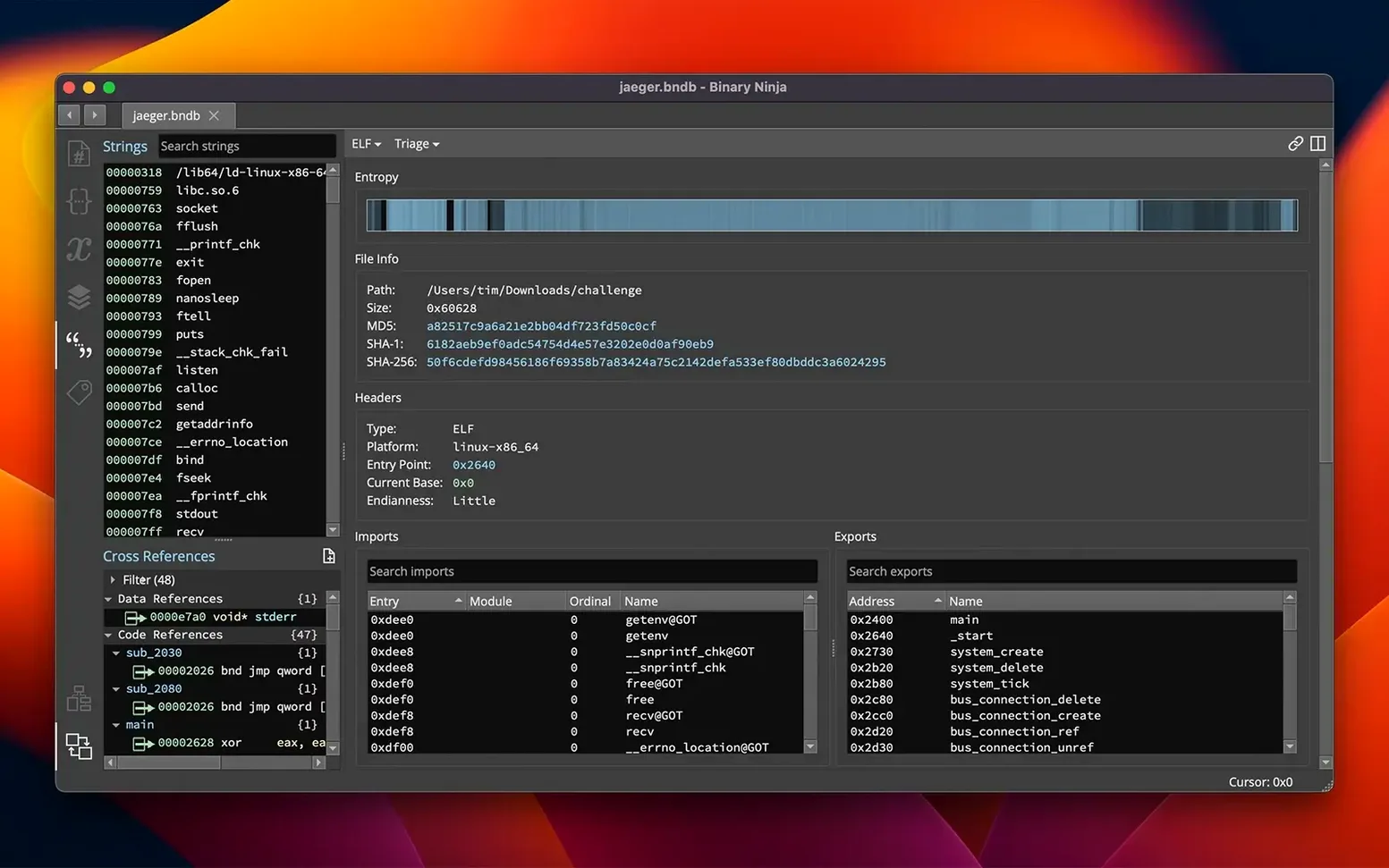
The entropy graph is one of those features you don’t think you need until you’re staring at a 2 MB blob of unknown Mach-O and every function looks like padding. Binary Ninja’s entropy heatmap highlights high-entropy regions—encrypted sections, packed payloads, compressed data—without running a single heuristic. I used it last week to locate a packed section in a macOS dylib in under a minute.
One real task: find and unpack a compressed section
- Load a suspect Mach-O file. Binary Ninja’s loader parses the headers automatically.
- Open the entropy graph from the View menu. The high-entropy block near offset 0x4000 stands out immediately.
- Switch to the Hex view at that offset. The data is clearly compressed—no string table, no instruction boundaries.
- Write a short Python script using Binary Ninja’s API to read the block, decompress with zlib, and insert the result as a new section. The script runs inline; no external tool needed.
- Verify: the decompressed block contains valid x86_64 code. Rename the section, mark it as executable, and continue analysis.
What else is under the hood
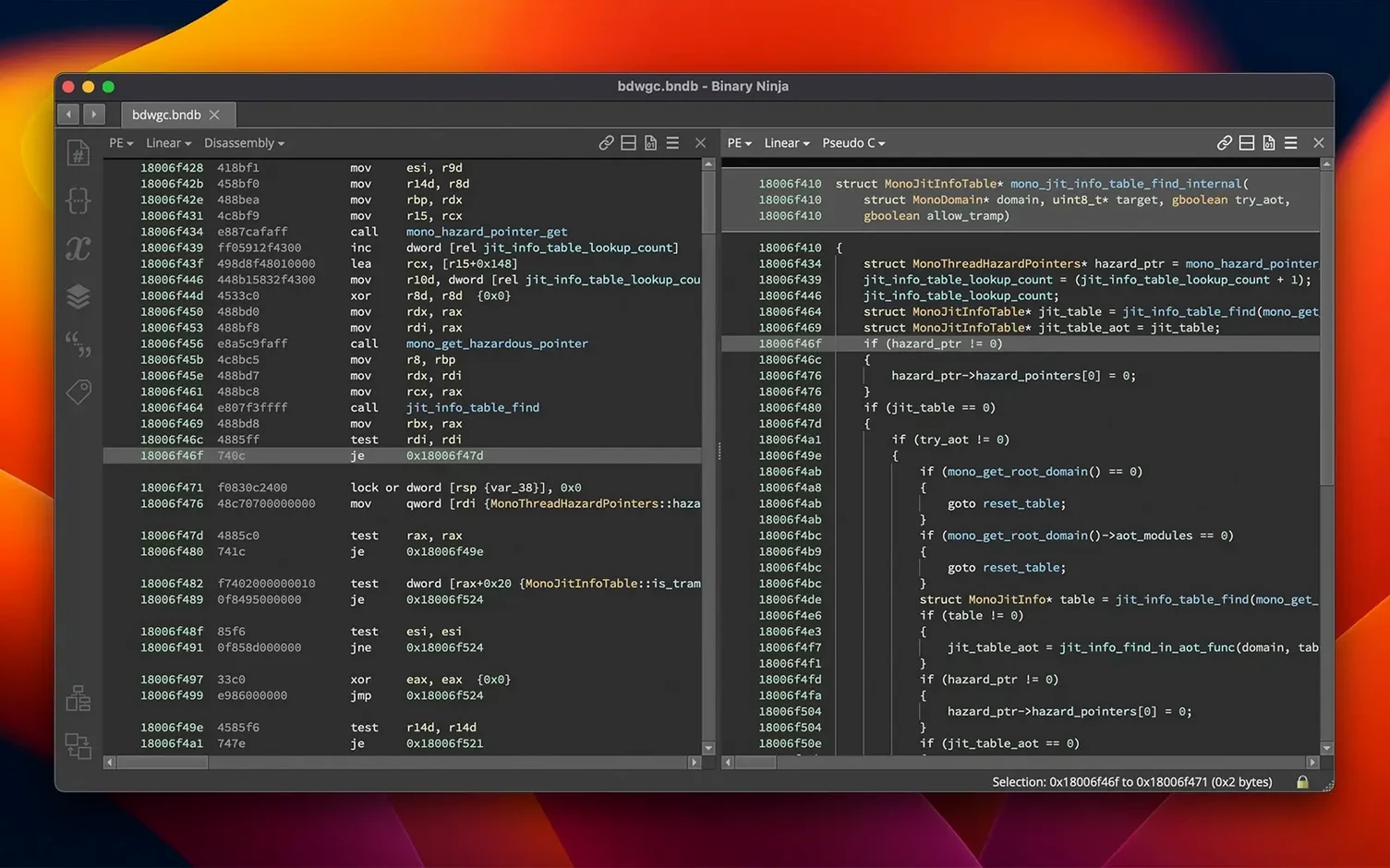
Beyond the entropy graph, Binary Ninja supports PE, ELF, and Mach-O loaders, decompiles to C or BNIL, and exposes C++, Python, and Rust APIs. Version 6.0 adds a TMS320C6x architecture, an MCP server for AI-assisted analysis, and a redesigned Extension Manager that replaces the old Plugin Manager. Headless mode means you can batch-process files without launching the UI. Requires macOS 10.15 or later, runs on Intel and Apple Silicon.
Serves malware analysts working with macOS and cross-platform samples
Binary Ninja targets a specific audience, and not every Mac user needs it. It fits three groups especially well.
- Malware analysts who work with macOS or cross-platform samples. The Mach-O loader handles OS X and macOS binaries natively, and the ELF loader covers Linux malware. The entropy graph and binary patching tools speed up unpacking and sample modification without switching VMs.
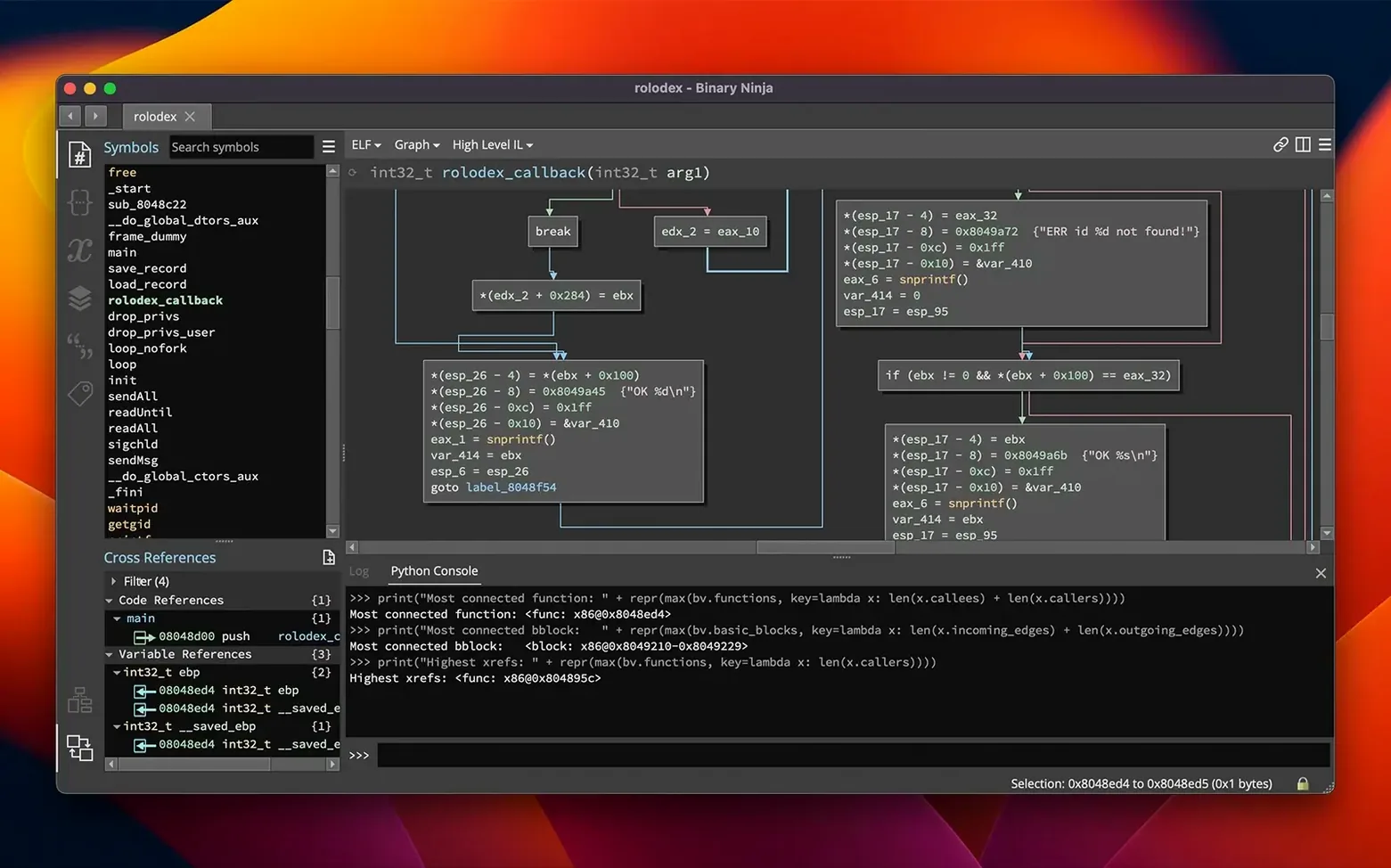
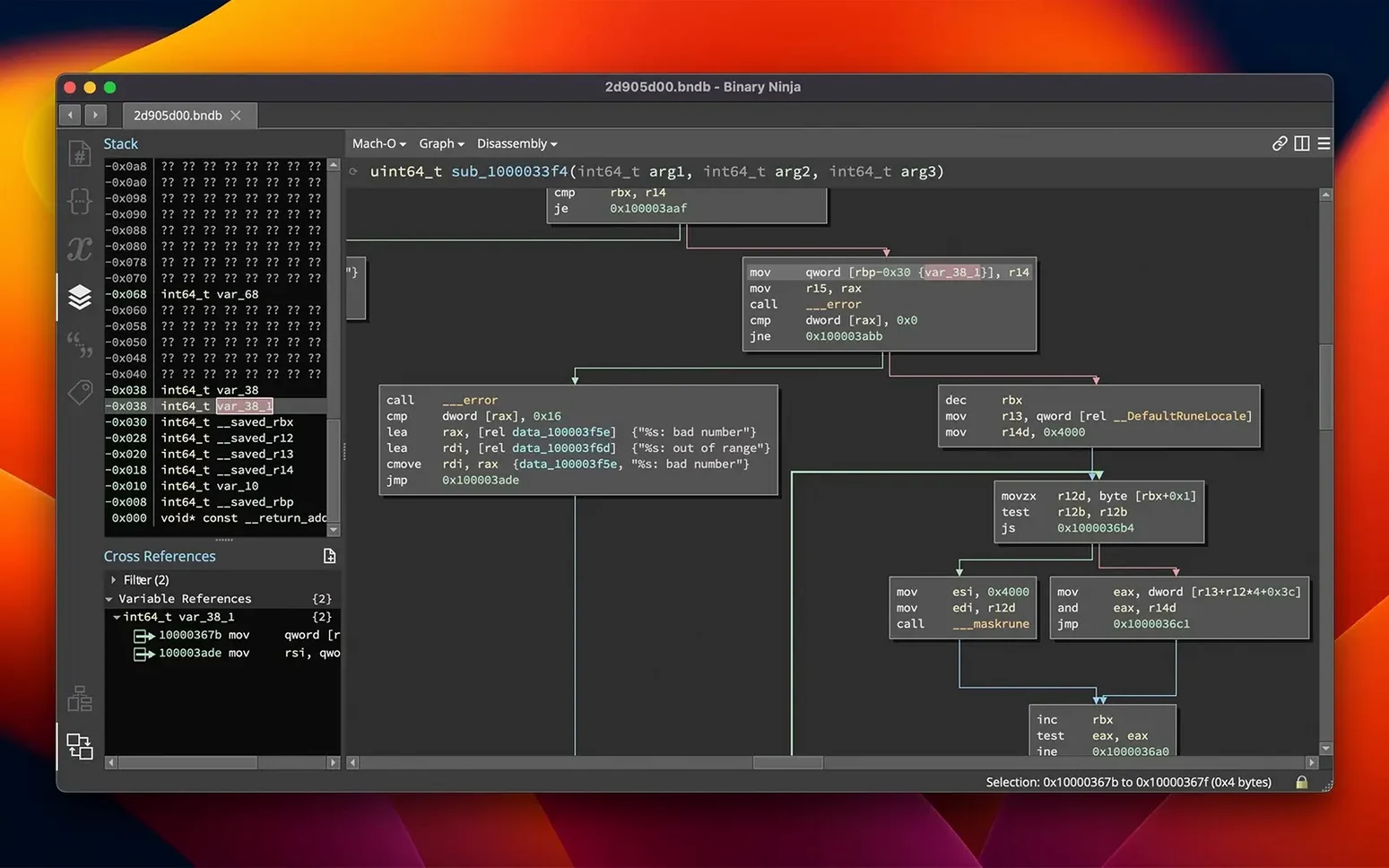
- Vulnerability researchers looking for exploitation paths. The control-flow graph and cross-reference navigation help trace data from input to a suspicious call. The decompiler output is readable enough for triage, and the API lets you automate fuzzing harness generation or patch diffing.
- Software developers auditing third-party libraries or legacy binaries. The type system and variable renaming turn a stripped binary into something closer to source. The headless mode integrates into CI pipelines for regression analysis or license scanning.
Casual users who just want to peek at a binary occasionally will find the interface functional but not friendly. Binary Ninja assumes you know what a basic block is, what a loader does, and why you might want to patch bytes.
New users from IDA Pro or Ghidra often skip the type system
New users coming from IDA Pro or Ghidra often expect Binary Ninja to work the same way. It doesn't, and that causes friction.
- Skipping the type system. Beginners rename variables and leave functions as default names. That works, but applying proper types from the type library or from a header file makes the decompiler output dramatically cleaner. Without types, the C decompilation stays generic and harder to read.
- Using the plugin manager before understanding the core. Version 6.0 renamed it to Extension Manager, and it contains hundreds of community plugins. Beginners install a dozen at once, then wonder why the UI slows down or why certain analyses conflict. Start with the built-in tools—decompiler, entropy graph, cross-reference view—and add plugins only when you hit a specific gap.
- Ignoring the BNIL layer. BNIL is Binary Ninja’s intermediate language. The decompiler shows you C, but the BNIL view preserves every instruction and data flow. When the C output looks wrong, checking BNIL often reveals why. Beginners dismiss it as too low-level and miss the actual logic.
- Not saving the database. Binary Ninja saves analysis state into a .bndb file. Beginners analyze a binary, close the window, and lose all their renamed variables, comments, and patches. Save early, save often.
Runs on macOS 10.15 or later on Intel and Apple Silicon
The requirements are straightforward: macOS 10.15 or later, 64-bit Intel or Apple Silicon. That covers every reasonably current Mac, including the base M1 MacBook Air and a 2019 iMac. The installer is a standard macOS package with activation instructions included.
Binary Ninja runs natively on Apple Silicon—no Rosetta layer needed for the ARM build. The Intel build works under Rosetta 2 on ARM hardware, but the native build is the better choice if you have an M-series Mac.
The interface stays in English regardless of your system language. The binary patching, headless mode, and all APIs behave identically across platforms. If you switch between a Mac and a Linux workstation, the workflow and keyboard shortcuts carry over.
Integrates with system Python, Homebrew, and Terminal shell pipelines
Binary Ninja works alongside standard macOS developer tools. The Python API uses the system Python by default, or you can point it at a Homebrew install. Headless analysis scripts callable from Terminal integrate into shell pipelines—useful for batch processing directories of firmware blobs or malware samples.
It does not replace a debugger like GDB or LLDB. Use those for runtime analysis; use Binary Ninja for static analysis and patch preparation. For cross-referencing with online databases, the plugin ecosystem includes connectors to VirusTotal, MISP, and other threat-intel platforms.
The binary patching feature outputs patched executables that run on the original OS and architecture. Patch a Mach-O binary and test it directly on your Mac without extra tooling. The SCC compiler (a tiny C compiler built into Binary Ninja) compiles small patches inline, so you don't need a separate compiler toolchain installed.
Binary Ninja helps security researchers analyze software, not a binary ninja torrent. The official release from Vector 35 ensures compatibility with macOS 10.15 and includes the full 6.0 feature set. The personal edition labeled 1041 in binary is not a version number—it is simply a build identifier used during distribution.
- Added a new MCP server for AI-assisted analysis.
- Added a new Binary Similarity feature.
- Redesigned the Plugin Manager as the Extension Manager.
- Added the TMS320C6x architecture.
- Performance and memory usage improvements.
- macOS 10.15 or later
- Intel or Apple Silicon
Questions from the notes
Does Binary Ninja work on Apple Silicon?
Yes, it runs natively on both Intel and Apple Silicon Macs under macOS 10.15 or later.
What file formats does it support?
It supports PE, Mach-O, and ELF loaders, covering most common executable formats.
Install procedure
- Install instructions are included in the package.
- Activation instructions are included in the package.
Reports from players
Sign in or create a tester account to file a report.
No reports filed yet.