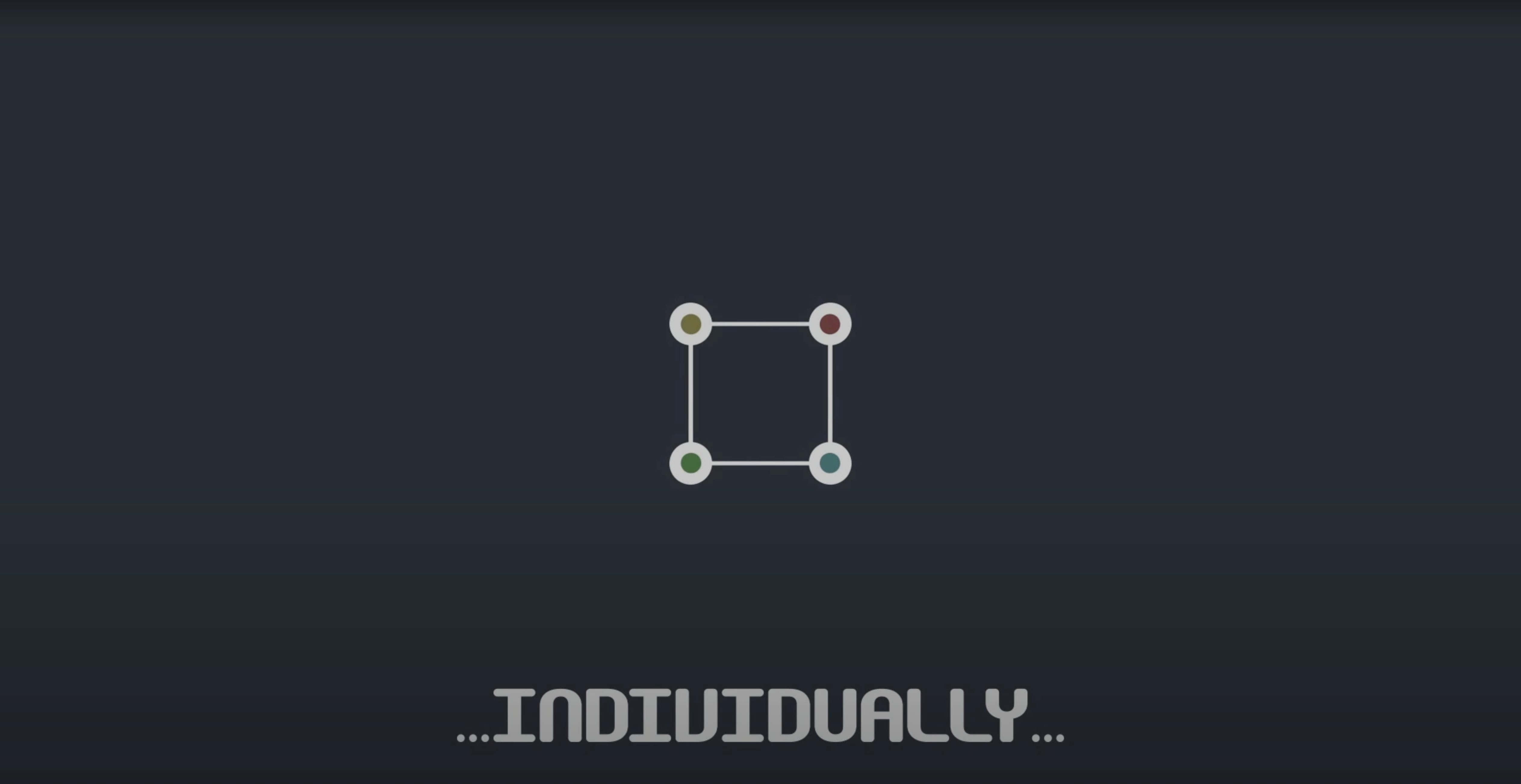
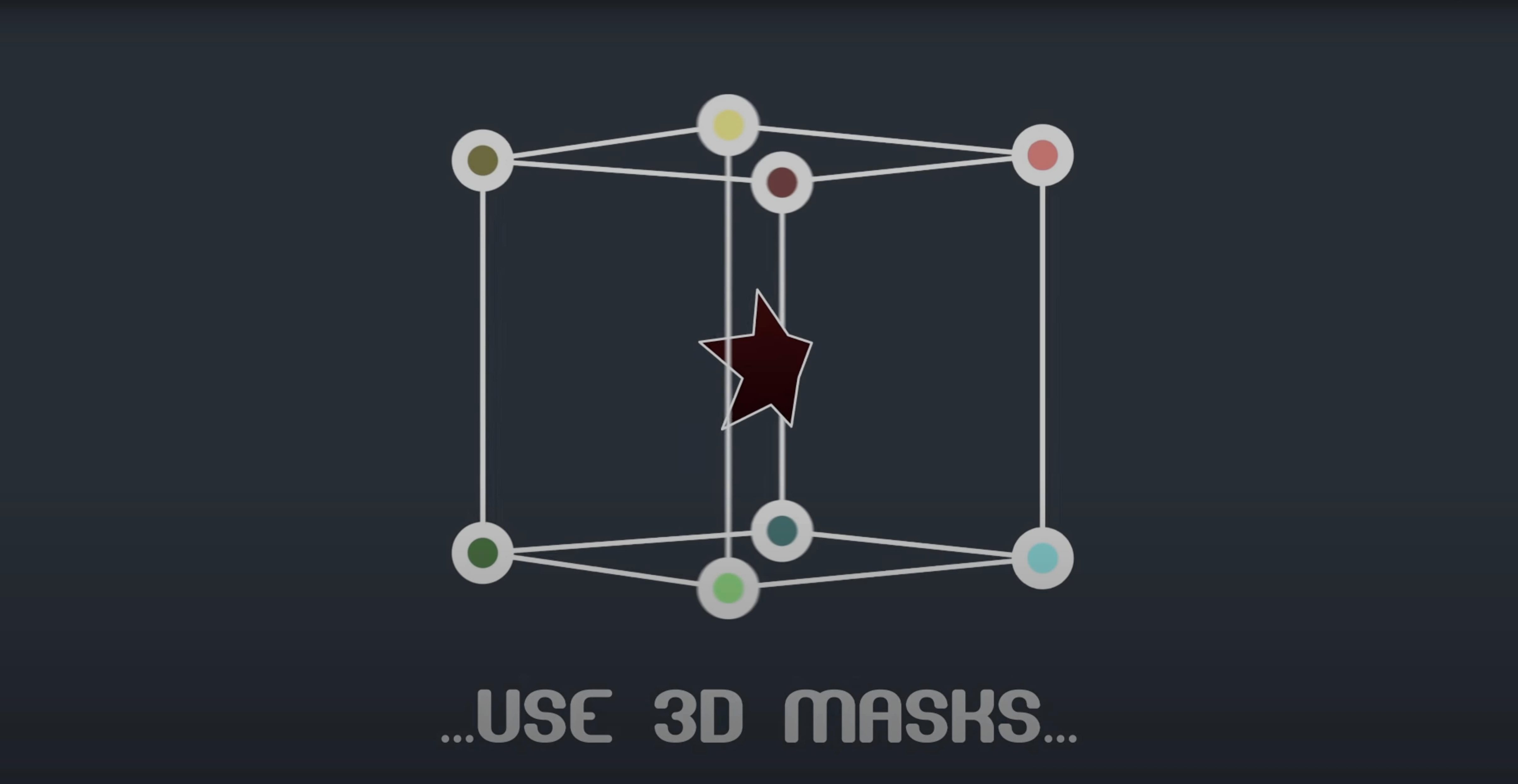
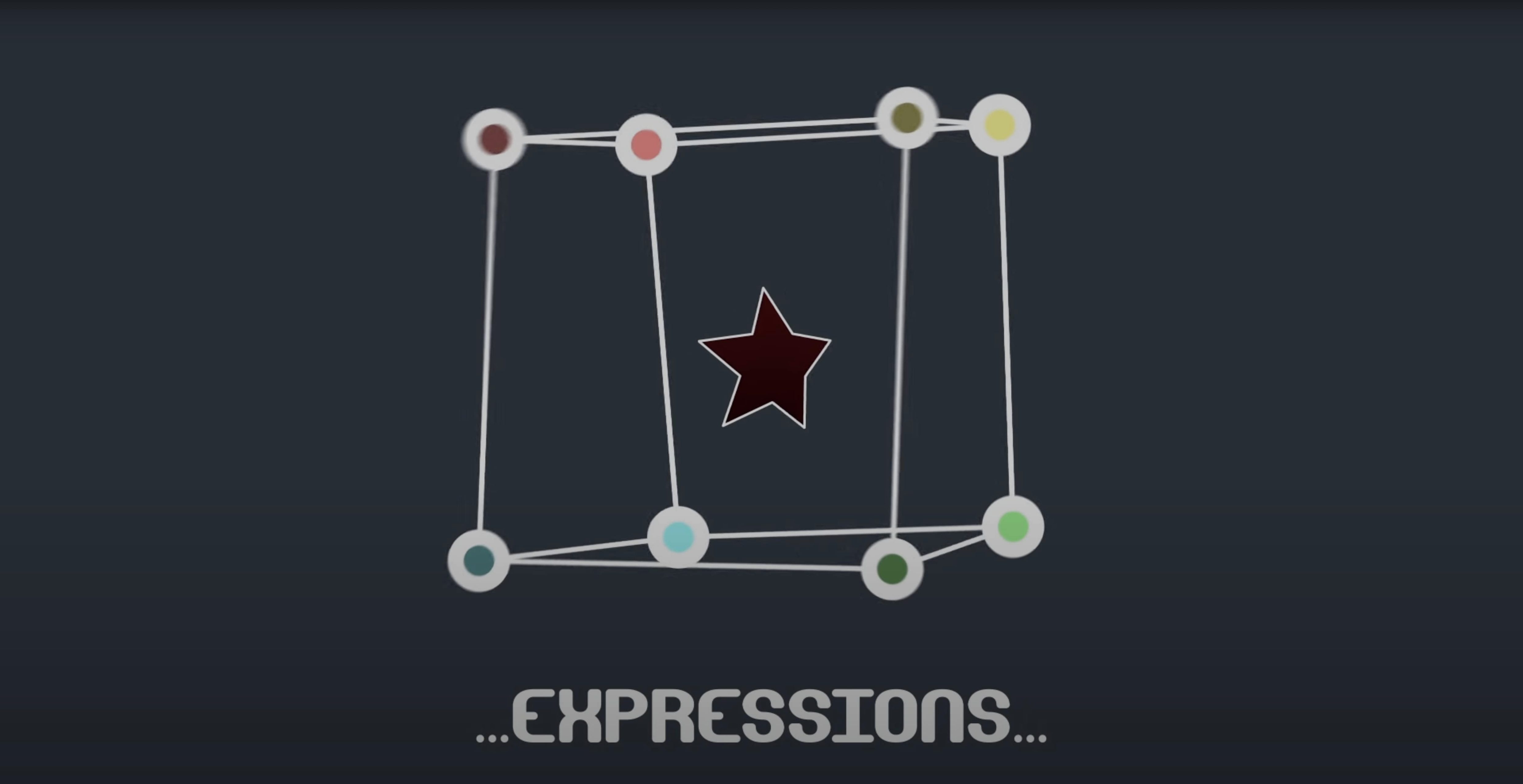
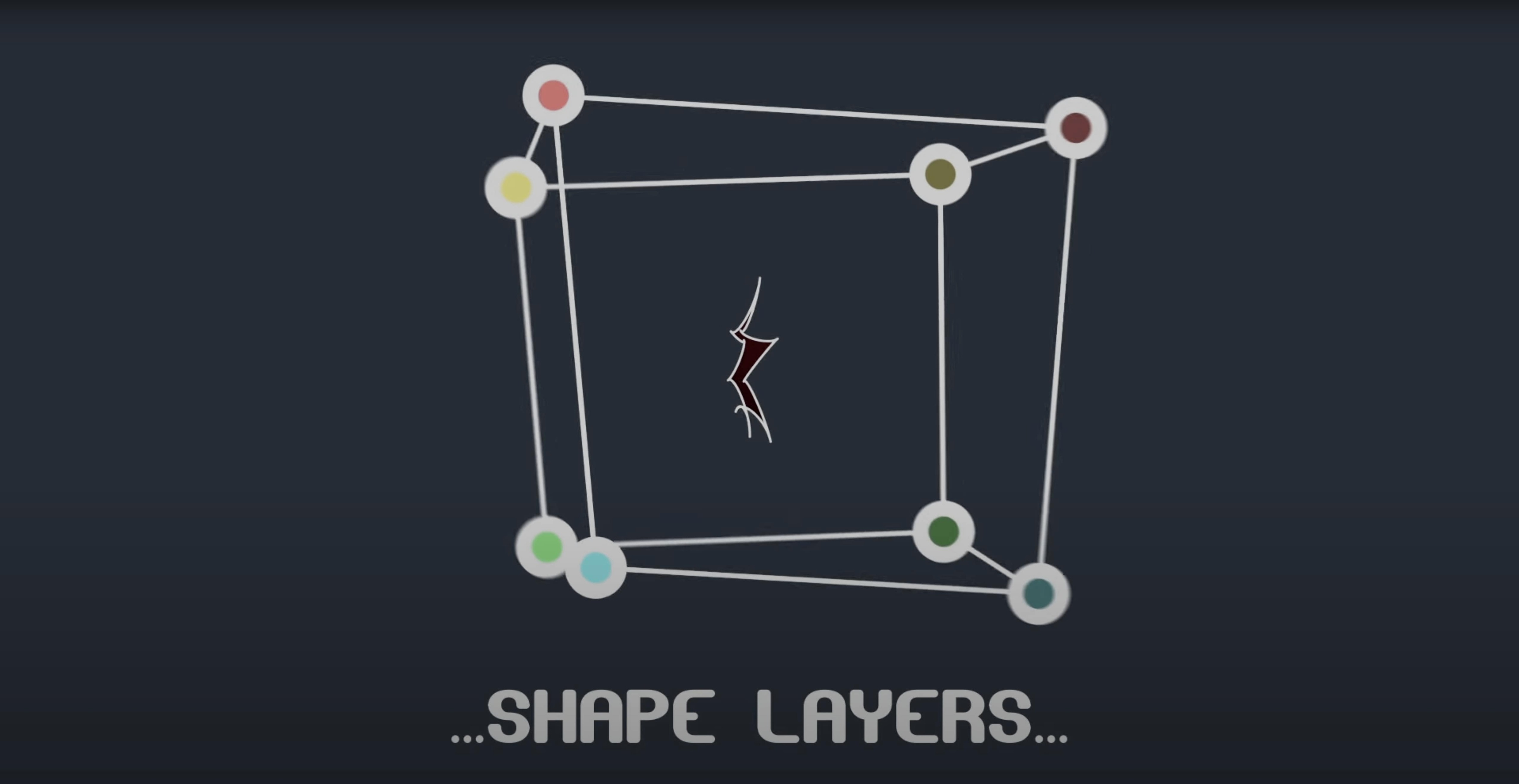
BAO Mask Avenger is an After Effects plugin that gives you independent control over mask vertices and tangents.
Vertex control — adjust individual points on a mask without affecting the whole path.
Tangent control — fine-tune the curves at each vertex for precise shape shaping.
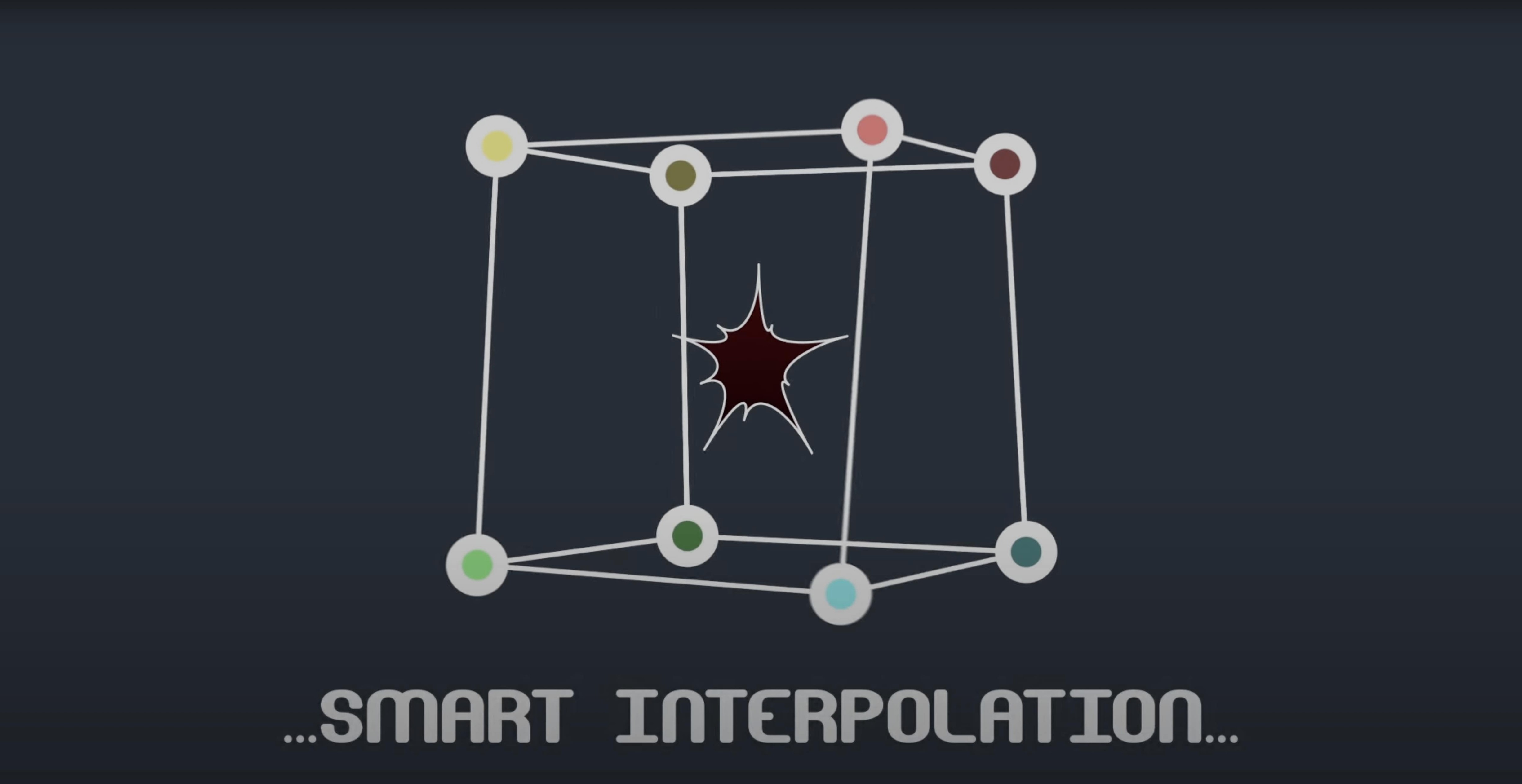
Intelligent interpolation — animates between keyframes using center of gravity or a custom anchor point you set.
Tracker linking — connect mask vertices to tracker points via pick-whip expressions.
Null linking — built-in scripts for expressions and linking masks to null layers.
Freeze mode — bakes the mask so you can share the project with someone who doesn't have the plugin.
How a motion graphics artist might use it
A motion graphics artist working on a broadcast package needs to animate a logo that peels apart into fragments. The logo is defined with an After Effects mask, but the standard mask tools only allow moving the whole path or animating the mask as a single shape. With Mask Avenger, the artist selects the vertex that controls the top-left corner of the logo and adds keyframes to pull it outward over time. The tangent handles are adjusted separately for each fragment edge, giving the peel a curved, organic feel that would be tedious to achieve with the built-in mask path tools. Because Mask Avenger supports expressions, the artist links each vertex to a null layer, then animates the nulls with easing to get a staggered sequence. The project is then handed off to a colleague who does not have the plugin, so freeze mode is enabled: the mask bakes into a standard After Effects mask, and the colleague can continue adjusting positions without needing the plugin installed.
Fix plugin not appearing in the Effects panel
Run the script once to register the plugin
After copying the plugin file to the correct plug-ins folder, run After Effects, go to File > Scripts > Run Script File, navigate to the BAO Mask Avenger script file in the package, and run it once. This registers the plugin. If it still does not show, restart After Effects entirely and check that you placed the files in the right folder for your version — separate folders exist for After Effects 2024 and earlier. The package includes a readme with the exact paths for each version.
Freeze mode produces unexpected results
Freeze mode bakes the current mask state into a regular After Effects mask, which removes vertex and tangent controls. If the result looks different from what you saw before freezing, you likely had tangent handles set to values that create curved paths after the points themselves are fixed. The baked mask replicates the visual shape, but the underlying vertex positions may not match your keyframe animation exactly if the interpolation mode was set to center of gravity. Before freezing, switch the interpolation mode to independent key anchor point for predictable baking.
Linking vertices to tracker points fails
Pick-whip expressions need a tracker point layer in the same composition. If the expression line does not appear or the vertex does not move with the tracker, ensure the tracker layer is active and the tracker point is not set to a time range that does not cover the mask's keyframes. The pick-whip tool in Mask Avenger works only with the first point of a tracker — you cannot link multiple vertices to the same tracker point simultaneously using the pick-whip alone. Use null linking with expressions for multi-vertex tracking.
Switch to independent key anchor point to stop mask drift
- Interpolation mode — Switch from center of gravity to independent key anchor point if you are animating a mask that must stay fixed at one corner. The default mode recalculates the pivot each frame, which can cause unexpected drift.
- Tangent control toggle — Turn this on only when you need curved edges at each vertex. For straight-edged masks or simple polygons, keeping it off simplifies the timeline by showing fewer keyframes.
- Freeze mode — Enable this before sharing the project, but only after you have verified the final mask shape. It cannot be reversed without losing the vertex and tangent edits you made in Mask Avenger.
Version 2.7.5 fixed Apple Silicon compatibility
The 2.7.5 release addressed one specific issue: compatibility with Apple Silicon Macs. Users running After Effects on M1 or M2 hardware under Rosetta or native mode would see the plugin fail to load or produce errors when clicking on a mask vertex. The fix makes Mask Avenger load and respond on those systems without any extra steps. For users on Intel Macs, the update has no visible change in behavior — the same vertex and tangent controls, freeze mode, and interpolation options work as before. The version number appears under the plugin name in the Effects panel, so you can verify the update after installation.
It works with shape layers and runs natively in After Effects.
- Fixed an M1 compatibility issue on Mac.
- macOS (architecture: both)
- After Effects 2024, 2023, 2022, 2021, 2020, CC 2019, CC 2018, CC 2017, CC 2015.3, CC 2015, CC 2014, CC, CS6
- Interface language: English
Questions from the notes
Can I use BAO Mask Avenger with shape layers?
Yes, it works with shape layers and masks on solid layers, and supports linking vertices to tracker points.
Install procedure
- Follow the installation and activation instructions included in the package.
Reports from players
Sign in or create a tester account to file a report.
No reports filed yet.