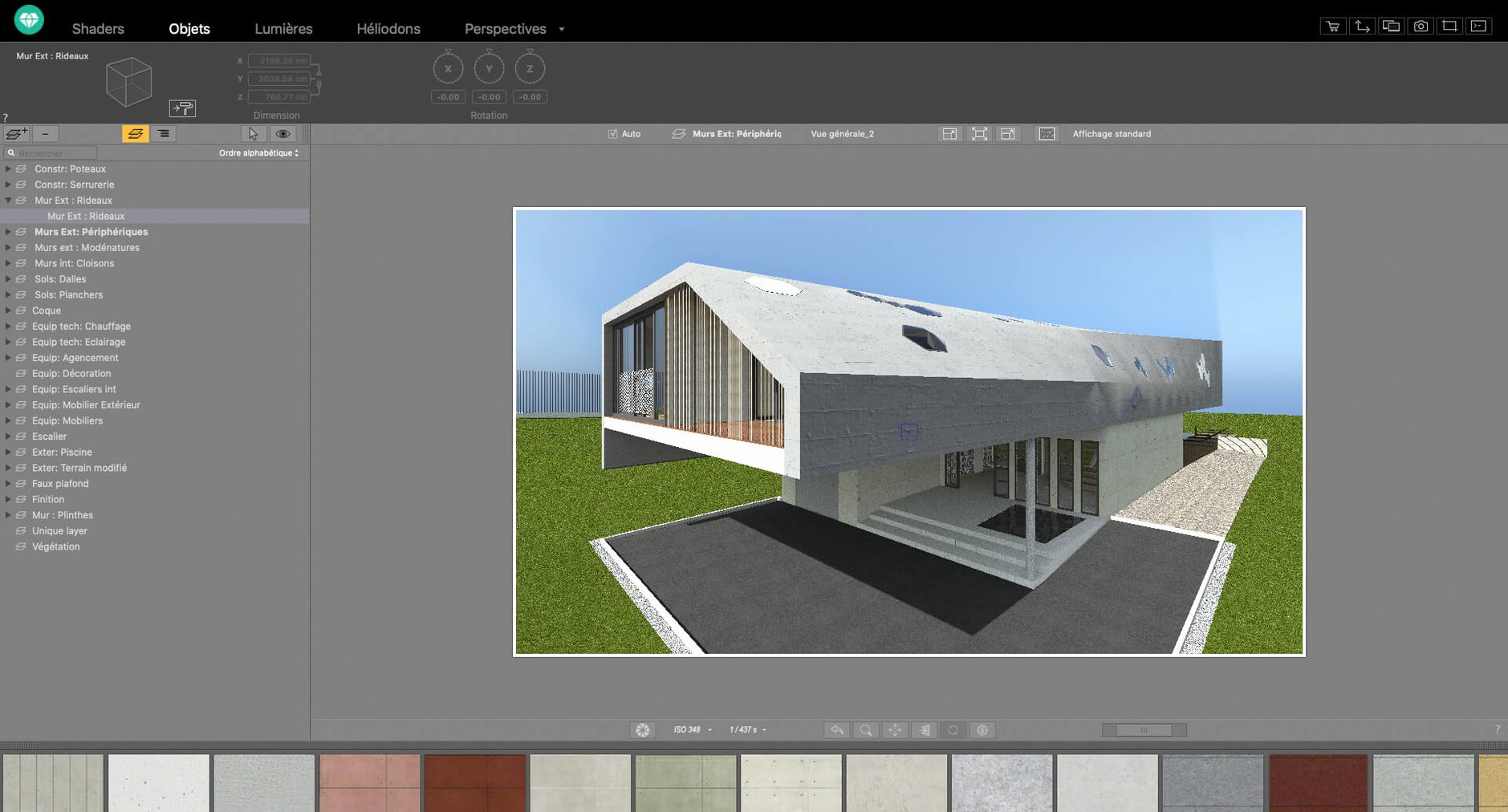
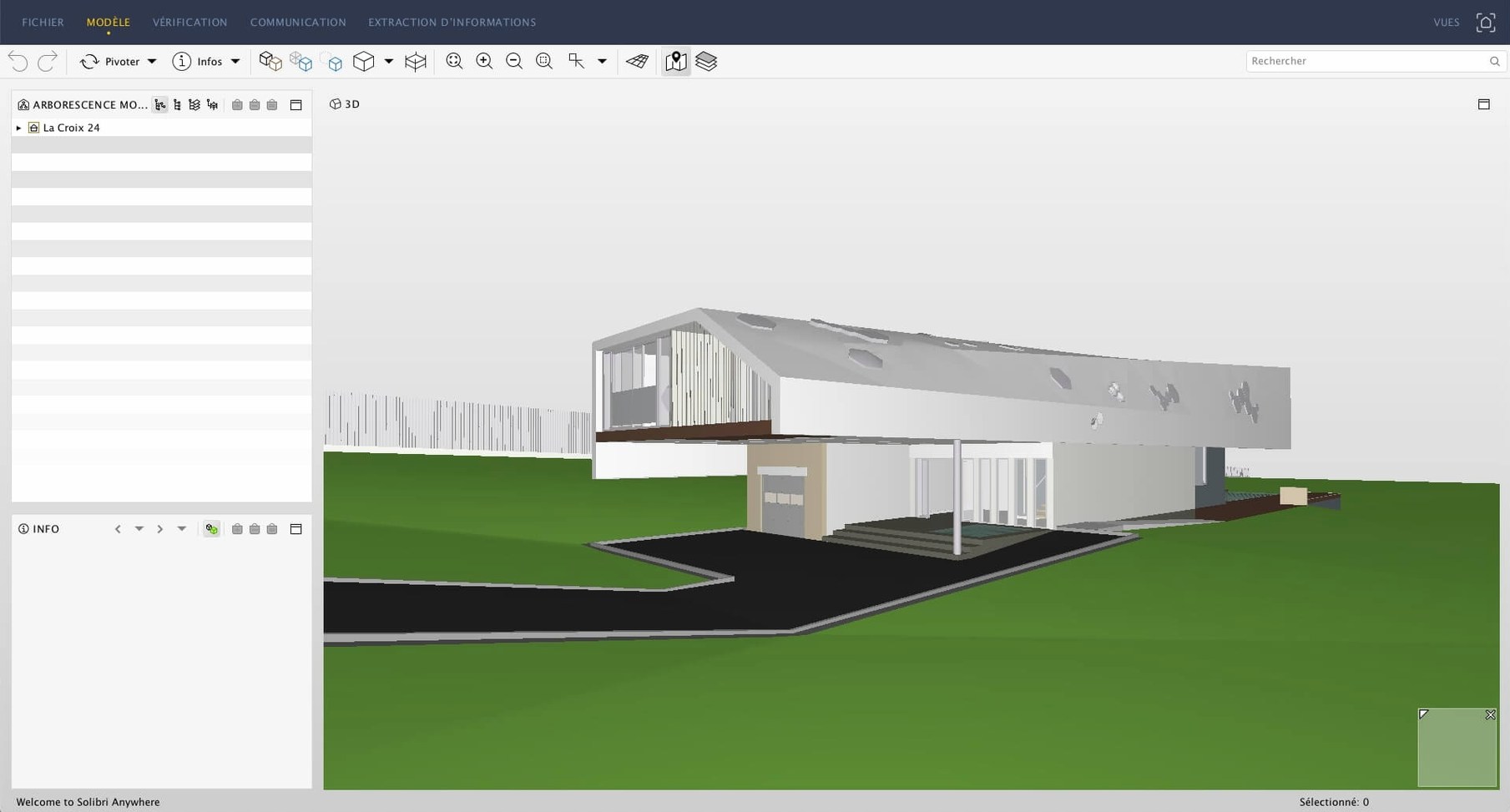
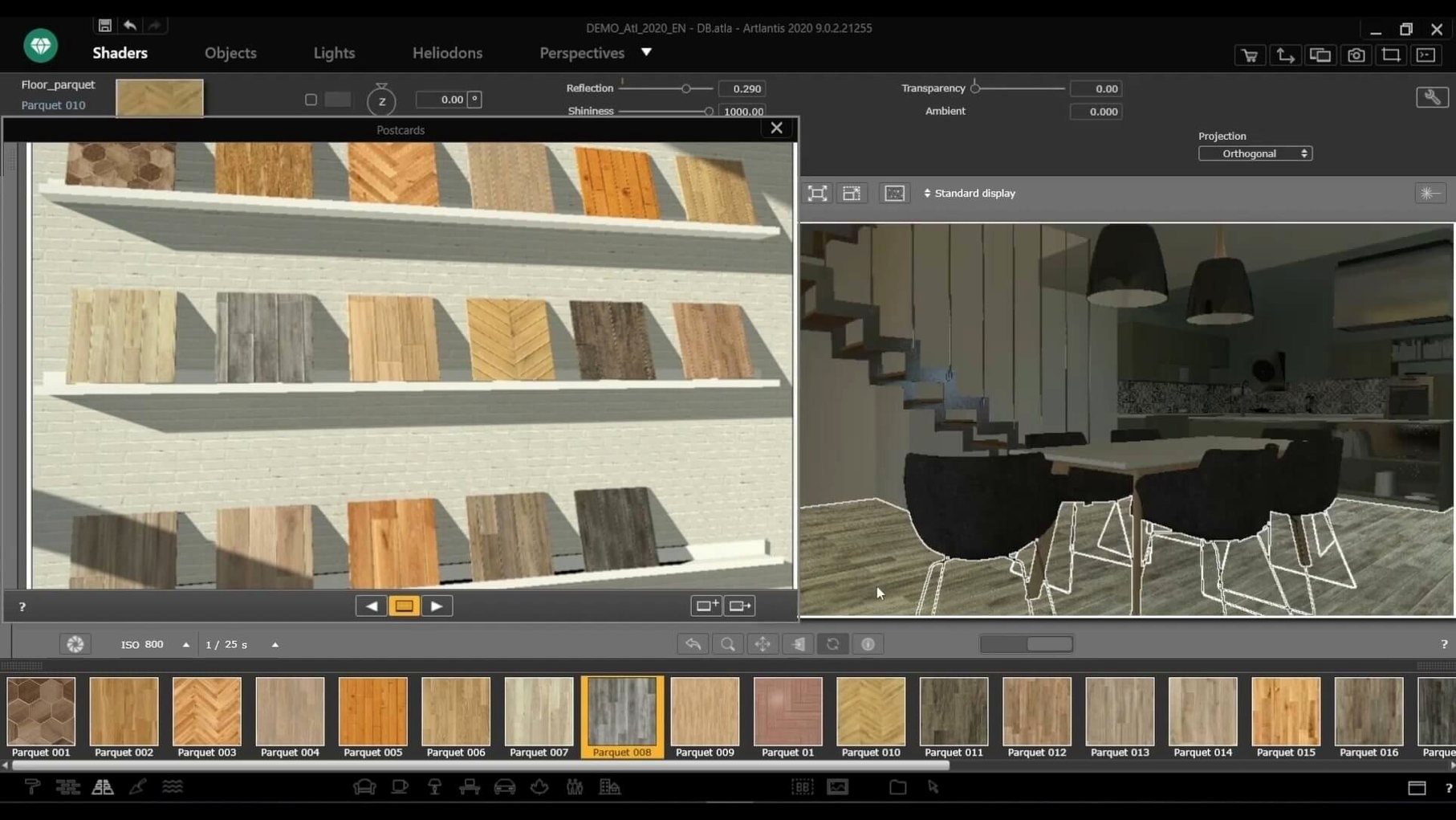
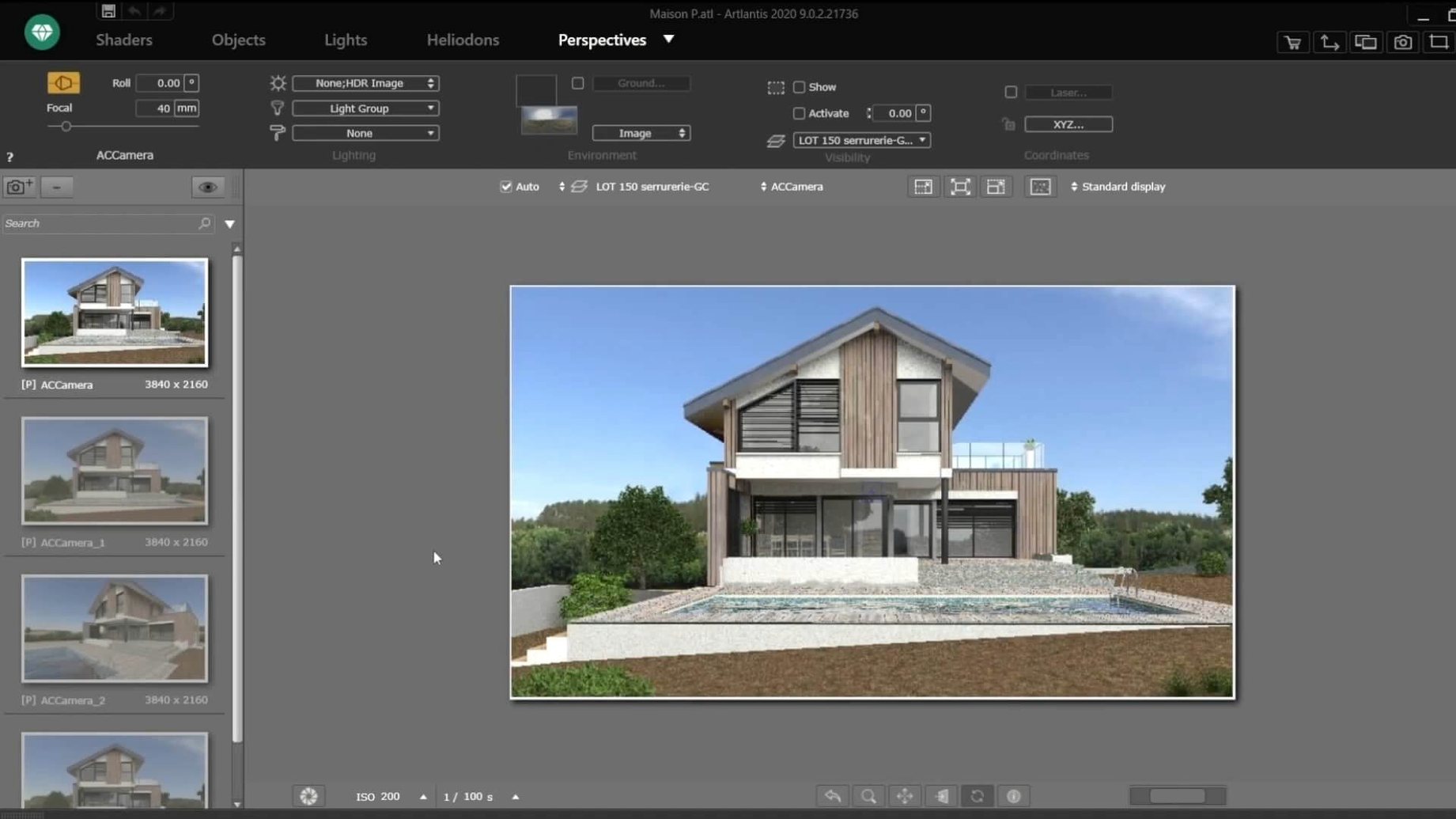
Architects, interior designers, and visualization artists use Artlantis to turn CAD and modeling work into realistic images, animations, and VR panoramas. It runs on macOS 10.13 and later, Intel only, with a material catalog you can drag and drop onto your scene. Post-processing tools let you adjust brightness, contrast, and color tables inside the app.
Creating a still image or animation
Set up your camera, assign materials from the library, and choose a preset. Artlantis handles the lighting and environment to produce a realistic render. For animations, you edit motion paths to control the camera’s movement through the scene.
Building a VR panorama
Artlantis can export QuickTime VR files and other panoramic formats. This gives clients a walkthrough experience that works in a browser or VR viewer without extra software.
First steps after installing
Start by pointing Artlantis at a scene you already know from your CAD or modeling app. The direct exchange with ArchiCAD, VectorWorks, SketchUp, AutoCAD, and Arc+ saves you from re-exporting. If you prefer working with generic files, the import function accepts DXF, DWG, and 3DS.
Before jumping into a full render, test your material assignments. Drag and drop a few items from the included material and object collection onto surfaces in the preview. This tells you early if your scene geometry is compatible and if the lighting responds the way you expect.
Set up a test animation with a short motion path. Edit the path and step through frames to confirm the camera movement looks natural before you commit to a longer render.
What version 9.5.2.32853 changes day to day
This build is the final published release of Artlantis, distributed after Abvent R&D closed. In practical terms, it means the tool is stable and mature. The shader tools for creating textures behave predictably, and the post-processing controls for brightness, contrast, and color tables work without needing an online connection.
The drag-and-drop material workflow is the same one users have relied on for years. If you have used an earlier version, you will find the interface unchanged. The QuickTime VR output still requires macOS 10.13 or later, and the Intel-only architecture is a factor for anyone on newer Apple Silicon Macs running under Rosetta 2.
For routine work, the built-in natural and artificial light sources give consistent results. The object and surface editing lets you tweak geometry and materials without leaving the app, which cuts down the back-and-forth with your CAD software.
Architects with still rendering workflows gain the clearest benefit
Architects who produce still renderings for client presentations get the clearest benefit. The material catalog and drag-and-drop assignment speed up the process of iterating on finishes and furniture. Post-processing tools mean you can tweak brightness and contrast without re-rendering, which matters when a deadline is tight.
Designers who create short animation walkthroughs will find the motion path editor useful. It works well for real estate marketing or interior tours where you want a controlled camera route.
Users coming from ArchiCAD, VectorWorks, SketchUp, AutoCAD, or Arc+ benefit from direct data exchange. If your office standardizes on one of these, you can keep your modeling pipeline in place and use Artlantis strictly for rendering. The shader tools and object library reduce the need to build textures and models from scratch.
Anyone on an Intel Mac running macOS 10.13 or later should have no trouble using it daily. Apple Silicon users can still run Artlantis through Rosetta 2, though the app itself has no native ARM build. Artlantis is a 3D rendering application for architects and designers to create high-quality visualizations.
After rendering, use the built-in post-processing tools to fine-tune brightness, contrast, and color tables. This keeps you from having to re-render for small visual tweaks.
- macOS 10.13 or later
- Intel processor
Questions from the notes
Does Artlantis work on Apple Silicon Macs?
No, Artlantis 9.5.2.32853 runs on Intel Macs only. Apple Silicon users need Rosetta 2 to run it.
What file formats does Artlantis export?
It exports images, animation videos, and panoramic VR files including QuickTime VR.
Can I still use a perpetual license?
Yes, the official site confirms that perpetual license holders can continue using their existing version.
Install procedure
- Mount the downloaded disk image.
- Run the standard installation procedure.
Reports from players
Sign in or create a tester account to file a report.
No reports filed yet.