Producers and songwriters who need a reliable piano sound without the hassle of mic'ing a real instrument will find Addictive Keys a practical addition to their toolkit. It loads quickly, so you can get ideas down without waiting around.
Good for
- Playing and recording electric grand and upright piano parts directly in your DAW.
- Using production-ready presets to get a polished sound fast.
- Working on both Intel and Apple Silicon Macs, as the plugin supports both architectures.
Keep in mind
- Requires macOS 10.13 or later.
- Loads as a VST plugin in most major DAW hosts.
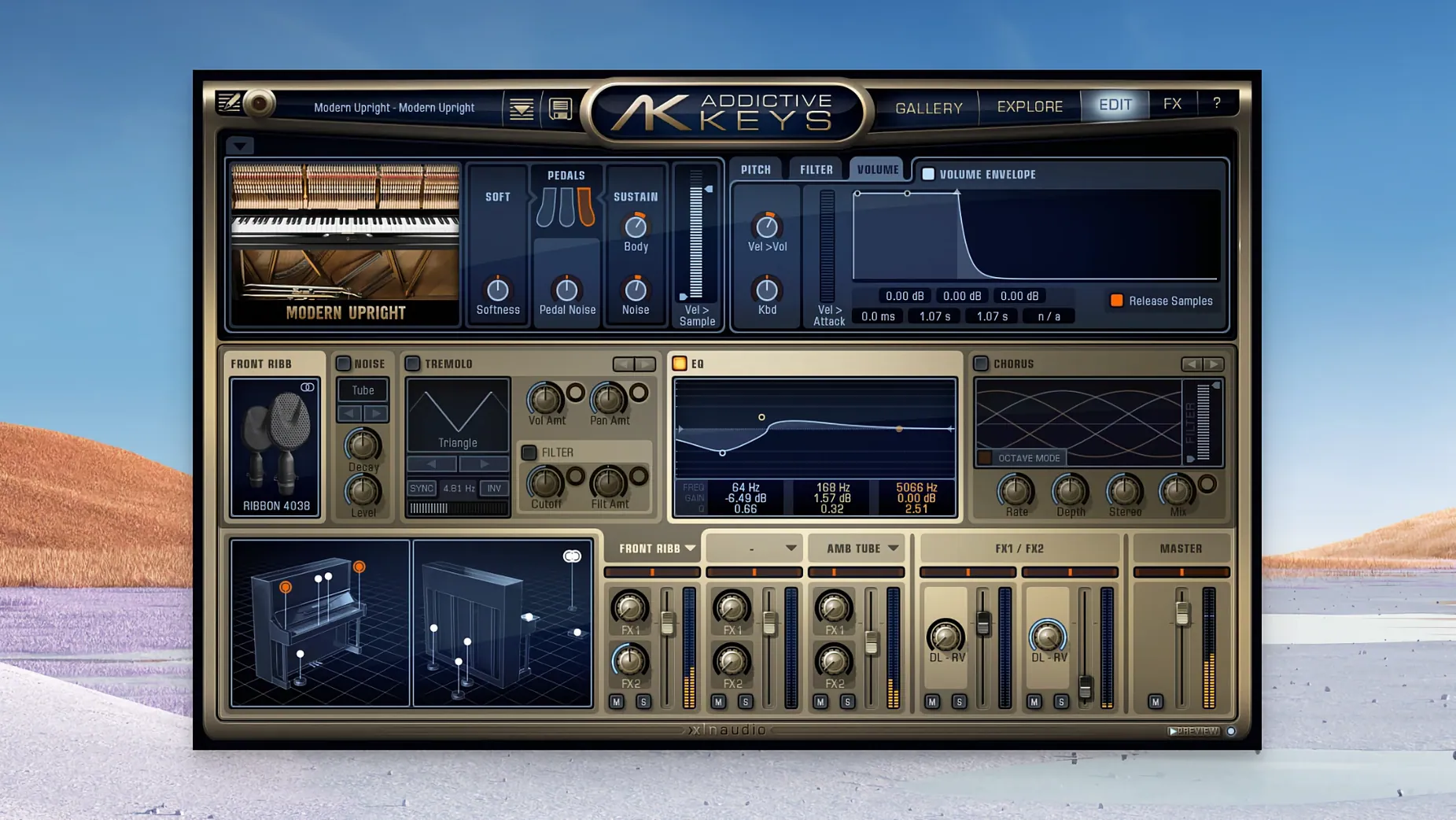
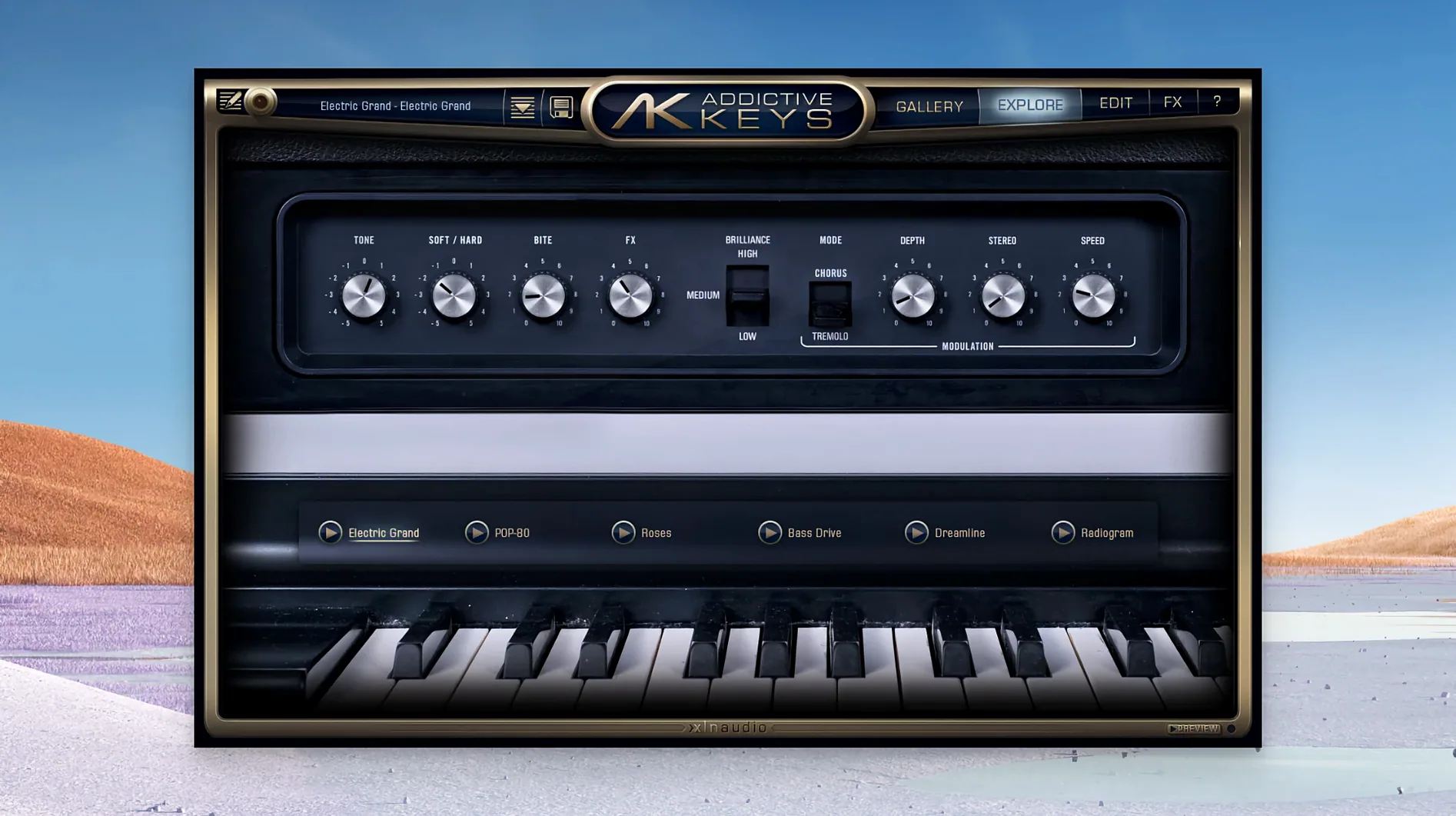
- The Electric Grand is based on a CP-80, and the Modern Upright on a Yamaha U3.
Small conveniences that are easy to miss
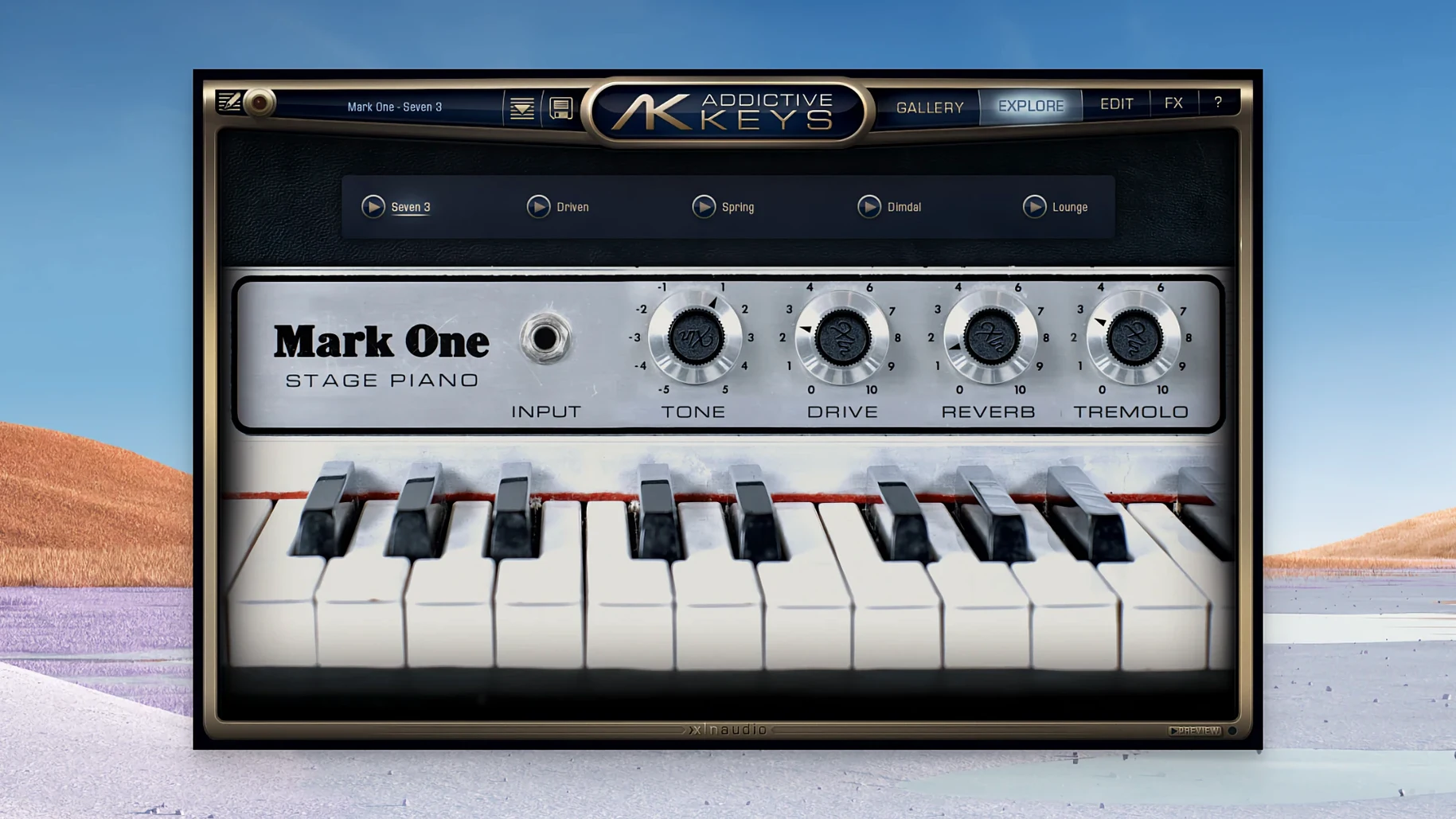
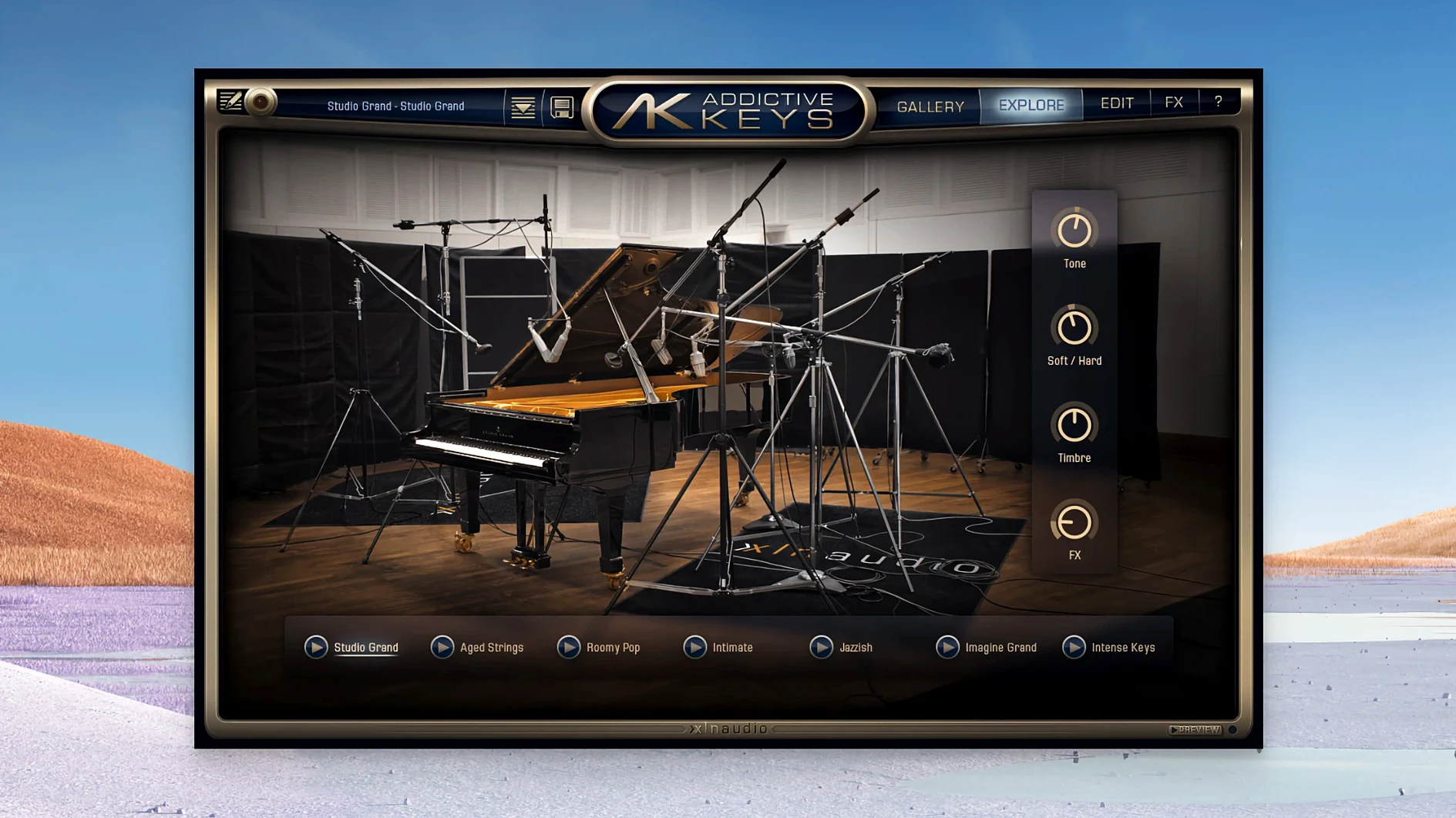
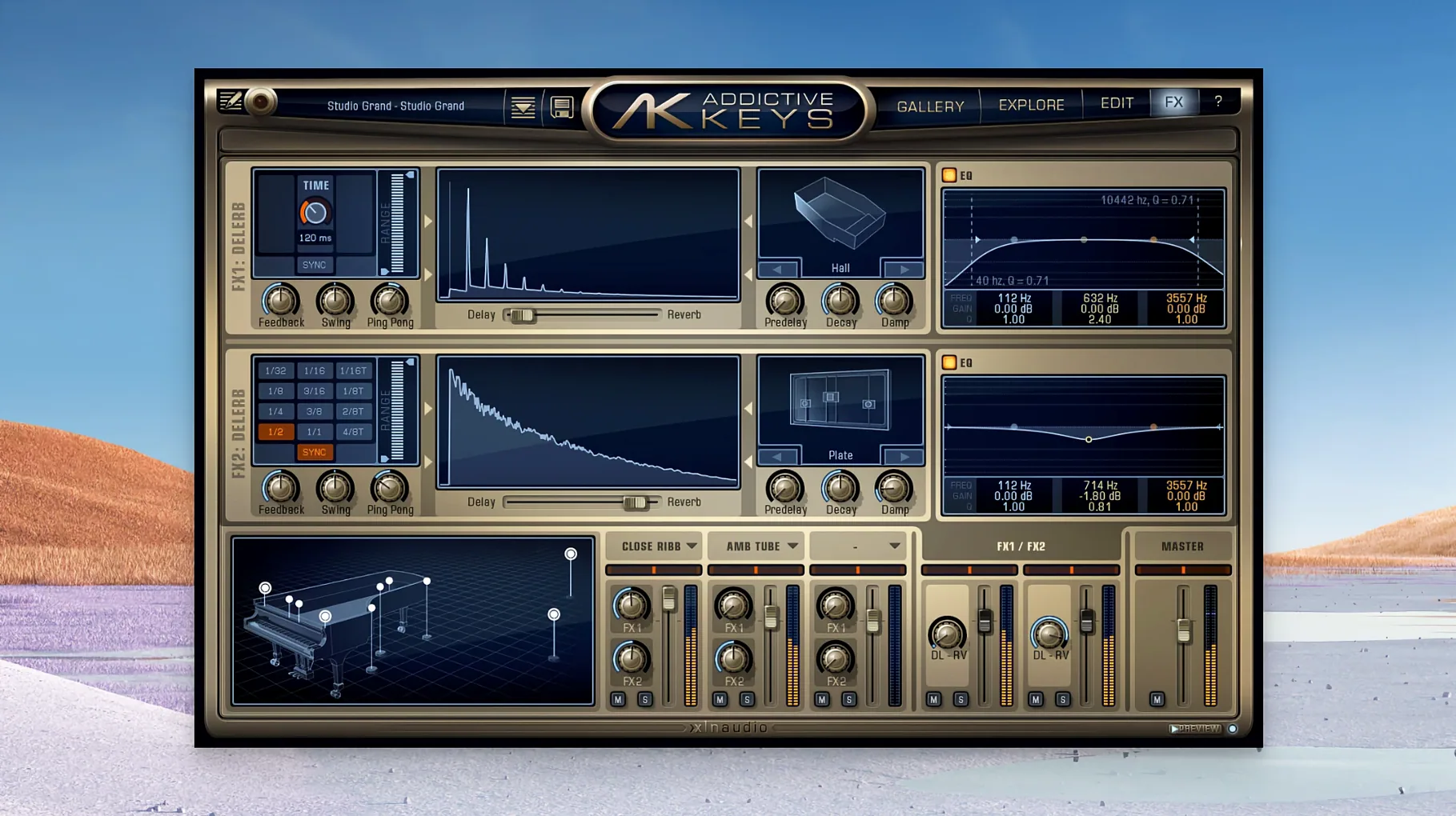
The four pianos in the collection each come from a different recording setup. Studio Grand and Modern Upright are acoustic, while Mark One and Electric Grand cover the electric side. That split means you can cover a session without reaching for a second plugin. The presets are production-ready, which saves time when you just need a piano part that fits a mix rather than spending minutes tweaking EQ and reverb.
Because the plugin uses a standard VST, VST3, AU, or AAX format, it slots into most DAWs the same way any other instrument would. No extra routing or special setup. The disk image install is straightforward: open it and run the installer. After that, the plugin appears in your host's instrument list. The standalone mode is mentioned in the manual, so you can also play it without a DAW open if you just want to practice or audition sounds.
Each instrument loads its own sample set, but the process is quick enough that you won't lose your train of thought.
Questions people usually ask before installing
Will this work on an Apple Silicon Mac? Yes. The Mac version supports both ARM and x86 64-bit architectures, so it runs natively on M-series processors and on older Intel-based Macs.
Do I need a specific DAW to use it? No. The plugin is available in VST, VST3, AU, and AAX formats. That covers Logic Pro, Ableton Live, Pro Tools, Cubase, Studio One, and most other major hosts. As long as your DAW can load one of those formats, Addictive Keys will work.
Can I use it without a DAW? Yes. The manual describes a standalone version, so you can play the pianos on their own for practice or live performance without opening a project.
Is it just one piano or a set? The Complete Collection includes all four: Studio Grand, Modern Upright, Mark One, and Electric Grand. You get acoustic and electric options in one package.
Do I need extra hardware? A MIDI keyboard or controller is helpful, but not required. You can draw in notes with your mouse or a MIDI editor inside your DAW.
How it fits together with other apps and macOS features
Addictive Keys works as a plugin inside your DAW, so it behaves like any other virtual instrument. You can layer it with other tracks, route its output through effects, or bounce it to audio for further processing. The four pianos cover different sonic spaces: Studio Grand for big, resonant parts, Modern Upright for something tighter and more intimate, Mark One for classic electric piano tones, and Electric Grand for that CP-80 brightness. That range means you can use the same plugin for everything from a ballad to a funk track.
On the macOS side, the plugin is a 64-bit application that runs in both Intel and ARM modes. It respects the standard macOS audio routing, so you can use it with audio interfaces or system audio without extra configuration. The disk image installer is typical for macOS software, and the plugin files are placed in the standard locations your DAW scans on launch. No special permissions or manual moves required.
Practical tips for the first days after installing
Start with the Modern Upright or Studio Grand presets. They are the most straightforward acoustic pianos in the collection and give you a good sense of the plugin's character without any electric processing. Cycle through the presets in each piano to hear how the same instrument changes with different effects or mic positions.
Try the Mark One and Electric Grand on a part that usually calls for a digital piano or organ. The electric pianos in this collection have a distinct tone that can add warmth or bite to a track. Layering an acoustic and an electric piano on the same chord progression can create a fuller sound than either alone.
Because the plugin loads fast, you can audition different pianos on the same MIDI clip quickly. Copy the clip to a new track, change the instrument, and listen back. This is faster than bouncing to audio and reimporting. Once you find a piano that fits, commit it to audio or keep the instrument track if you plan to tweak later.
What the latest versions changed in everyday use
Version 1.7.3 is the current release. It maintains compatibility with macOS 10.13 and later, and it supports both ARM and x86 64-bit architectures. That means users on newer Macs can run it natively without emulation, and users on older hardware are still supported. The four pianos and their presets remain the same, so any update work has been under the hood — stability and compatibility rather than new features. If you have been on an earlier version, the main difference you will notice is that the plugin continues to work across operating system updates and hardware changes without needing a separate installer for Apple Silicon.
For anyone searching for a reliable piano plugin, the terms addictive keys vst or addictive keys complete collection will point you to the full set. The crack and download variants are common in search, but the version here is a clean install that activates with the provided patch.
- macOS 10.13 or later
- Architecture: both (ARM and x86 64-bit)
Questions from the notes
What Macs does Addictive Keys support?
The plugin runs on macOS 10.13 or later and supports both ARM and x86 64-bit architectures.
Can I use Addictive Keys with my DAW?
Yes, it loads as a plug-in in most major DAW hosts.
What instruments are included?
The package includes the Electric Grand, based on a CP-80, and the Modern Upright, based on a Yamaha U3.
Install procedure
- Open the downloaded disk image.
- Run the standard installation process.
Reports from players
Sign in or create a tester account to file a report.
No reports filed yet.