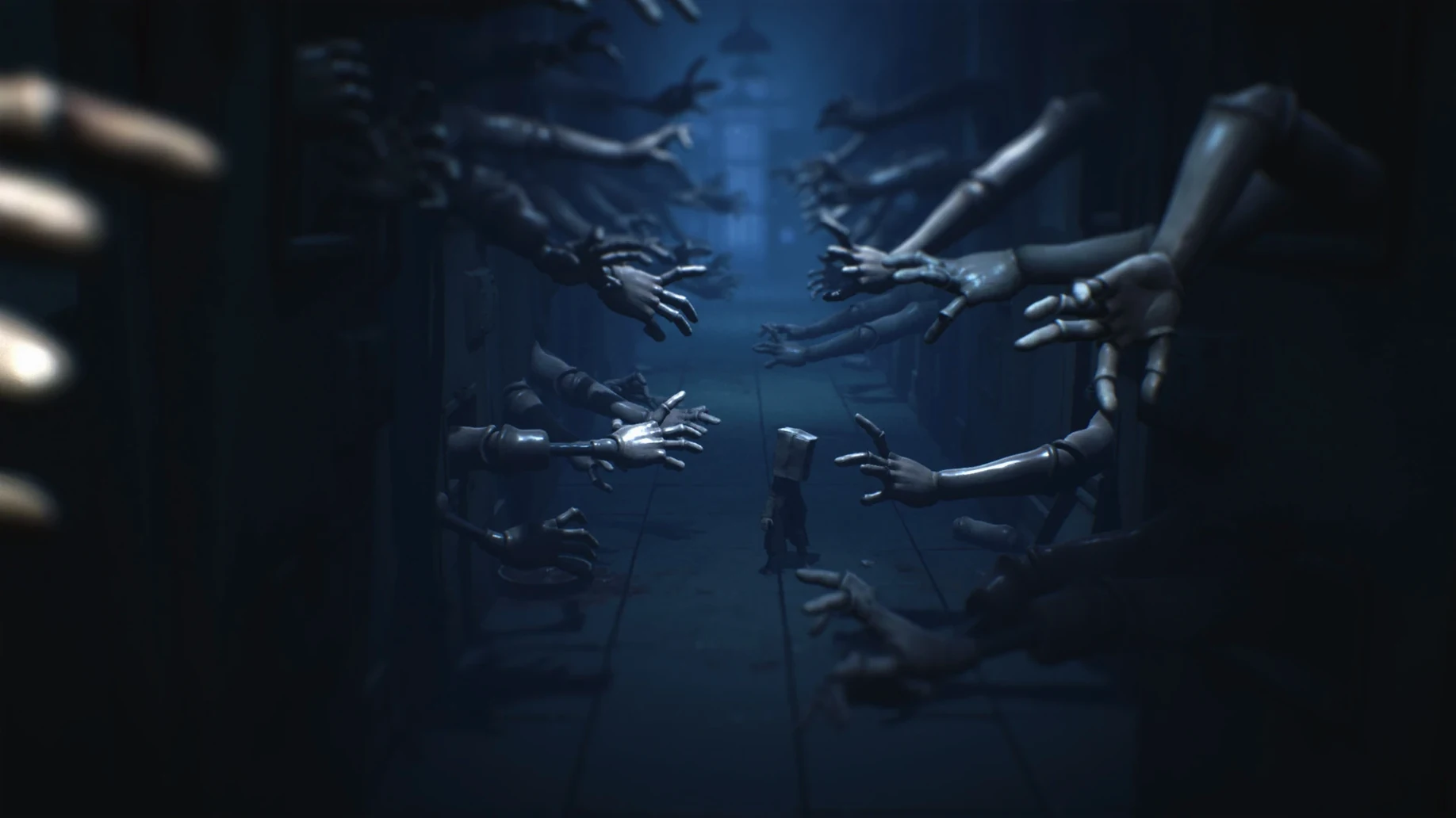
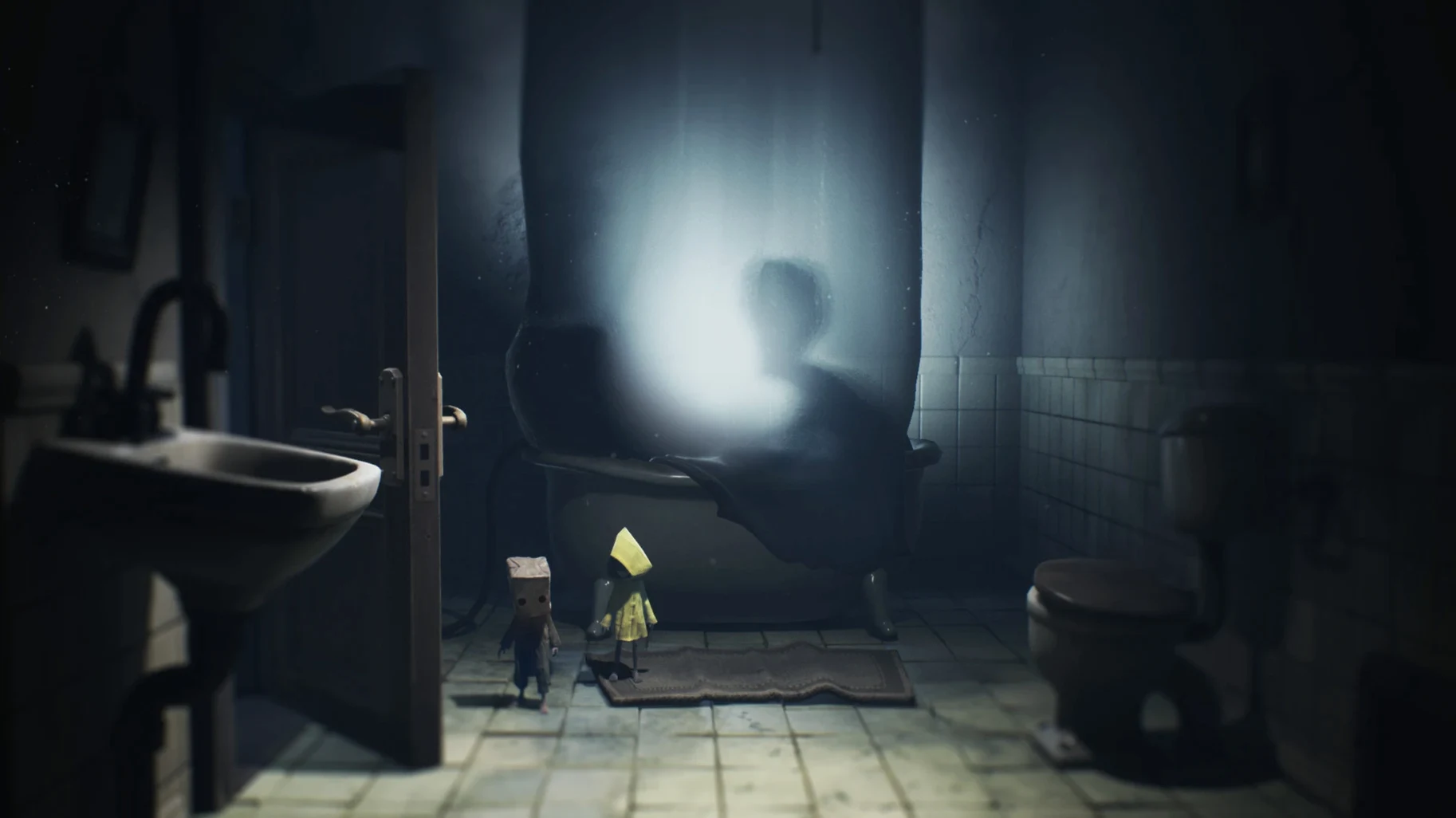
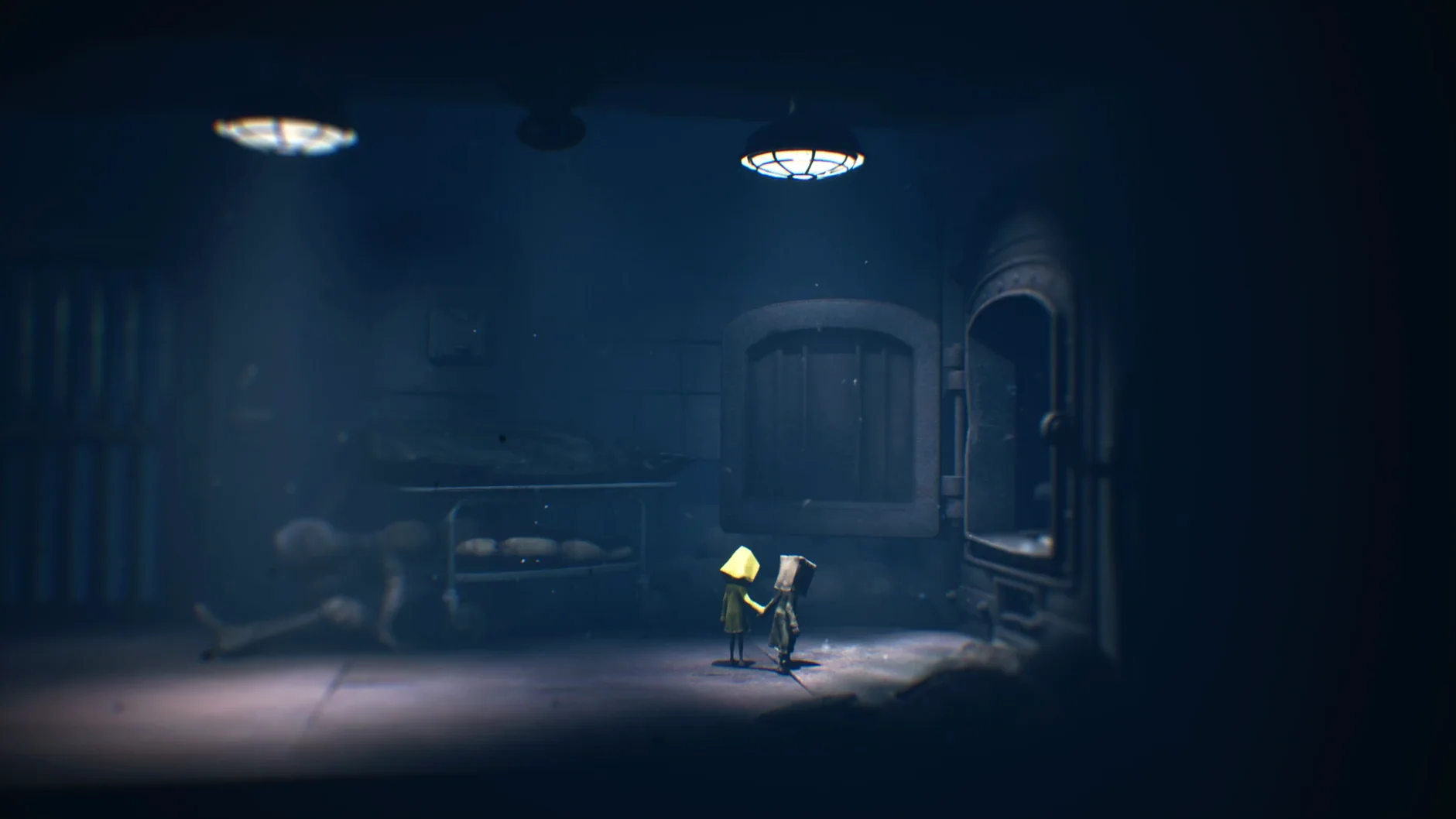
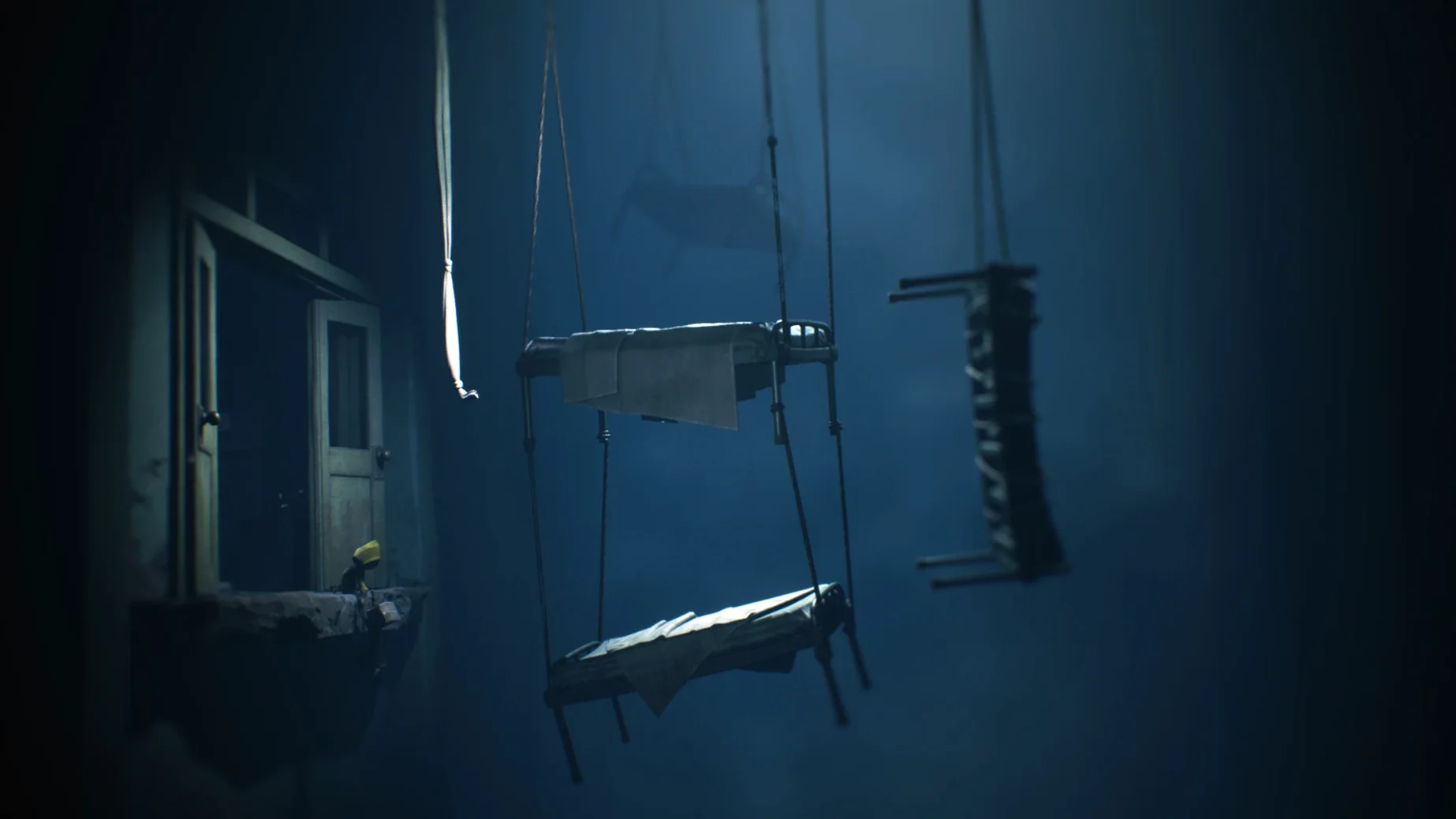
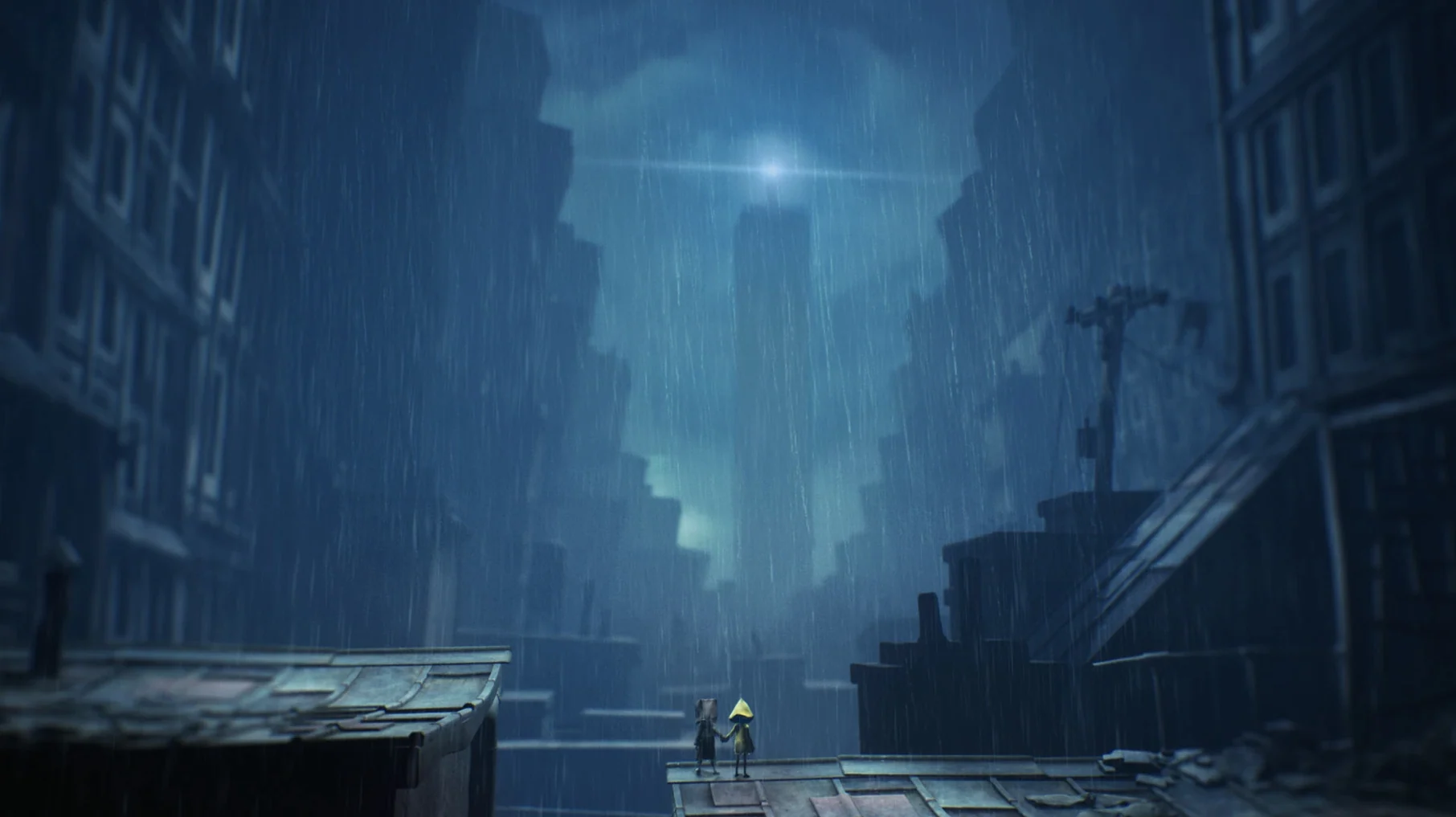
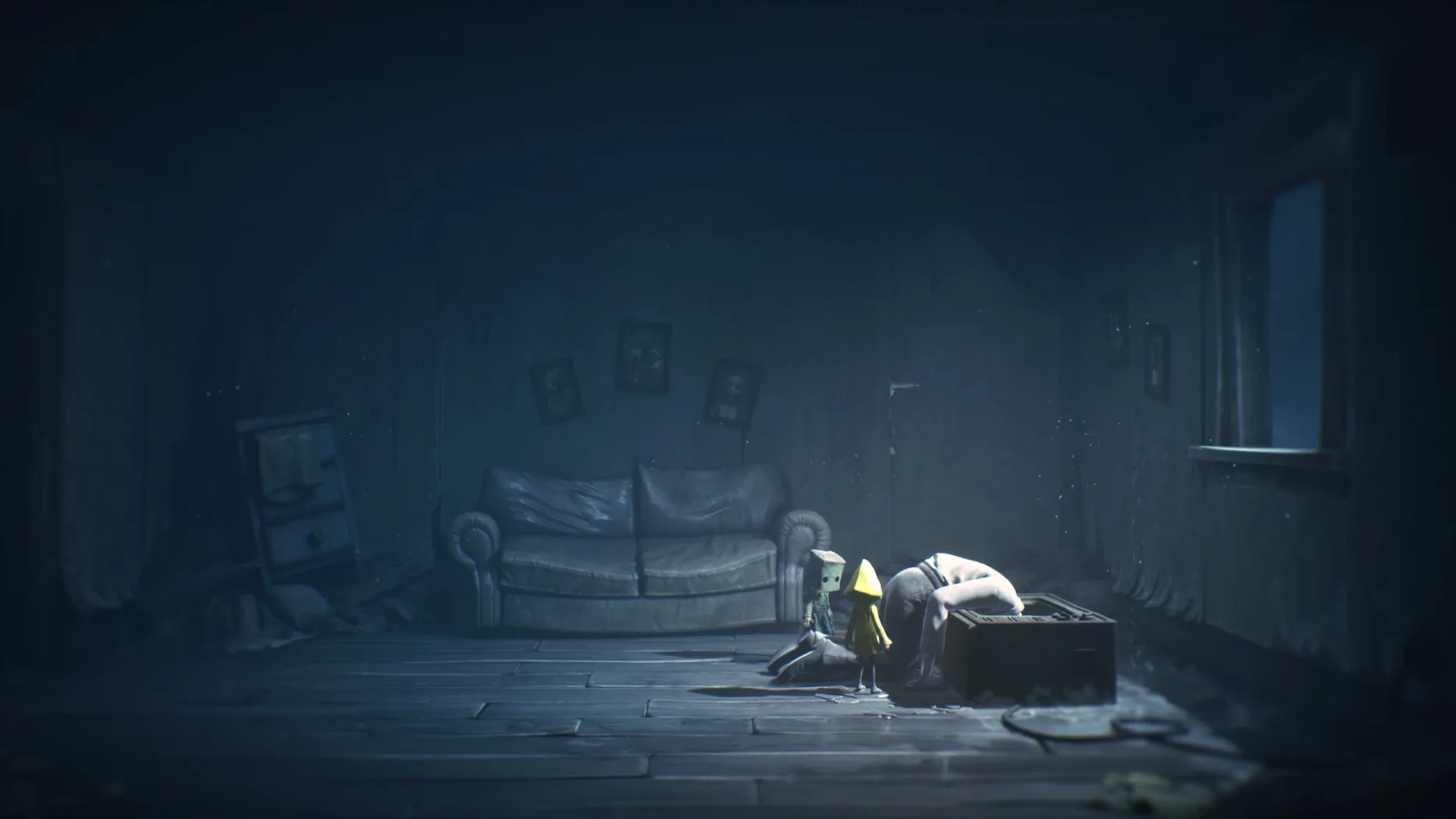
Little Nightmares II is the sequel to the suspense adventure from Tarsier Studios, published by Bandai Namco. You control Mono, a boy trapped in a world twisted by the Transmission from a distant tower. Together with Six, you uncover the Signal Tower's dark secrets.
Only runs on Apple Silicon Macs
The current build, v5.8 Build (50551) with DLC v1165 Build (52002), targets Apple Silicon only. If you're on an M-series Mac, you're set. No Intel support here.
Eerie puzzle-platforming with a partner mechanic
Released on February 11, 2021, this sequel keeps the series' eerie puzzle-platforming but adds a partner mechanic. Mono and Six work together, and the environments shift between cramped interiors and open, unsettling spaces. The voice language is English, but interface text covers Russian, English, German, Arabic, Spanish, Italian, Traditional and Simplified Chinese, Korean, Polish, Portuguese, French, and Japanese.
Install Steps
- Mount the downloaded disk image.
- Drag the app into the Applications folder alias.
- After copying finishes, launch the app from Launchpad.
- If the game shows an error on launch, run the file named Fix in the mounted image.
Best for single-player horror fans who prefer atmosphere over combat
This game suits adventure players who prefer atmospheric storytelling over combat. If you liked the original Little Nightmares or other side-scrolling horror-puzzle games, this sequel plays in the same lane. Single-player horror fans get the most value — the co-op is built into the narrative, not multiplayer. Mono and Six move together, but you control Mono alone. The lack of friendly AI babysitting keeps the tension intact.
For macgamestorrents readers with Apple Silicon machines, this is one of the few recent horror titles that runs natively without Rosetta translation. That alone makes it a practical choice if you keep an M-series Mac as your only system and want a current-gen adventure that isn't a port from something older.
Scenario: A Quiet Evening Session
You finish work, close the browser tabs, and load the game after the install steps above. The first area — the Wilderness — introduces the partner mechanic gradually. Mono climbs a rope, Six holds a door open. Nothing is explained in text. You figure out the pattern by watching the environment. The Fix file from the mounted image was needed once on launch; after that, no further tinkering. You play through the school segment over two evenings. The pacing works for short sessions because the game autosaves at checkpoints often enough that you don't lose progress if you quit.
What the Latest Build Changed in Practice
Version v5.8 Build (50551) handles the DLC v1165 Build (52002) under a single package. In everyday use, that means you don't juggle separate installers. The Apple Silicon build also removes the need for compatibility layers, which simplified the install process to the mount-copy-launch sequence listed above. The Fix file addresses the one error that could appear on first launch — a permissions-related block on macOS Sequoia. Running it once clears that, and the game loads normally afterward. No other patches or config edits are needed during regular play.
That's the whole process. The Fix file handles the common launch hiccup, so keep the image around until you've confirmed the game runs.
- Mono and Six are introduced in a world distorted by the Transmission from a distant tower.
- macOS version not specified
- Architecture: Apple Silicon
Install procedure
- Mount the downloaded image.
- Drag the app into the Applications folder alias.
- After copying finishes, launch the app from Launchpad.
- If the game shows an error on launch, run the file named Fix in the mounted image.
Reports from players
Sign in or create a tester account to file a report.
No reports filed yet.