Mafia II: Definitive Edition 1.0 — Mac build
Games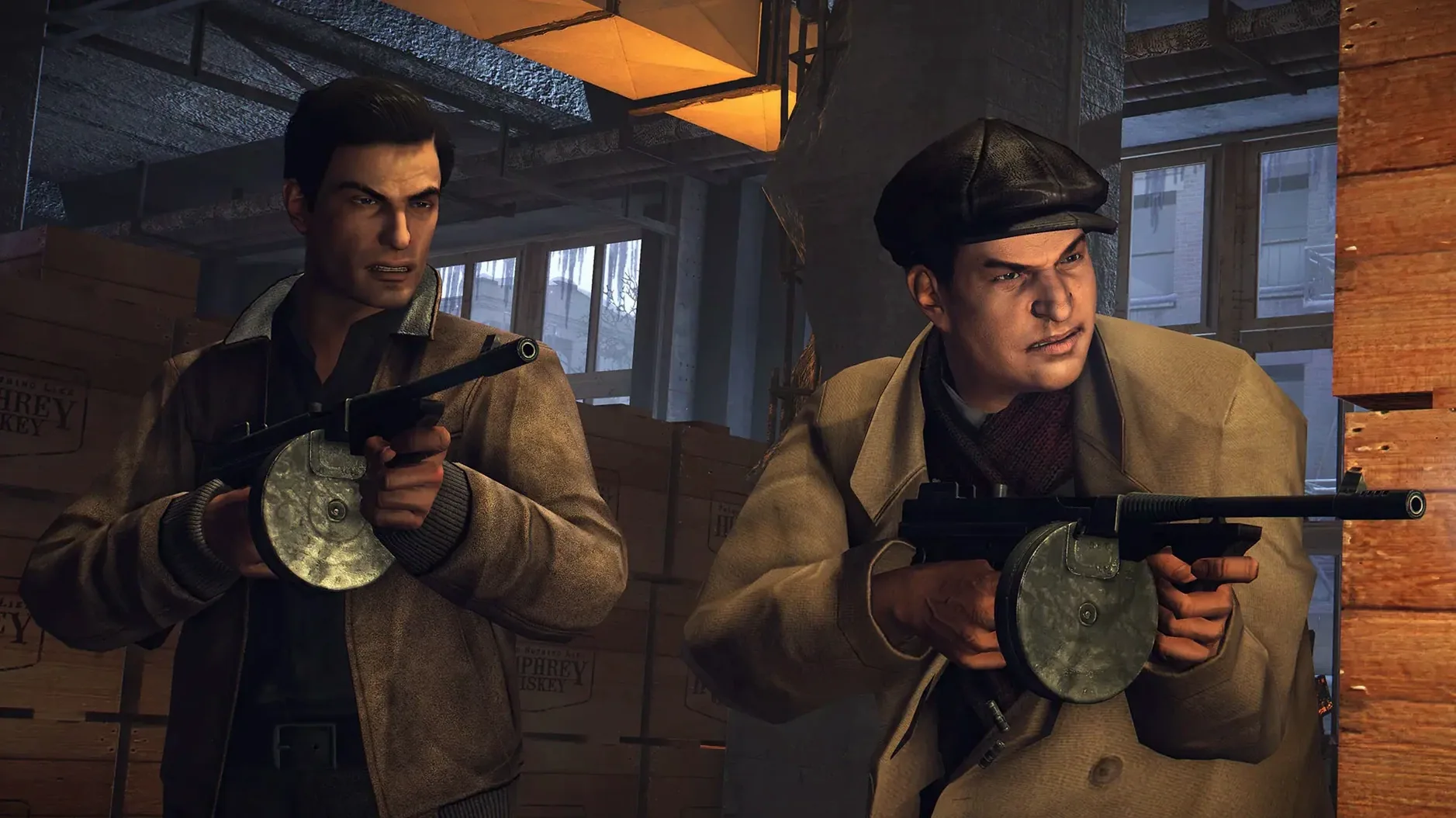
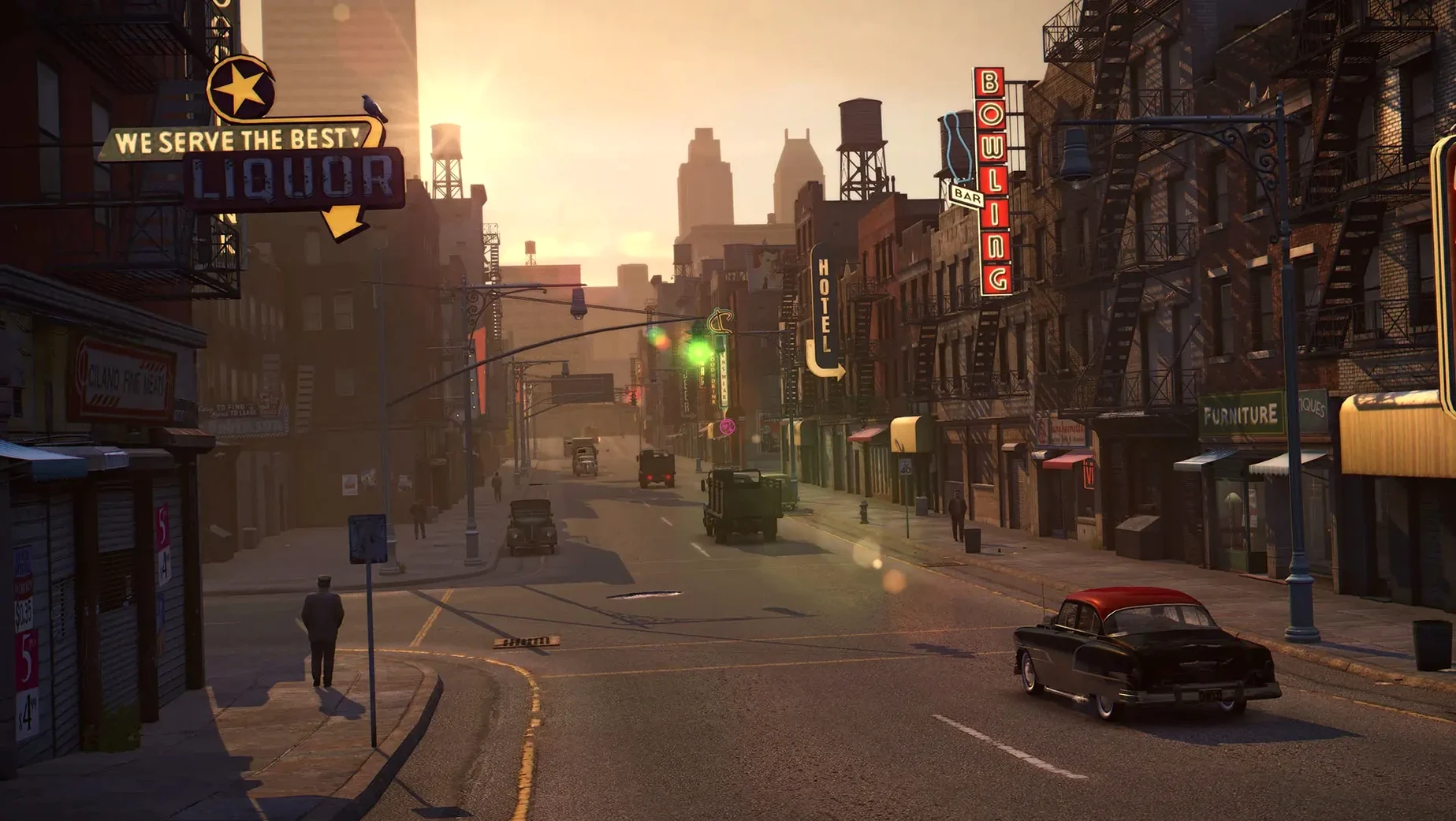
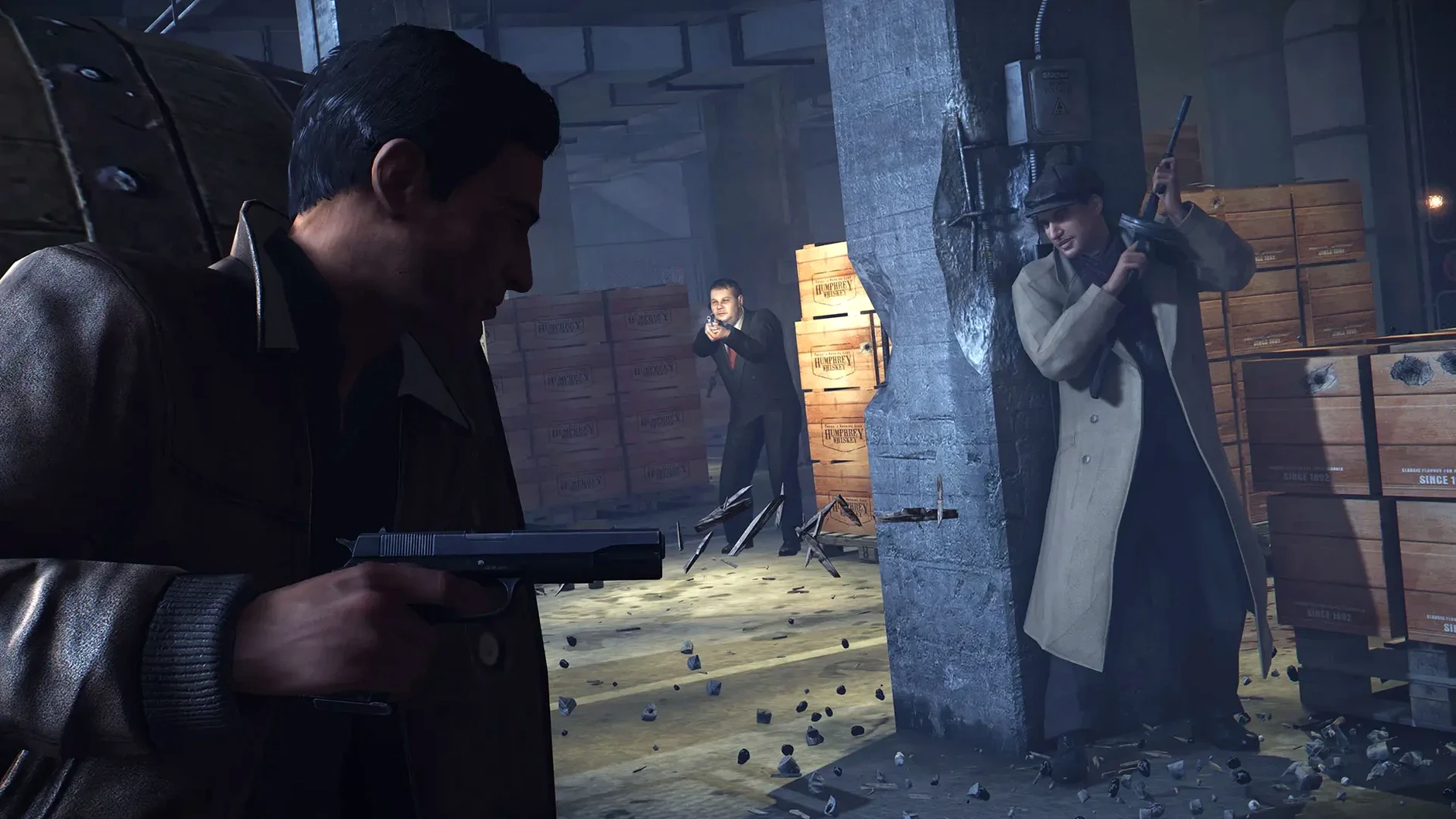
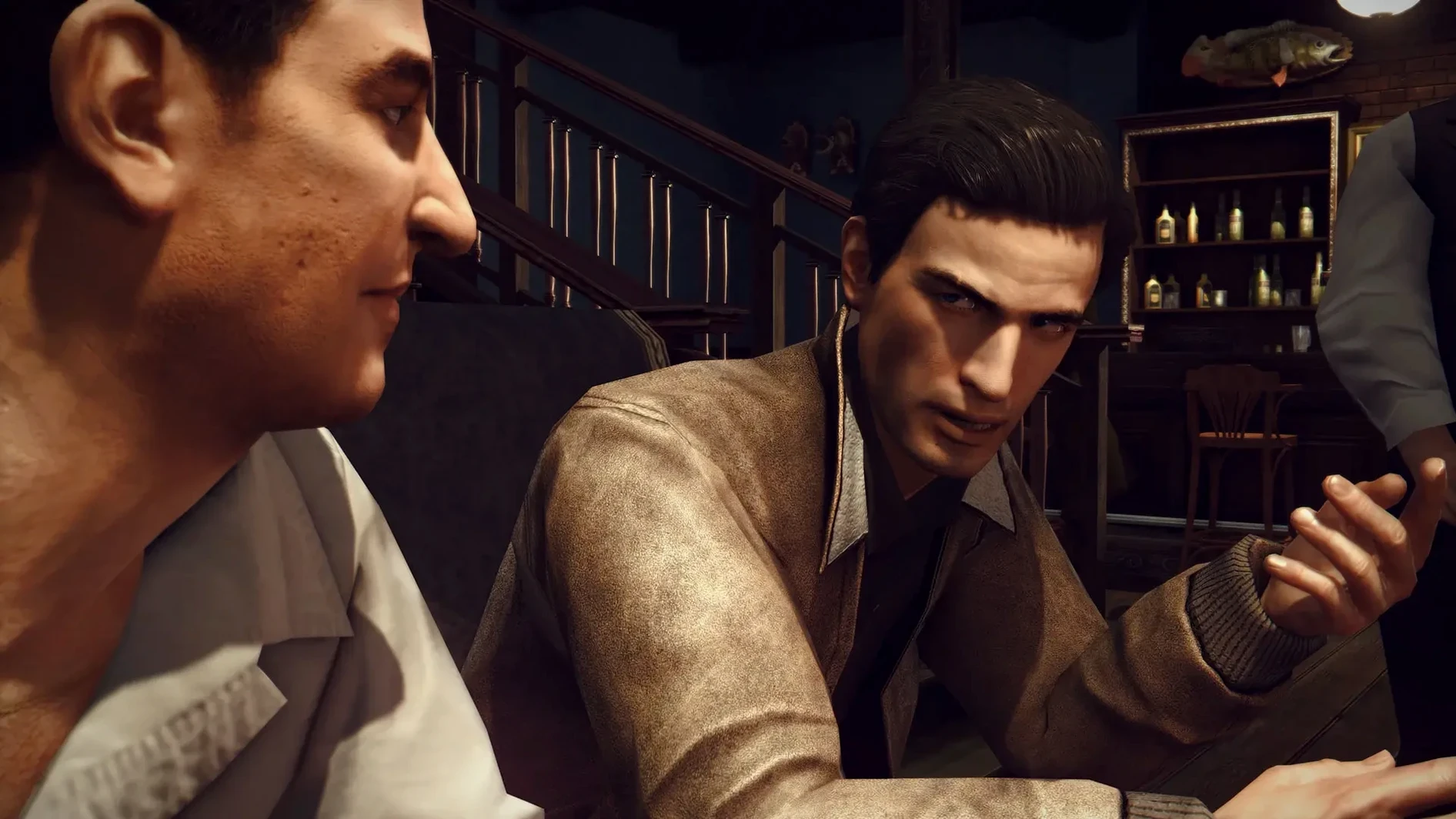
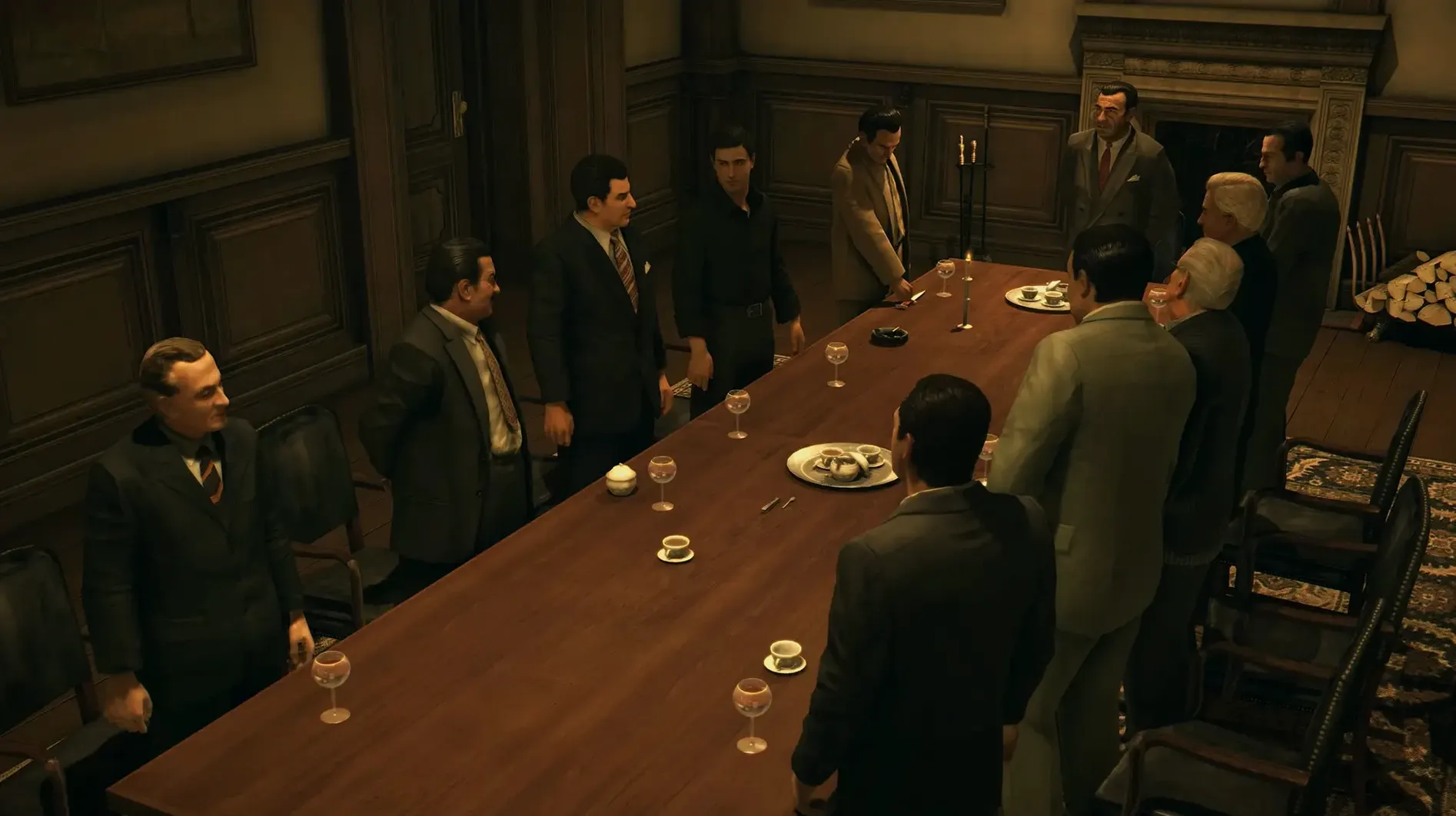
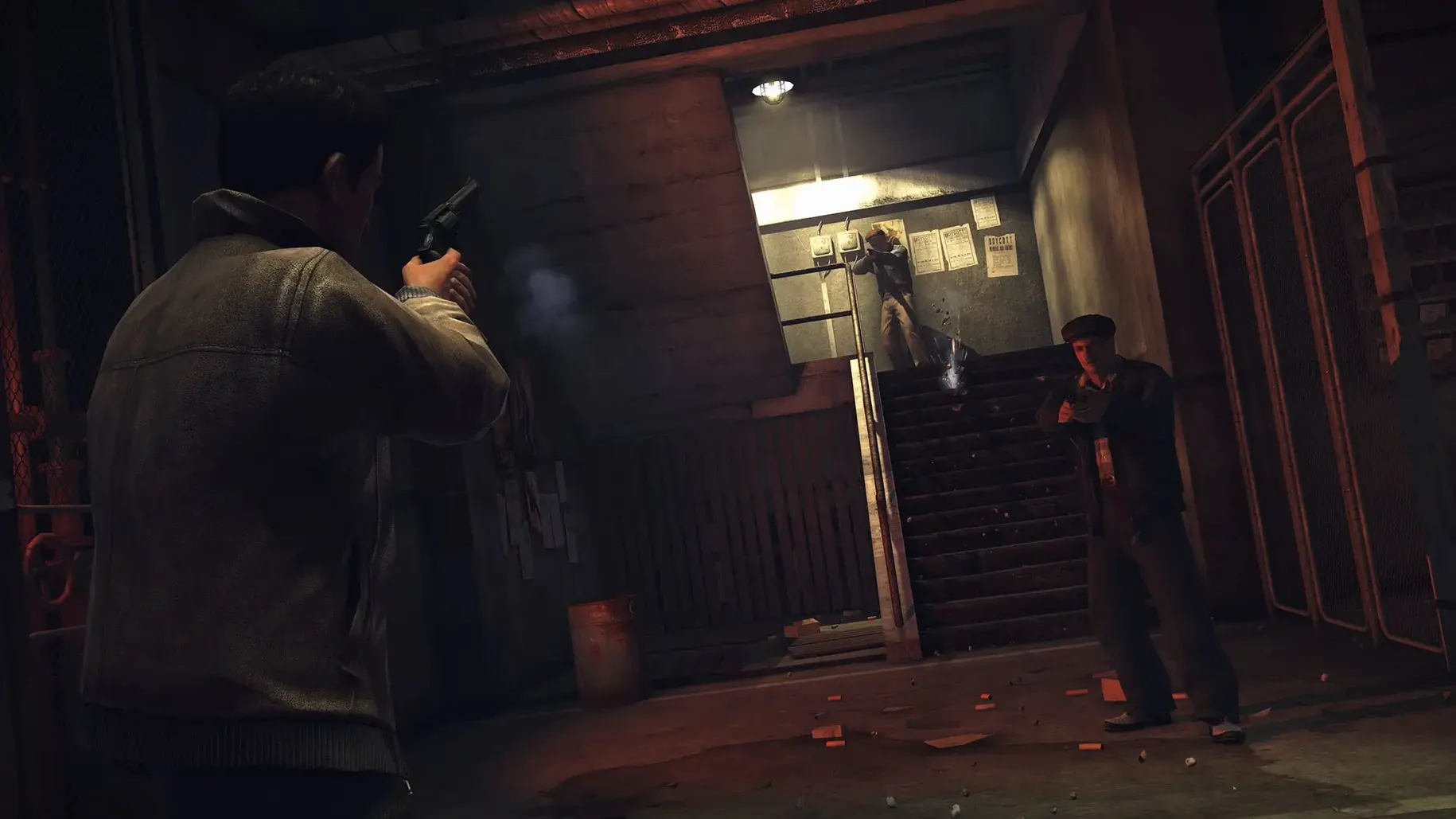
Mafia II: Definitive Edition is an HD remaster of the 2010 open-world crime game, now built for Apple Silicon Macs. If you already use Wineskin to run Windows games on your Mac, this version bundles that tooling, so setup is familiar.
Vito's linear rise through 1940s Empire Bay
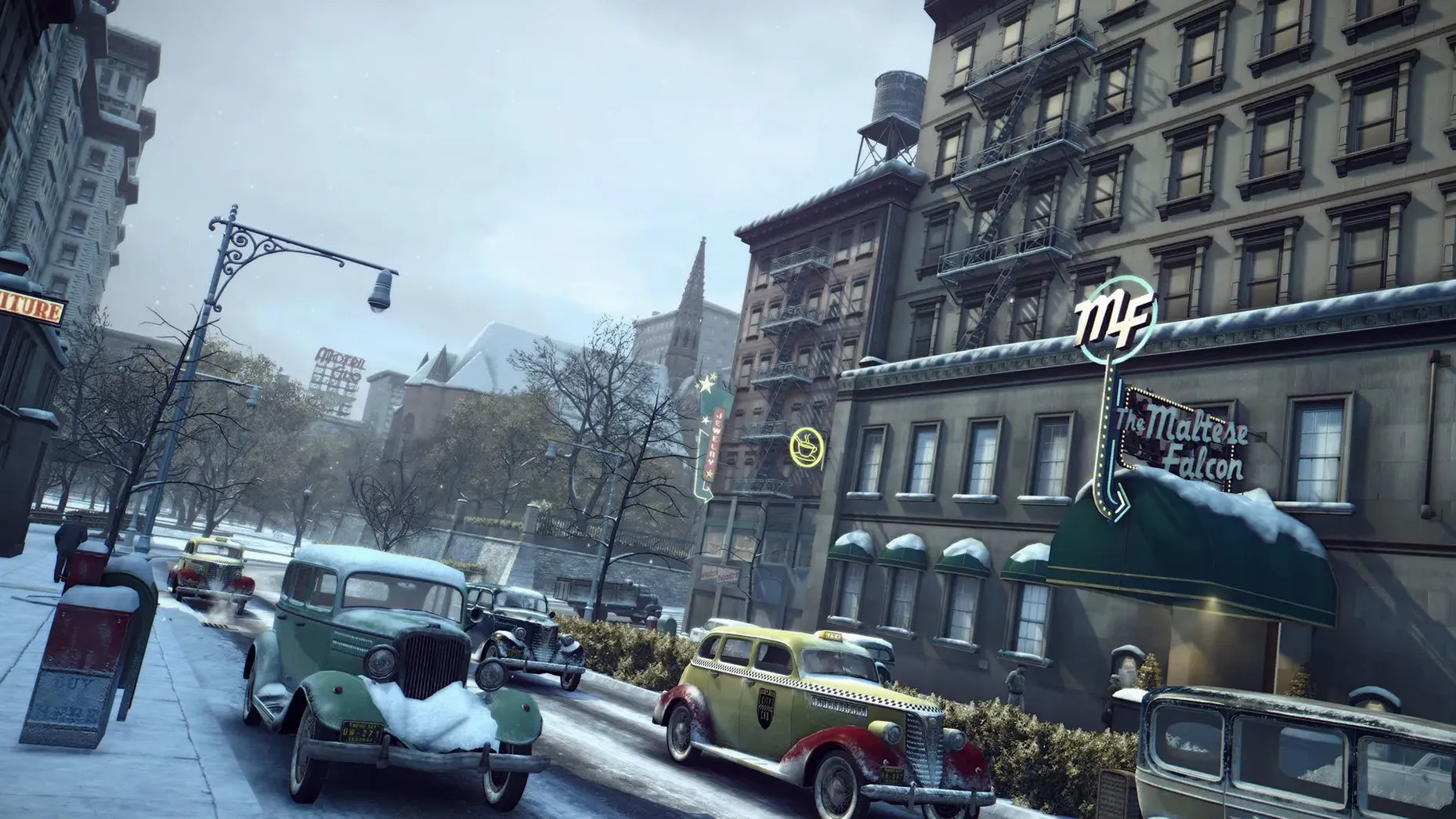
Players who value a strong linear story over sandbox chaos. Vito's rise through the mob alongside his friend Joe is the core, and the 1940s-50s Empire Bay setting is rendered in crisp HD. The remaster keeps the original pacing, so it suits those who want a cinematic gangster tale.
Rigid mission structure and dated driving disappoint sandbox fans
Anyone expecting a modern open-world sandbox will be disappointed. Mission structure is rigid, free-roam is limited, and the driving can feel dated. If you skip side content, the campaign is short, and the remaster doesn't add new missions or gameplay systems.
Technical notes
The build targets ARM architecture, so it runs on M-series chips. Interface supports English, Russian, German, Spanish, Italian, and seven more languages. Voice acting is available in six languages.
Pre-configured Wineskin for M-series Macs
This specific build — the Wineskin update for Apple Silicon — is mostly useful for two groups. First, Mac users on M-series hardware who want a pre-configured Windows game layer without building their own Wine prefix or adjusting wrappers manually. The image includes the Wineskin setup, so you don't need to install it separately. Second, anyone who owns the original Mafia II on Steam or another platform but has no Boot Camp or Parallels setup. This version bypasses the need for a Windows partition entirely, provided you have the macOS disk image mounted.
It also suits players who keep their Mac storage lean. The disk image unpacks as a single app bundle into Applications, with no extra runtime dependencies. If you have a late-model Mac mini, MacBook Air, or iMac on Apple Silicon, you avoid the performance overhead of emulation layers like Rosetta 2 — the build runs in that sense.
Questions that usually come up
Does this work with the original Mafia II save files?
Possible but not guaranteed. The Definitive Edition uses a different save format than the 2010 release. Some community tools can convert old saves, but the process is manual. If you have progress from the original game, plan to start fresh unless you want to dig into file conversion. No tool for that is included in this build.
Can I use mods?
Mod support depends on what the mod targets. Simple texture swaps or script edits that only replace game files can often be copied into the app bundle's data directories. Anything that requires a mod loader or hooks into DirectX calls likely won't work, since the game runs through Wineskin's translation layer. Test mods one at a time and keep a backup of the original app before modifying anything.
Is there multiplayer or online?
No. Mafia II: Definitive Edition does not include multiplayer modes. The game is strictly single-player. No online activation is required, so you do not need an internet connection after the install completes.
Fixing common Wineskin and performance issues
Game won't launch
Run the Fix file included in the disk image. This resets the Wineskin prefix and clears any corrupted cache files from a partial copy. If the fix runs but the game still fails, make sure the entire app folder was copied to Applications before launching. Running it from inside the mounted image often causes write permission errors.
Low performance or stutter
The game's default cap can cause uneven pacing on Apple Silicon GPUs because the translation layer handles frame pacing differently than Windows. Disabling the cap often smooths out the experience. If the option is missing, the Wineskin wrapper might expose it in its own configuration menu before the game starts.
Audio drops out or crackles
This sometimes happens with certain Wine audio backends. Restart the game once. If the issue persists, verify that macOS's sound output is set to a standard sample rate (44100 Hz or 48000 Hz) in System Settings. Non-standard rates can confuse Wineskin's audio pipeline.
Language mismatch
Interface language is chosen from the launcher or the game's settings menu. Voice language is set separately and may need a restart to apply. If the displayed language is not what you expected, check both settings — they are independent.
Runs as standard macOS app outside Steam launchers
The game runs as a standard macOS application once installed. It does not require disabling security features or granting special permissions. Because it uses Wineskin, it does not register as a native game in Steam or other launchers — you launch it from Launchpad or directly from the Applications folder. It coexists with other Wine-based titles without conflict, since each Wineskin wrapper is self-contained.
macOS features like Command+Tab app switching, volume controls, and screenshot tools all work normally. The game respects the system's display resolution settings, so if you use an external monitor, the game will output at that resolution as long as the display is set up before launching. HDR and variable refresh rate are not supported — the remaster predates widespread adoption of those standards on Mac.
If you keep your Mac mini or laptop connected to a TV via HDMI, the game's 720p-era UI scales adequately, but subtitles and map text are small at 4K. That is a limitation of the original interface, not the build.
- Wineskin update.
- macOS: unspecified
- Architecture: Apple Silicon
Install procedure
- Mount the disk image and drag the app into the Applications folder alias.
- After copying, launch the app from Launchpad.
- If the game shows an error on launch, run the Fix file in the disk image.
- If performance is low, disable the frame rate limit.
Reports from players
Sign in or create a tester account to file a report.
No reports filed yet.