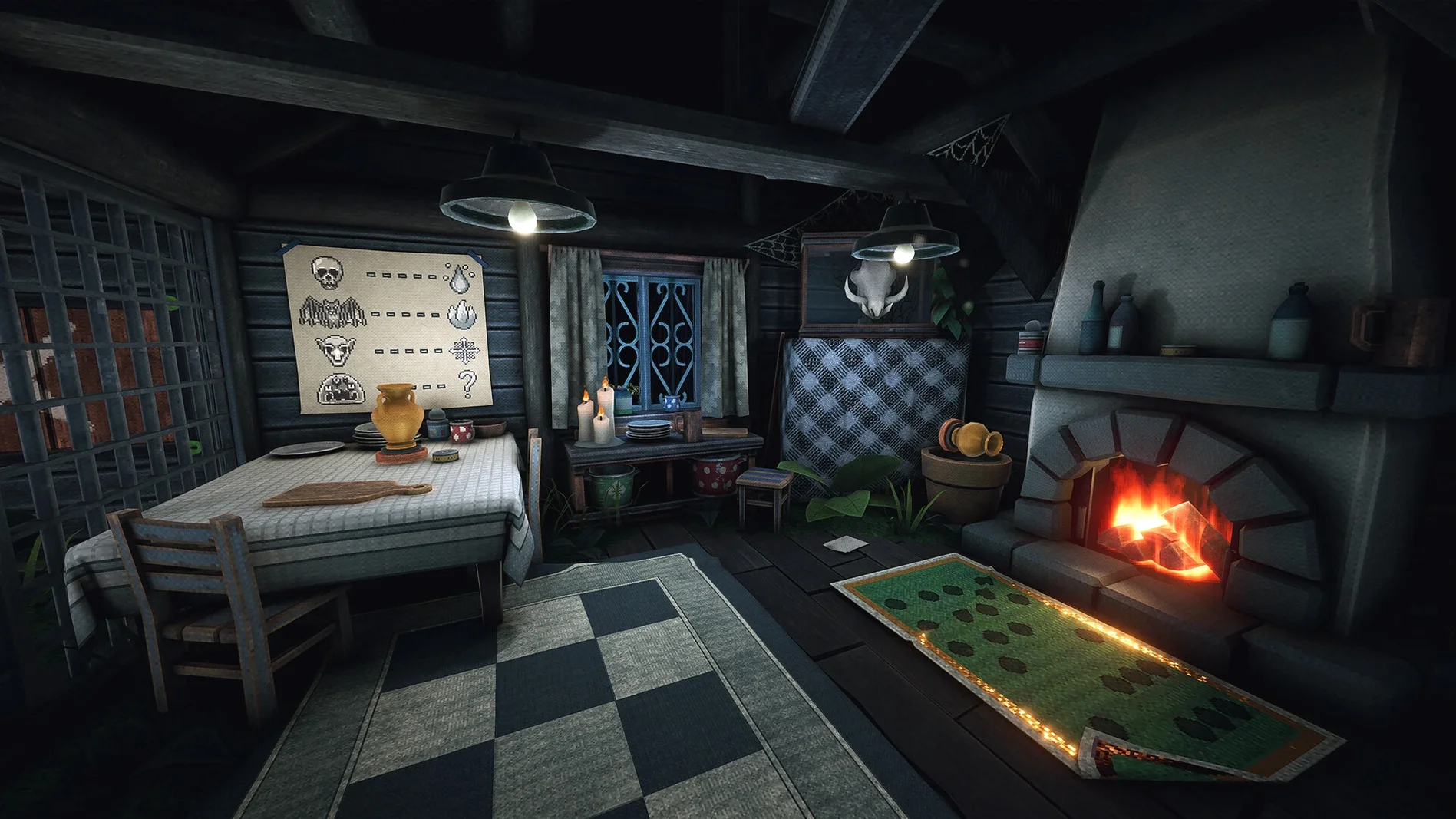
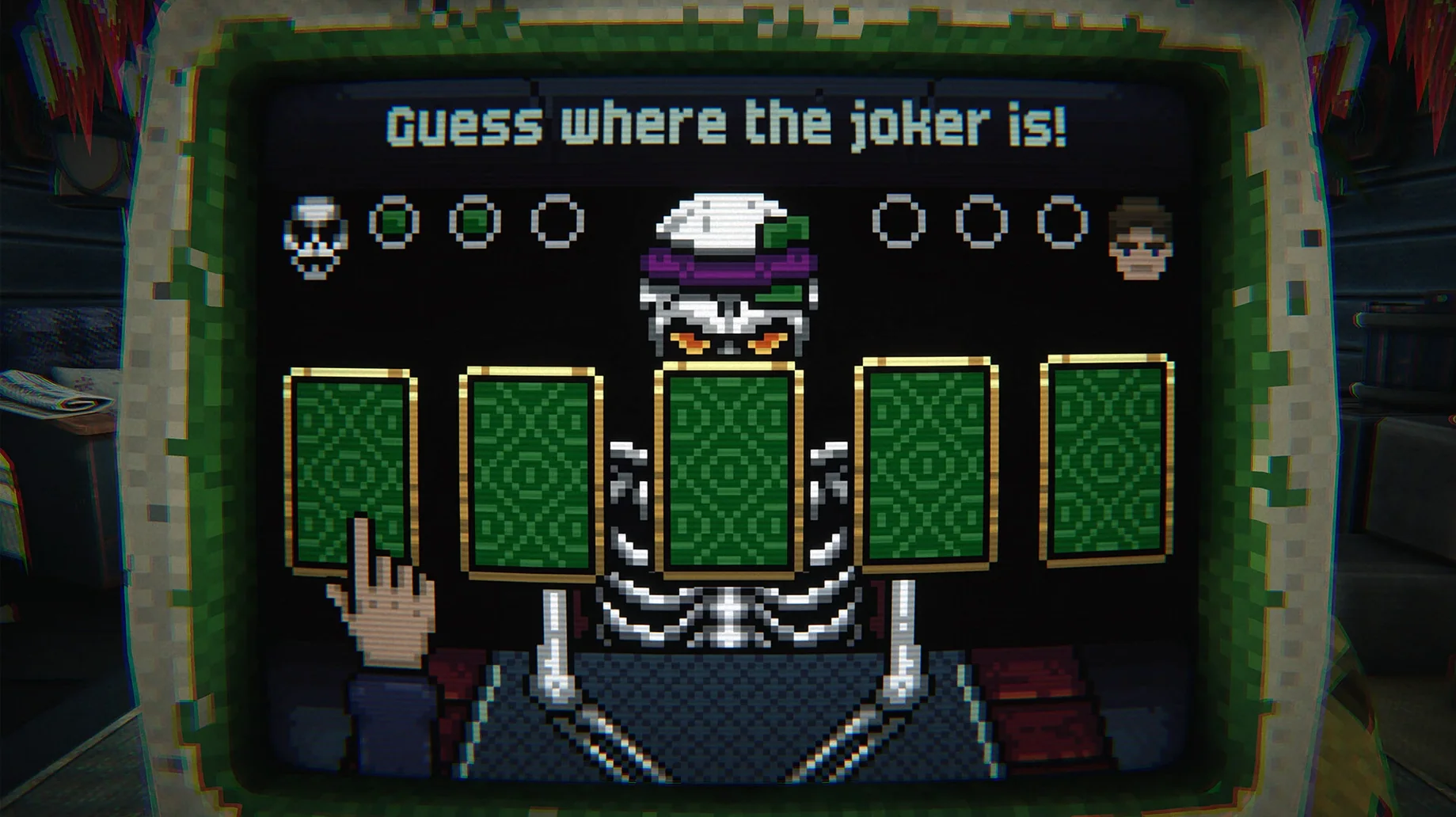
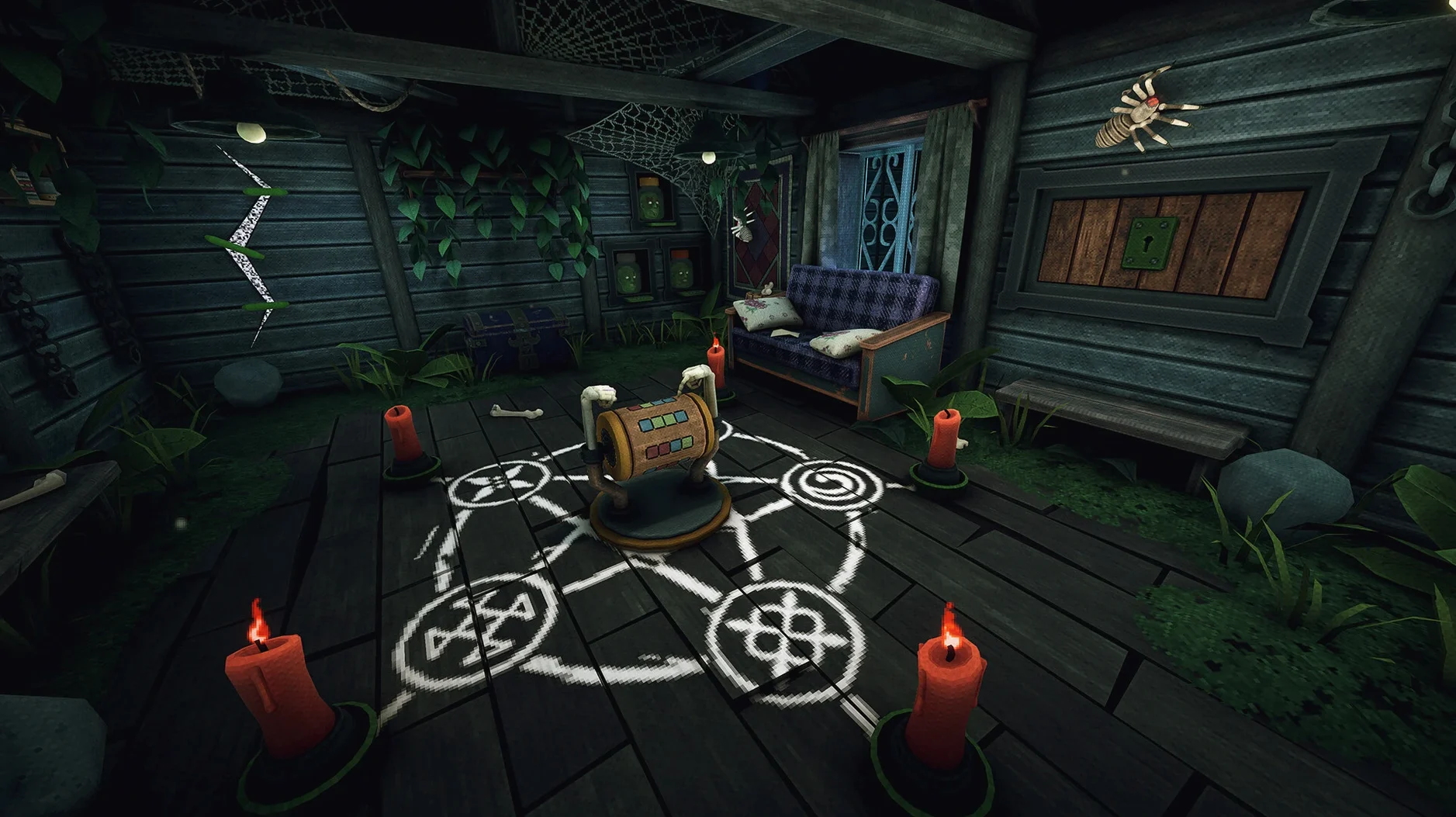
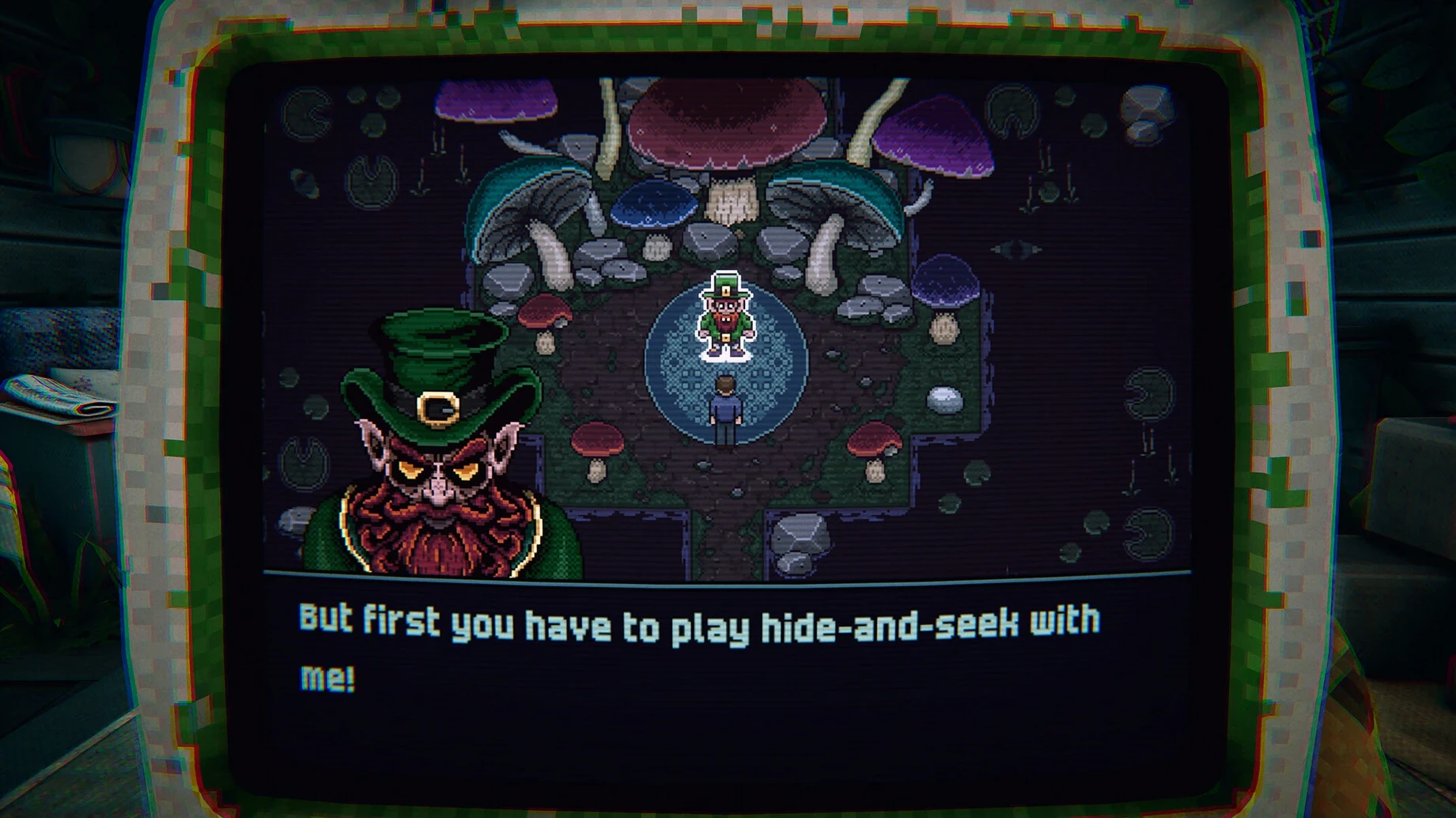
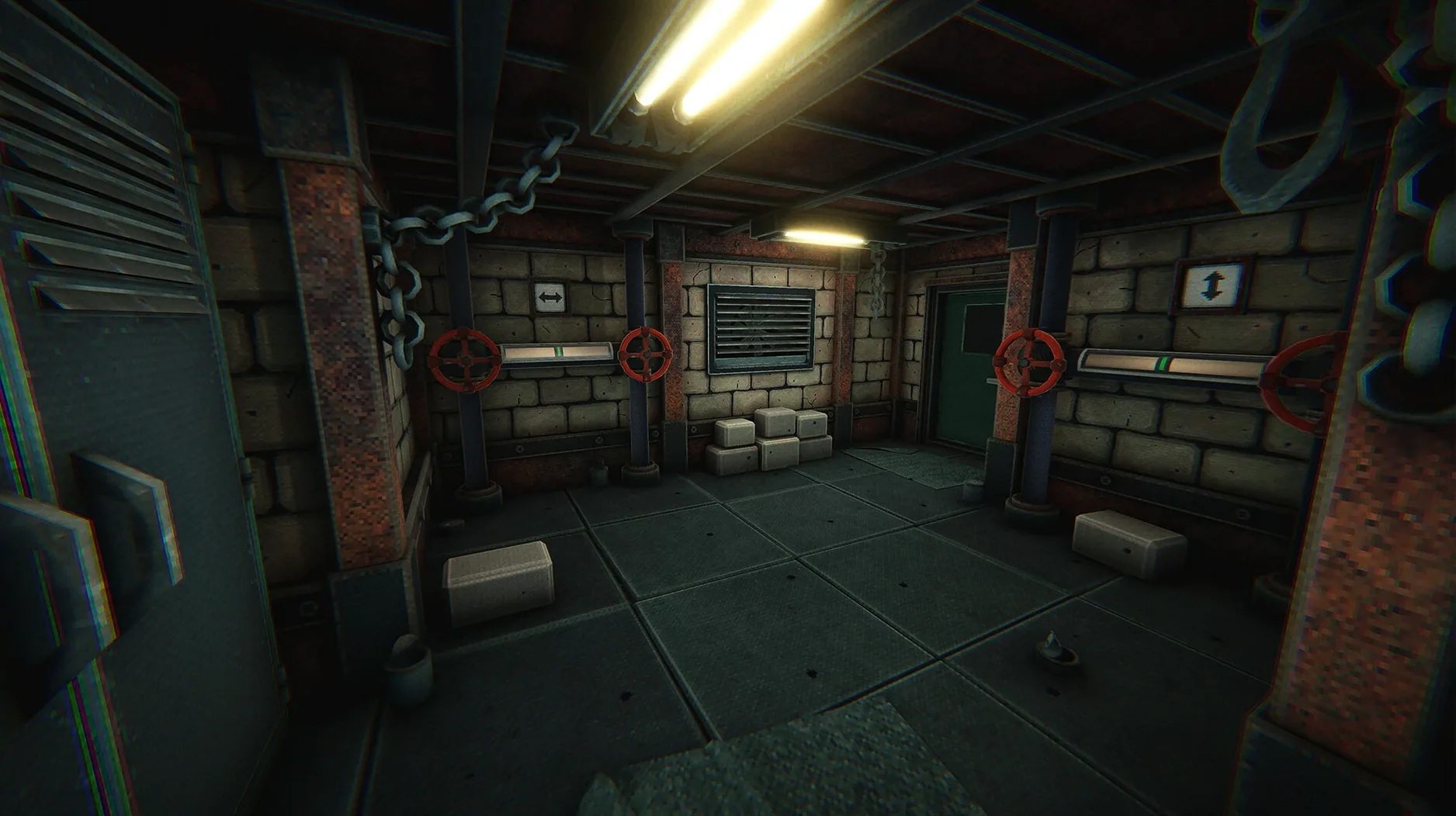
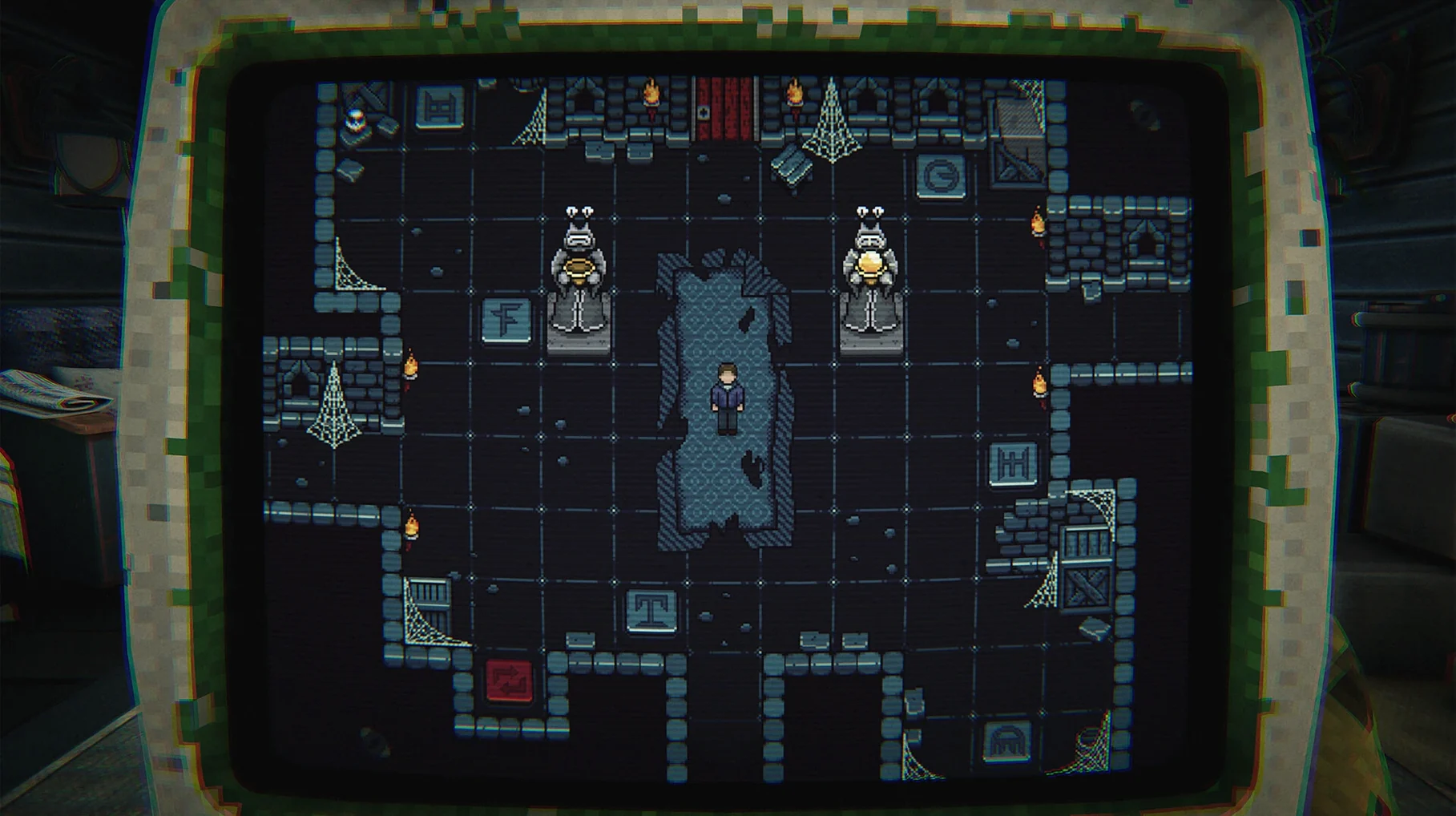
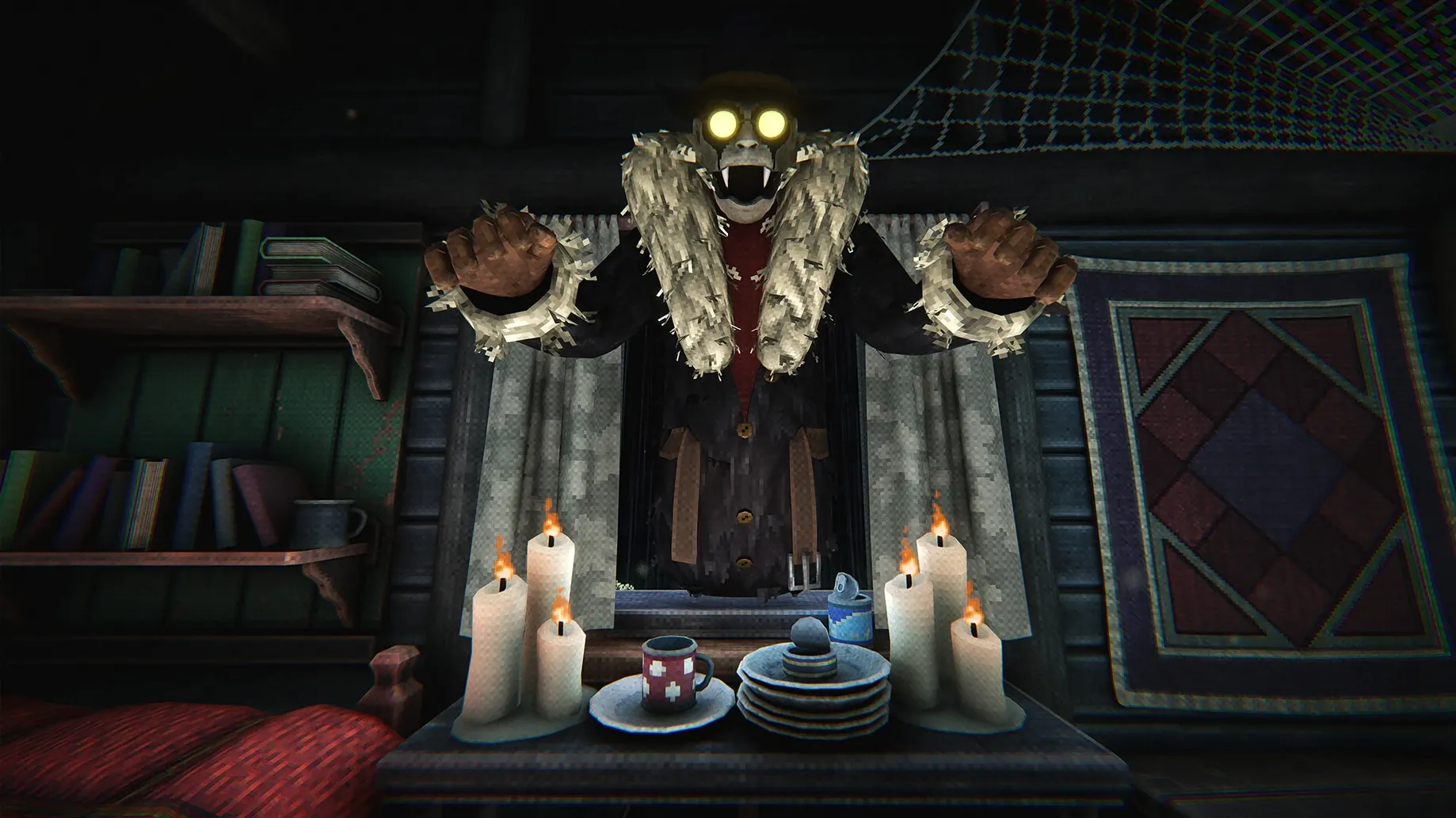
Version 1.0.11 of Is This Game Trying to Kill Me? brings no listed fixes or changes — it’s the same blend of first-person horror and puzzle-solving that shipped on November 13, 2024. The premise is straightforward: you survive traps inside a cabin, and those same traps start appearing in the real world outside it. Multiple endings depend on how you handle the connection between the two.
| Detail | Info |
|---|---|
| Developer | Stately Snail |
| Release date | 2024-11-13 |
| Architecture | Apple Silicon (ARM) |
| Languages | English, Russian, German, Simplified Chinese, Korean, Portuguese, Japanese |
On a Mac, the build targets Apple Silicon only — no Intel support. The developers tested it on macOS Tahoe with a Mac mini M4 (2024), so expect smooth performance on any M-series chip. Controls are standard mouse-and-keyboard first-person; no special peripherals required. If the game refuses to launch, run the Fix file included in the disk image before trying again.
Common pitfalls and how to fix them
The install steps are short, but a few things trip people up. Most errors come from skipping the Fix file or from macOS security settings blocking the app.
- Game shows an error on first launch. Run the Fix file inside the disk image. It’s a small executable that configures the Wineskin wrapper for this specific build. Without it, the game may crash before the menu appears.
- App won’t open after dragging it to Applications. Right-click the app in Finder and select Open. If that fails, hold Control while clicking and choose Open from the context menu. macOS may flag unsigned wrappers on first run.
- No audio or garbled sound. Check your system volume and make sure no other audio apps are using the output. The game uses music as its primary audio layer — no voice work — so sound playback is straightforward. If it persists, relaunch the app.
- Game runs but controls feel unresponsive. Quit other applications that might capture mouse input. The game expects standard first-person mouse look, so screen recorders or overlay tools can interfere.
- Game crashes at certain traps or puzzles. This is a known edge case in the Wineskin wrapper for some Unity-based Mac ports. Restarting the game usually resolves it. No save data is lost because the game writes progress regularly.
What the specs mean for your Mac
The build is compiled for ARM and tested only on macOS Tahoe with a Mac mini 2024 M4. That means any M-series Mac — M1, M2, M3, M4 — should run it without Rosetta translation. The game does not support Intel Macs at all; there is no x86 version in this package.
The disk image is a standard macOS disk image, not an ISO. Drag the app into Applications, wait for the copy to finish, then launch. That’s the entire install routine. No extra libraries or runtimes are required beyond what macOS Tahoe includes out of the box.
Languages supported are Russian, English, German, Simplified Chinese, Korean, Portuguese, and Japanese. The audio is music only — no voice acting in any language — so subtitles handle the story beats. Text language is set system-wide; you cannot switch it mid-game without restarting.
A straightforward path from launch to the first real puzzle
The first five minutes set the tone. Here is a straightforward path from launch to the first real puzzle.
- Open the disk image and drag the app into Applications. Wait for the copy to finish — do not launch from the disk image directly.
- If the game throws an error, open the disk image again and double-click the Fix file. It runs a one-time patch. Launch the app again from Applications or Launchpad.
- Select your language from the menu. The game defaults to English if your system language is not in the list. Confirm and proceed.
- You start inside the cabin. Look around with the mouse to find the computer on a desk. Approach it and interact with the prompt. This triggers the first trap sequence inside the game-within-the-game.
- After the trap resolves, examine the cabin for objects that match the trap you just saw. The connection between the game and reality is not explained — you learn by exploring. Pick up anything that looks out of place.
- Use those objects to solve the first puzzle blocking the cabin door. The solution is hinted at by the computer game’s behavior. If you get stuck, check the computer again — its state updates based on your actions in the cabin.
- Once the door opens, you enter the forest. Save progress at the autosave checkpoint. From here, the branching paths toward multiple endings begin.
- macOS version not specified by developer
- Apple Silicon (ARM) architecture
Questions from the notes
Is 'Is This Game Trying to Kill Me?' available for Intel Macs?
No, the build is for Apple Silicon (ARM) only. It will not run on Intel-based Macs.
What languages does the game support?
The interface is available in Russian, English, German, Simplified Chinese, Korean, Portuguese, and Japanese.
Does the game have more than one ending?
Yes, there are multiple endings, all tied to how the cabin and the real-world traps connect.
Install procedure
- Open the downloaded disk image.
- Drag the app into the Applications folder shortcut.
- After copying finishes, launch the app from Launchpad.
- If the game shows an error on launch, run the Fix file in the disk image.
Reports from players
Sign in or create a tester account to file a report.
No reports filed yet.