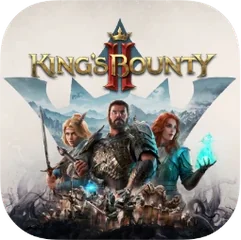
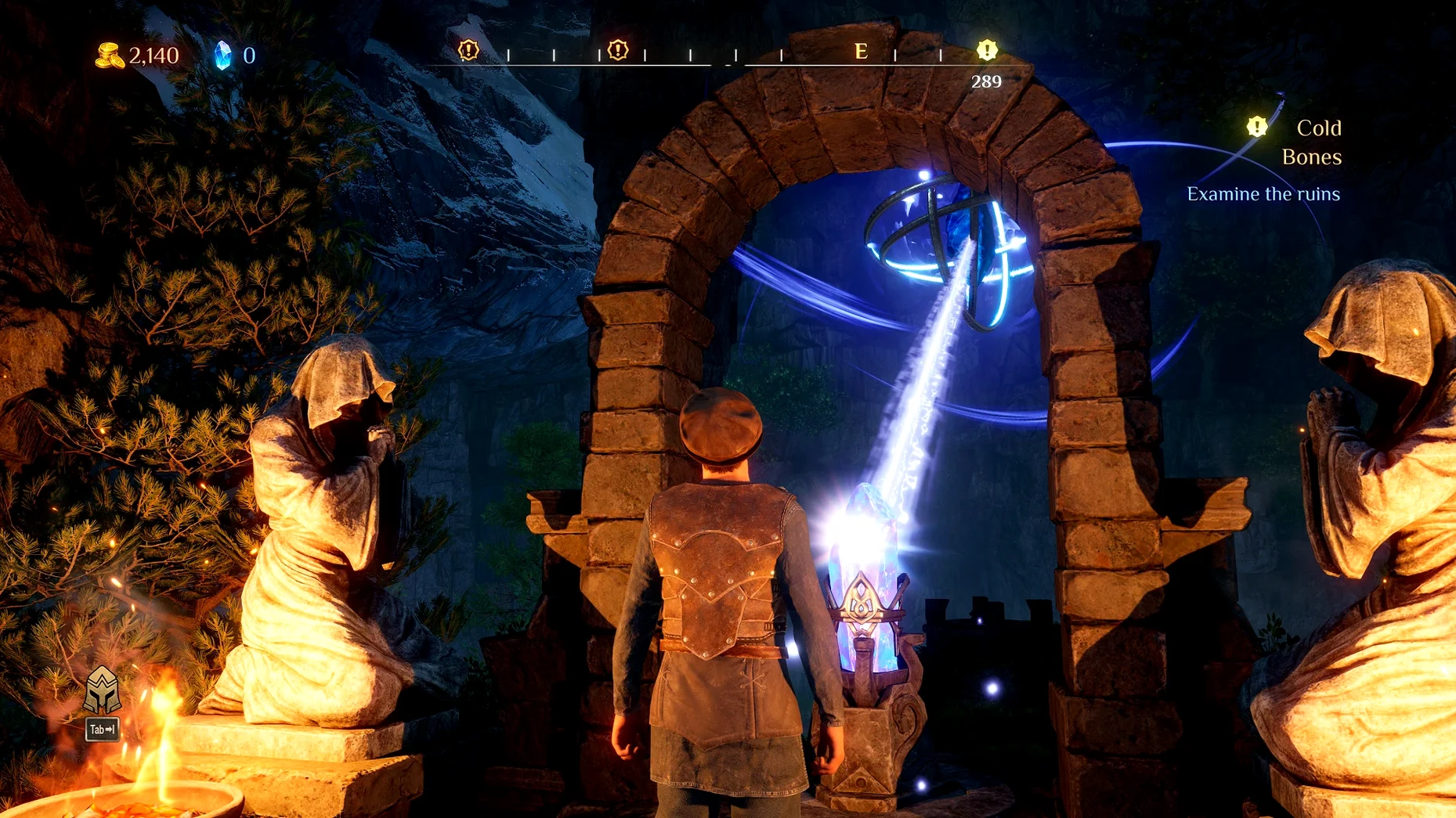
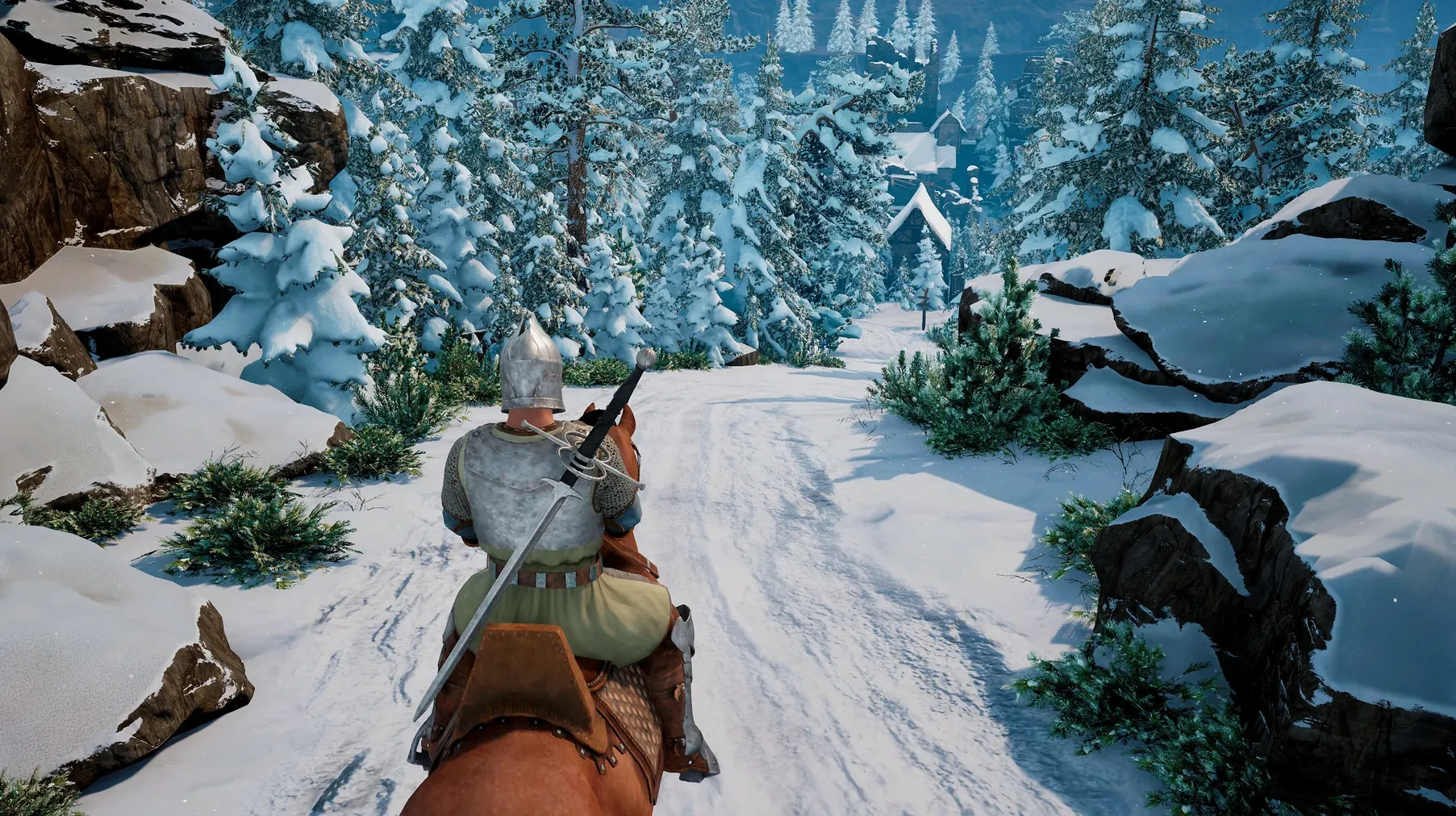
If you already have Wine installed for other Windows games on your Mac, King's Bounty II uses a similar wrapper approach — just copy the app to your Applications folder and launch. The game runs on Apple Silicon via a Wineskin build, no extra configuration needed.
| Detail | Value |
|---|---|
| Version | 1.7 Build (8178363) [Wineskin] |
| Architecture | Apple Silicon |
| Languages | 12, including English, French, German, Spanish |
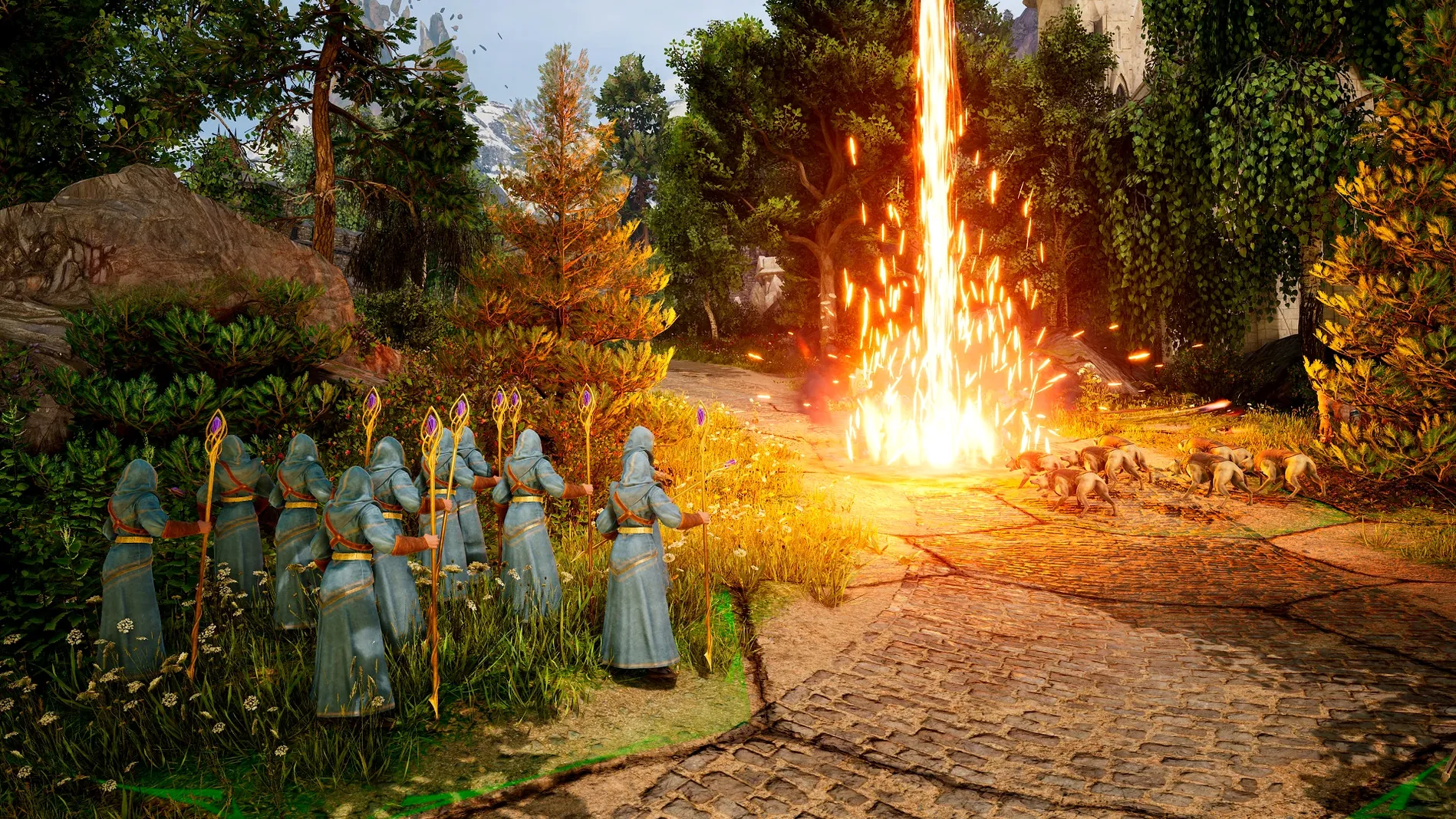
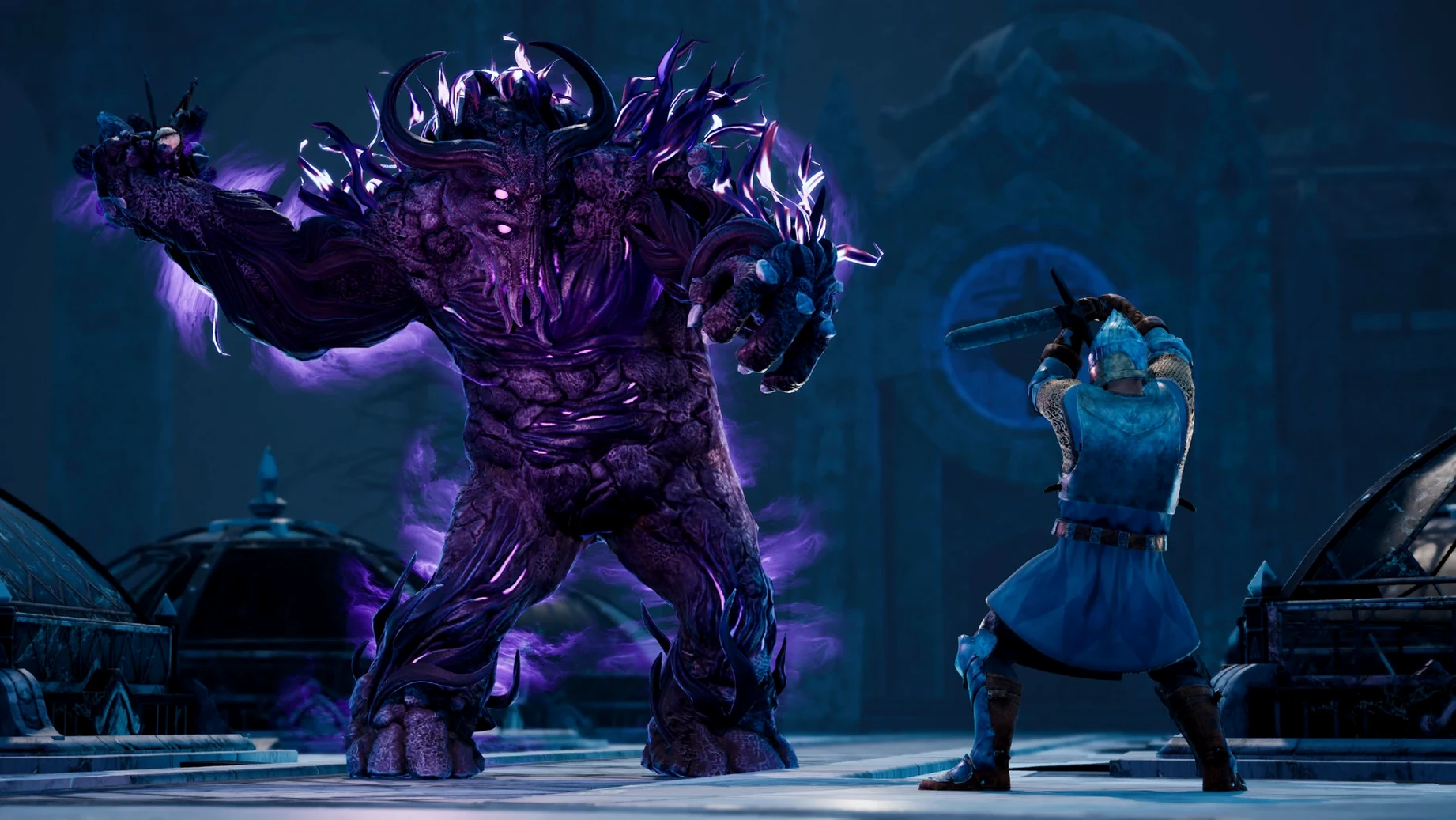
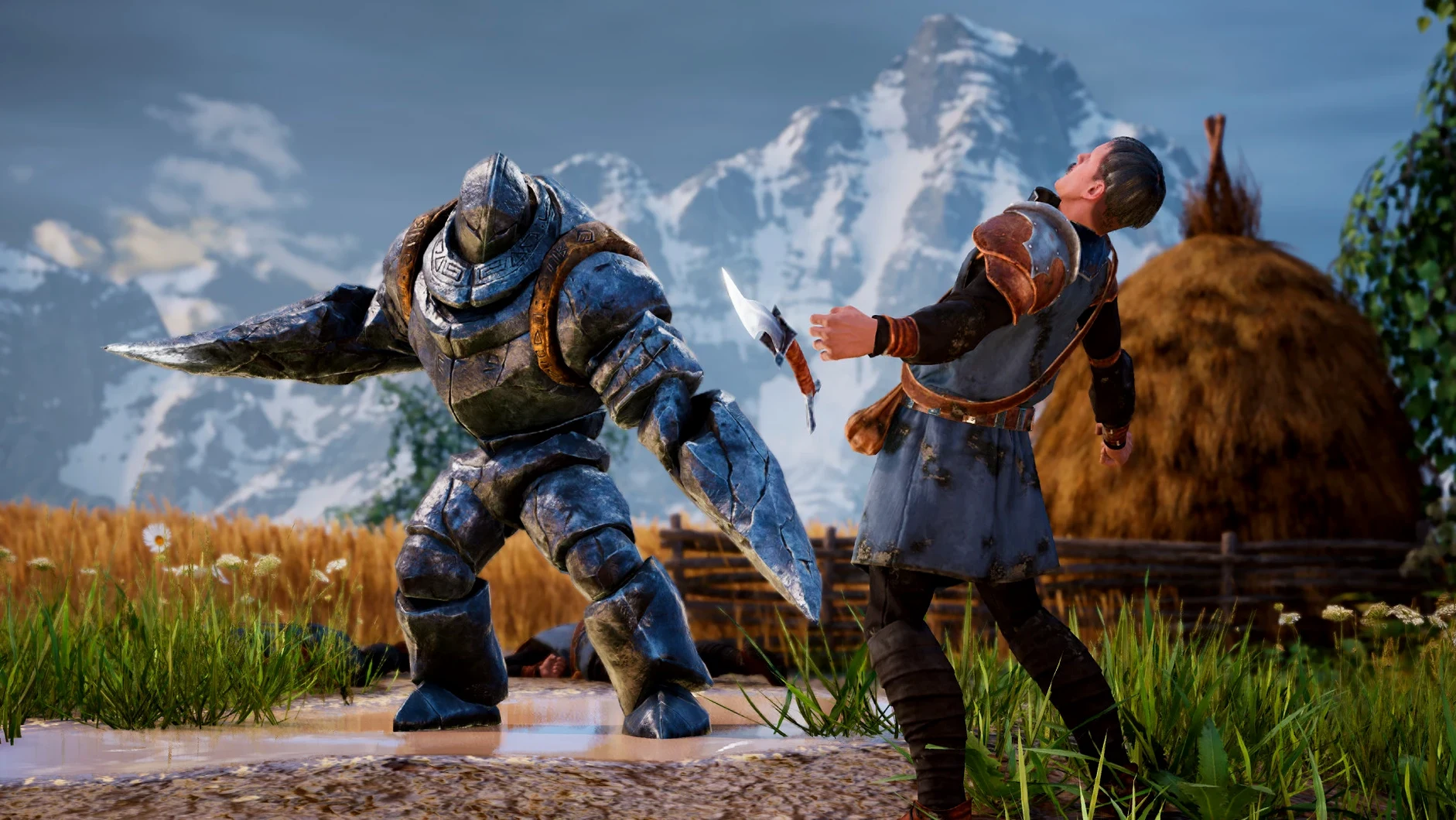
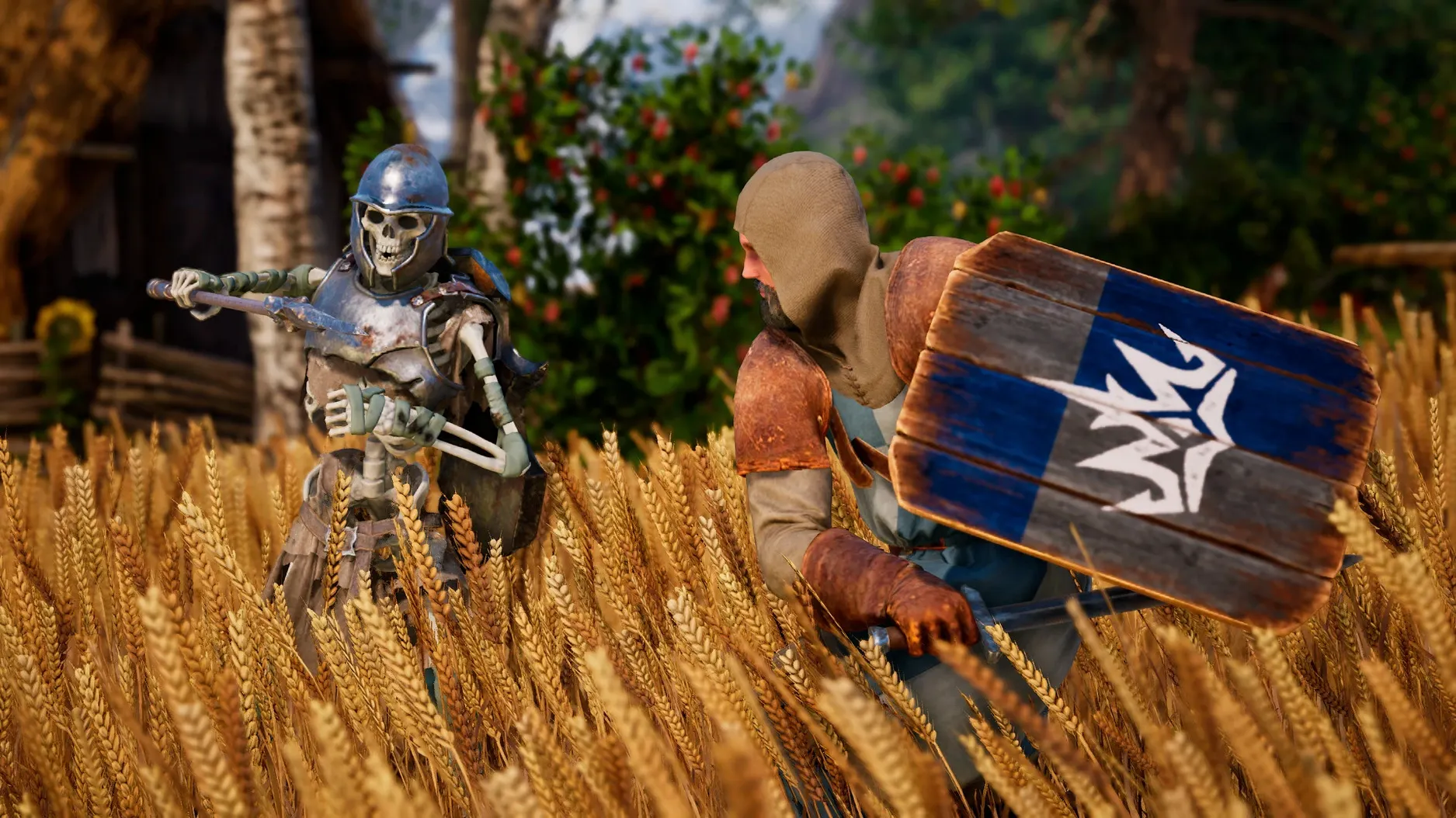
Set in the world of Antara, King's Bounty II is a turn-based strategy RPG where terrain affects battle tactics and your choices carry long-term consequences. You command armies across a fantasy map with three main heroes to choose from. Saves are stored inside the app bundle, so backing them up before updates is straightforward.
No internet connection required for offline play
Does the game need an internet connection? No. The build is self-contained, no activation required, so you can play offline as soon as the app is in your Applications folder. The tested configuration was macOS Sequoia on Apple Silicon, and the same wrapper approach should work on earlier macOS versions that support Wineskin builds.
Will my save files transfer if I update the game later? Yes, but you need to copy them out first. Saves live inside the app bundle at Kings Bounty II.app/Contents/SharedSupport/prefix/drive_c/users/Sikarugir/AppData/Local/KingsBounty2. Before replacing the old app with a new version, copy that folder somewhere safe, then drop it back after the update. If you just delete the old app without backing up, those saves are gone.
Which languages actually have voice acting? Only Russian and English. The other ten languages — German, Spanish, French, Italian, Polish, Czech, Japanese, Korean, Traditional Chinese, Simplified Chinese — are interface-only. If you prefer subtitled dialogue over dubbing, switching to your language and keeping English voices works fine.
What if the game shows an error on first launch? That happened on the test machine. The disk image includes a repair file — run it once, then start the game normally. It fixes a common Wineskin initialization issue and you won't need it again.
Drag-and-drop install with a brief first-launch setup
You mount the disk image, drag the app across to the Applications folder alias, and wait a moment. First launch takes a few seconds longer than subsequent runs — the Wineskin wrapper sets up its prefix in the background. If an error dialog appears, you quit, run the repair file from the disk image, and relaunch. That's it.
The main menu loads with three hero portraits. Each hero leans toward a different play style: one favors raw army strength, another magic, and the third a balanced approach. You pick one, and the opening cinematic establishes why you're marching into Antara.
On the world map, you move your party along roads and through forests. A roaming enemy sprite catches your eye — clicking it initiates a battle. The camera pulls back to a grid-based battlefield. Terrain matters here: high ground gives ranged units an advantage, and forest tiles reduce movement for cavalry. You position your archers on a hill, keep your infantry in a central line, and order your mage to cast a buff before the enemy closes in.
Between battles, you visit towns to recruit soldiers. The unit recruitment system offers a few types at each settlement — spearmen, archers, cavalry, and some magical creatures like griffins. Gold and reputation with that faction determine how many you can hire. You balance your army composition based on what the next quest area throws at you: heavy armor enemies need magic, fast units need archers with high initiative.
Side quests appear on the map with markers. Accepting one might lock out another — the game tracks your choices and reflects them later in quest outcomes or faction standing. You save manually before making these decisions, because the consequences aren't always immediate, and reloading is the only way to see both branches in one playthrough.
Mutually exclusive quests challenge completionist runs
You're the kind of player who wants to see every dialogue option, recruit every unit type, and finish every side quest before touching the final boss. King's Bounty II accommodates that, but with a warning: some quests are mutually exclusive. In one early region, you're asked to side with either a merchant guild or a religious order. Both offer unique units and a different story path. Save early, save often, and keep those backup copies outside the app bundle.
- macOS version not specified by developer
- Apple Silicon required
Questions from the notes
Where are the game saves stored?
Saves are located inside the app bundle at Kings Bounty II.app/Contents/SharedSupport/prefix/drive_c/users/Sikarugir/AppData/Local/KingsBounty2.
What should I do if the game shows an error on launch?
Run the repair file included in the disk image before launching the app again.
Install procedure
- Mount the downloaded disk image and drag the app to the Applications folder alias.
- After copying finishes, launch the app from Launchpad.
- If the game reports an error on launch, run the repair file in the disk image.
Reports from players
Sign in or create a tester account to file a report.
No reports filed yet.