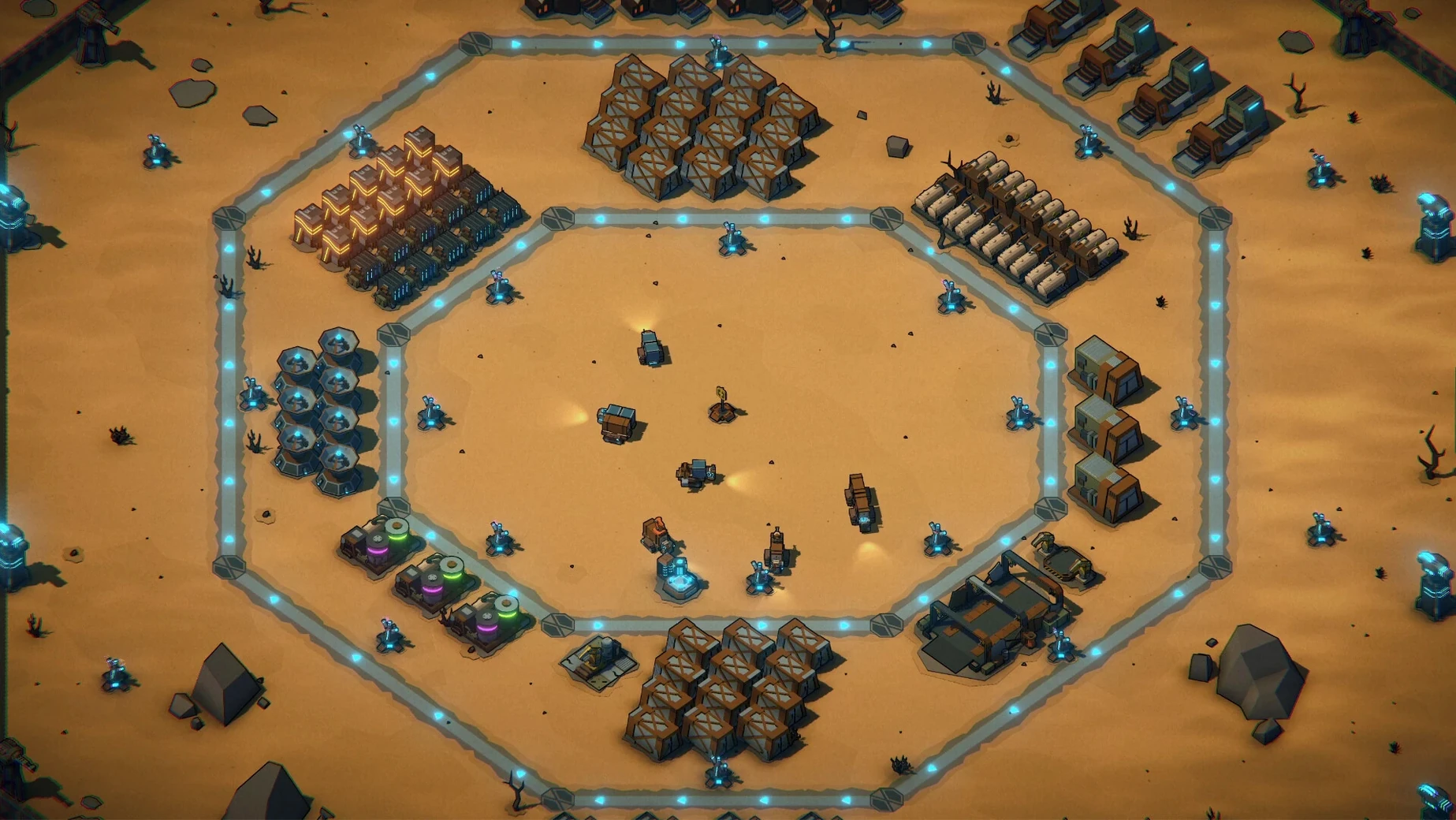
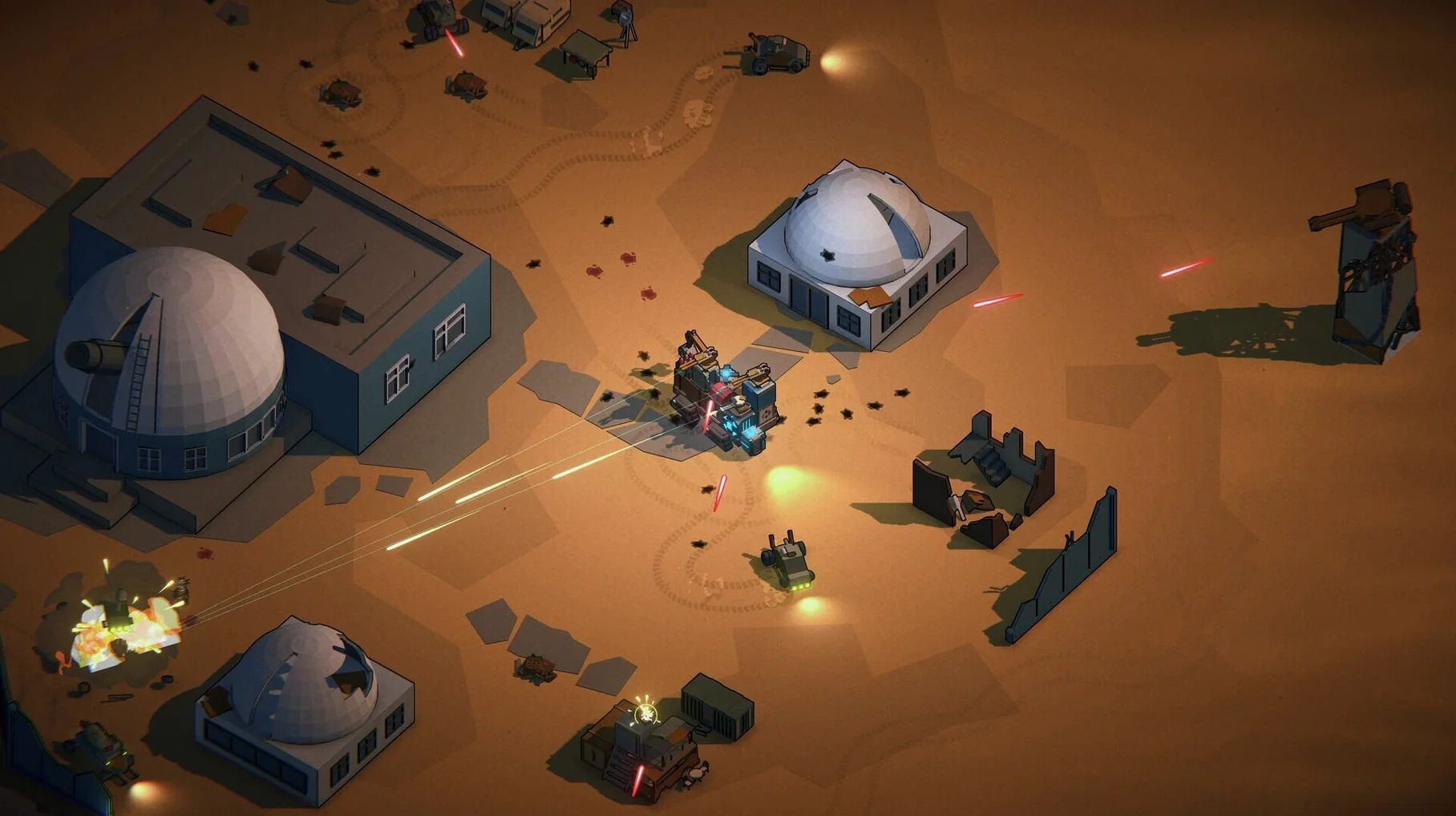
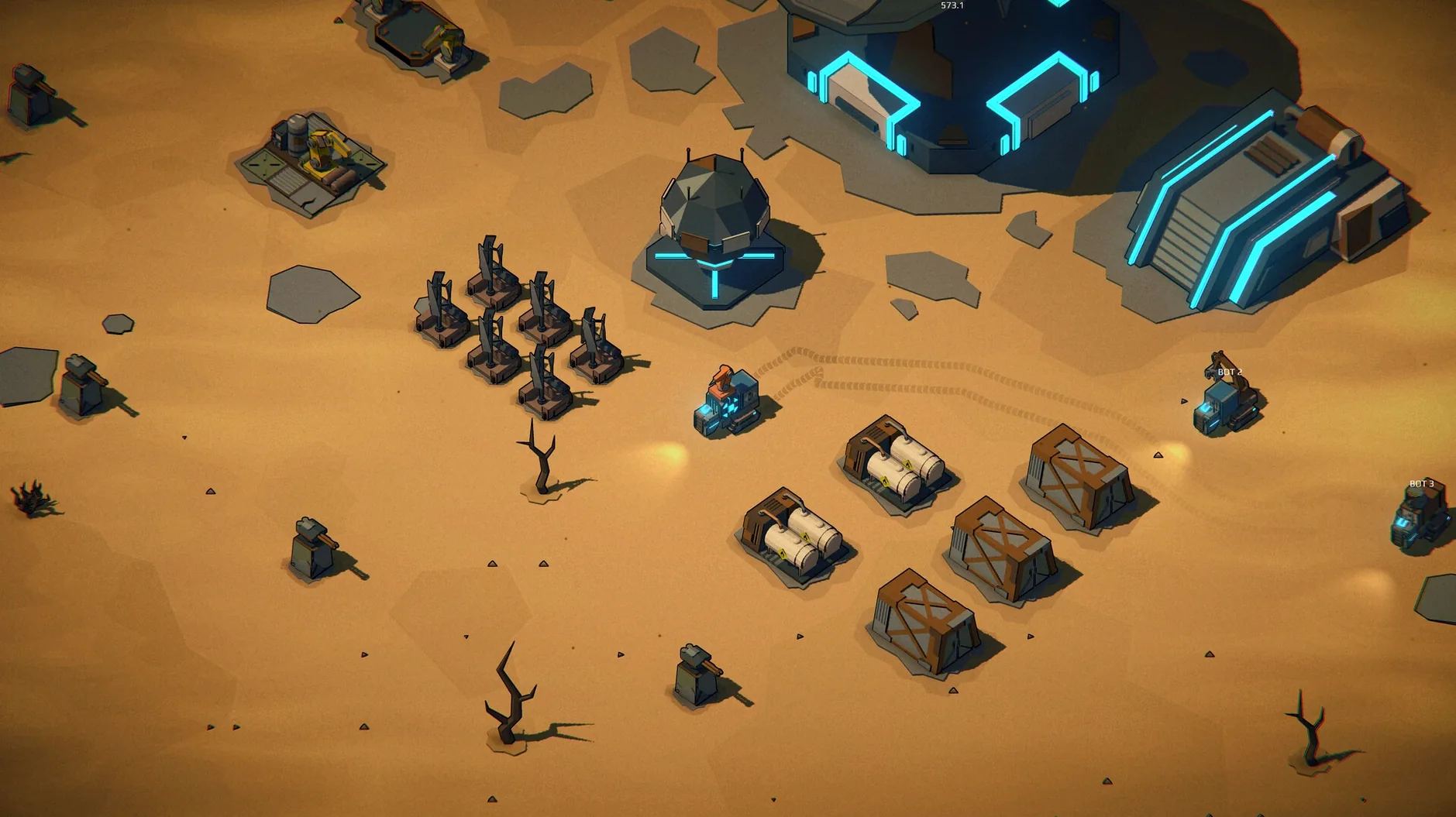
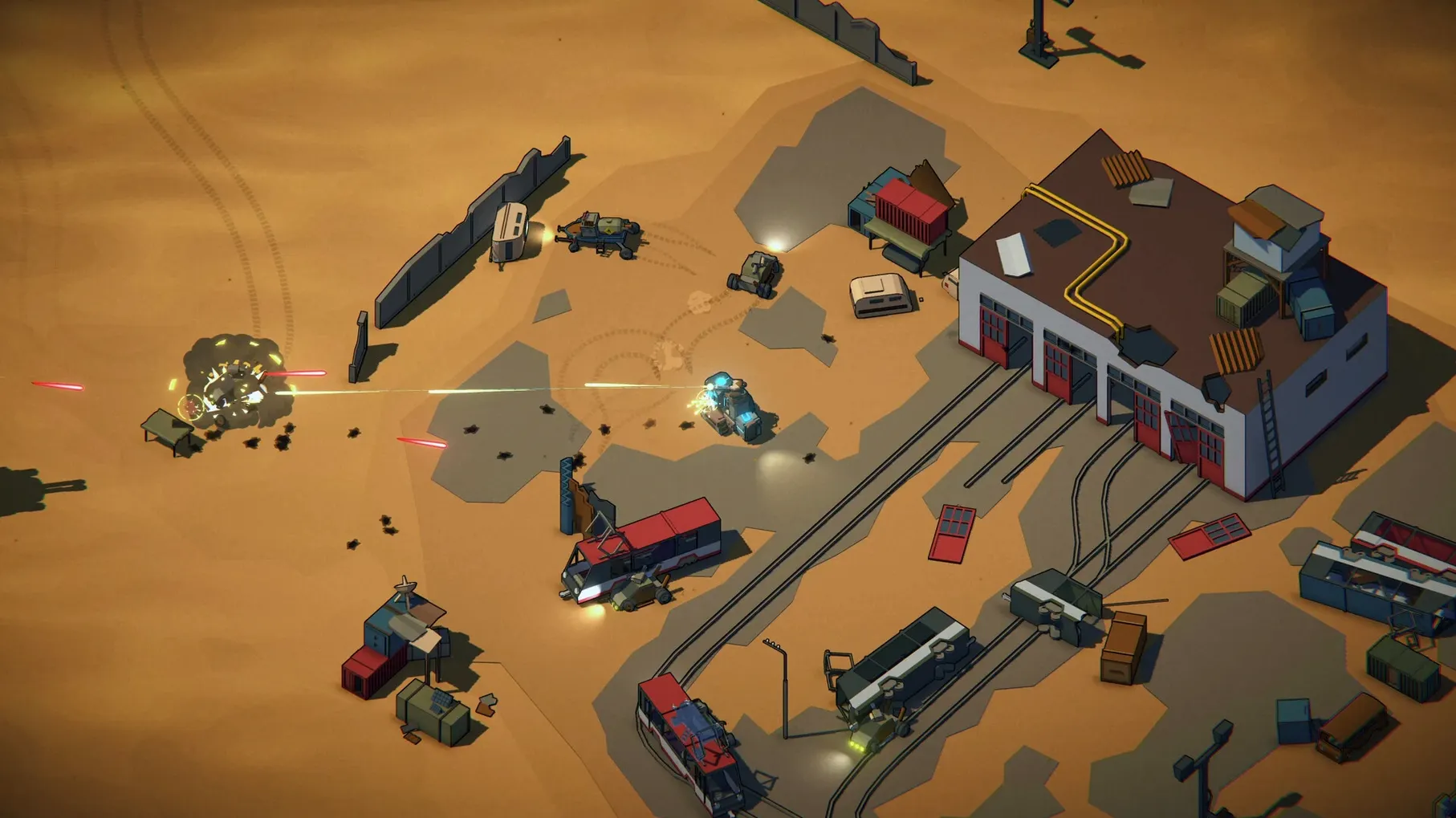
Machine Mind is for players who like their action with a side of planning. You are not just shooting through a ruined world; you are also managing resources, building rovers, and setting up automated workflows. The Steam page calls it an action game with survival and RTS elements, and that mix shows in how you play.
| Detail | Value |
|---|---|
| Version | 1.1.3 |
| Genre | Action, Survival, RTS |
| Architecture | ARM (Apple Silicon) and x86_64 |
| Interface languages | Russian, English, German, Spanish, Italian, Simplified Chinese, Korean, Portuguese, French, Japanese |
If you enjoy tinkering — customizing a rover with mining or combat modules, crafting weapons from scraps, building a base that defends itself — this will click. The post-nuclear, virus-ravaged setting gives you wastelands and abandoned factories to scavenge and secure. Automation is a core hook: you can set up controlled machines to do repetitive work while you focus on bigger threats.
If you want a pure action romp with no base management, Machine Mind may feel slower than expected. The RTS layer asks for attention between fights. That said, the version 1.1.3 build runs on both Apple Silicon and Intel Macs, tested on macOS Tahoe with an M4 Mac mini, so performance should be solid for most players who accept the hybrid pace.
Ignoring early resource collection stalls progress past the mid-area boss
The game does not hold your hand through the balance between fighting and building. A common mistake is ignoring resource collection early on. You can scrape by with what you loot from raiders, but once you hit a mid-area boss, the lack of upgraded modules and vehicle armor becomes obvious. New players often spend their first scrap on extra weapons instead of a mining module. That makes the early automatable resource flow slower, and you end up fighting more for less return.
Another frequent snag: building a rover that tries to do everything at once. A jack-of-all-trades vehicle looks efficient, but in practice it mines slowly, fights poorly, and hauls less than a dedicated hauler. The automation system works better when you assign specific roles — one mining rover, one combat rover, one transport rover — and let them loop their tasks. Trying to micromanage a generalist machine burns time you should spend exploring or upgrading the base.
How to sort out common issues
If your automated rovers keep stopping or getting stuck, check their assigned task area. The pathfinding can get confused if you place a mining rover near a base wall or in a cluttered zone. Clearing a small corridor or moving the gather point a few tiles away usually fixes it. If fuel or resources vanish mid-operation, that was a bug in earlier builds — version 1.1.3 patched the partial load/unload loss, but if you see it, restart the rover task from scratch rather than resuming it.
Blueprint mode duplicating widgets used to crash the game. Version 1.1.3 addressed that, but if you still hit a crash, save before entering Blueprint mode and reload after any duplicate widget creation. The duplicated widget warning in the patch notes suggests the fix covers the most common crash path, not every edge case.
Getting comfortable in the first three days
Start each new session by checking your resource stock and your rover assignments before heading into combat. The habit of reviewing your automated setup first prevents you from running out of fuel or ammo mid-fight. Keep one rover on pure resource looping while you learn the enemy spawn patterns on a map. Once you know where raiders come from, you can stage a combat rover there instead of chasing them across the wasteland.
Use the Double Road tool from version 1.1.3 early. Laying two parallel roads at once saves time when you are linking a new mining site to your base. It is a small quality-of-life addition, but it adds up over a session. And when numbers start getting large, the new K/M/B formatting keeps the HUD readable — you do not need to count zeros while a boss is closing in.
The 1.1.5 Native update is live. No patch notes were published alongside this build.
- Apple Silicon or Intel 64-bit Mac
Install procedure
The download sits around 600 MB and the steps are quick. After that, the app opens on both Apple Silicon and Intel Macs.
- Open the downloaded disk image.
- Drag the app icon onto the Applications folder shortcut.
- Once copying finishes, launch the app from Launchpad.
Reports from players
Sign in or create a tester account to file a report.
No reports filed yet.