
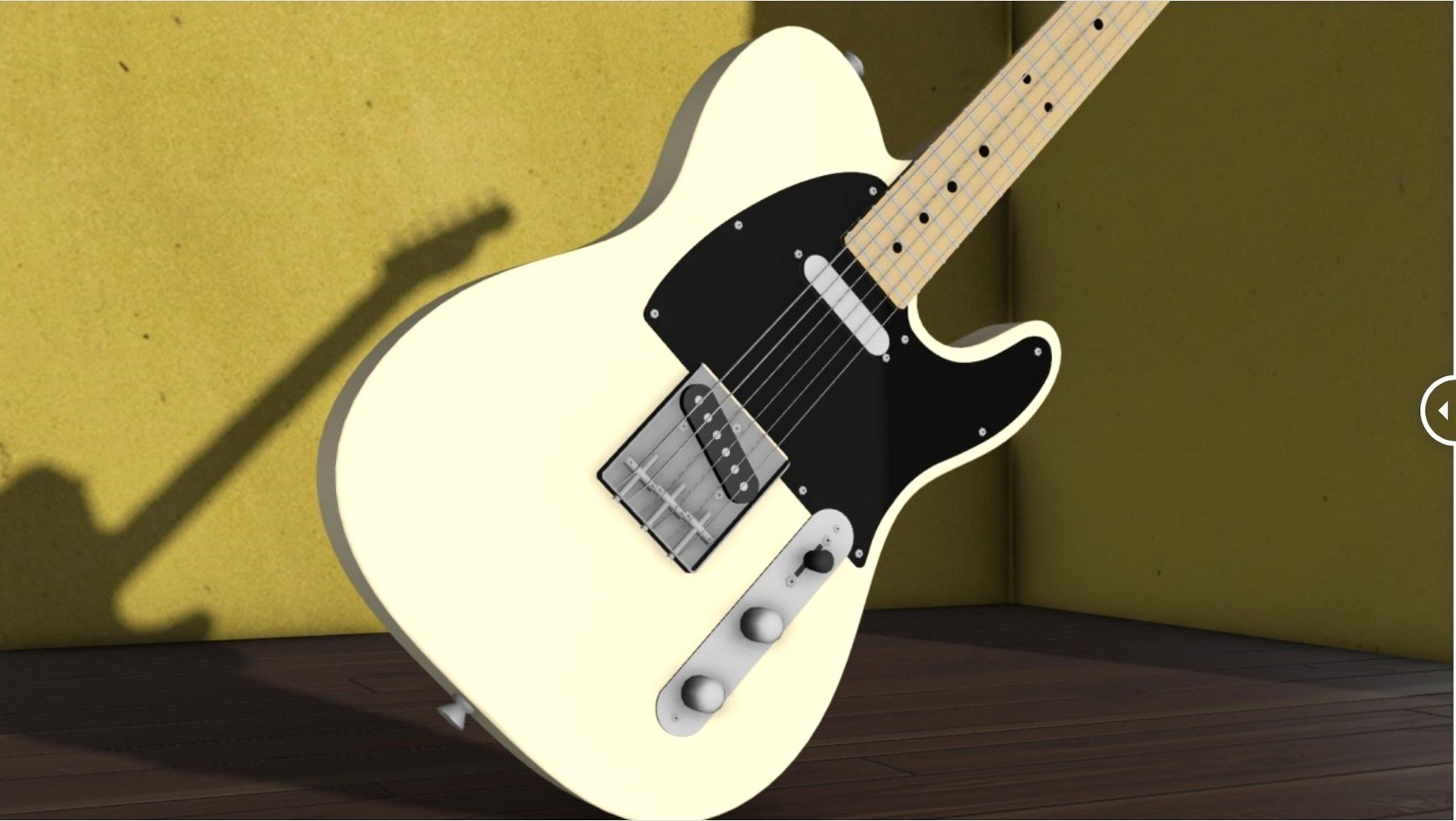
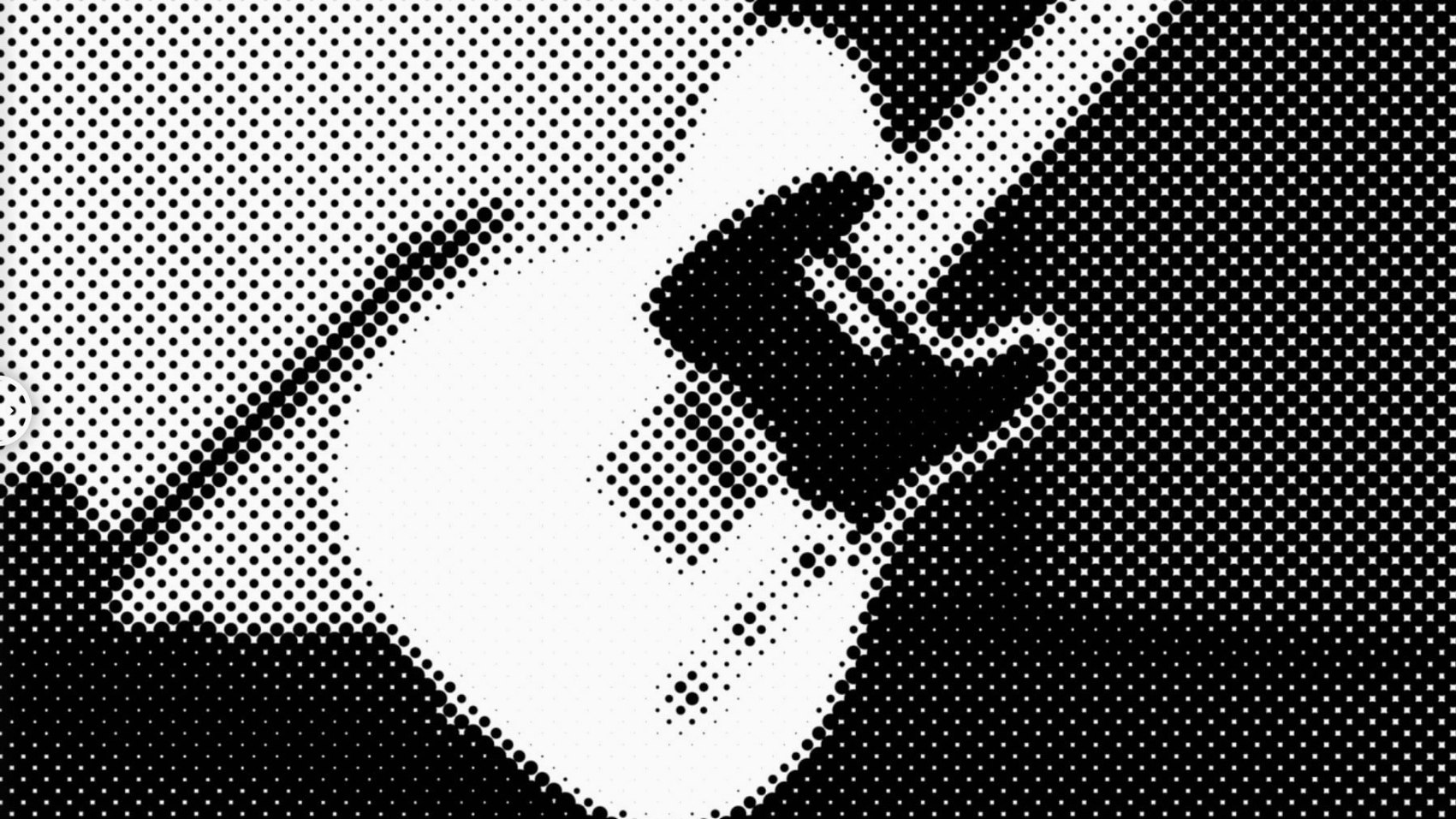
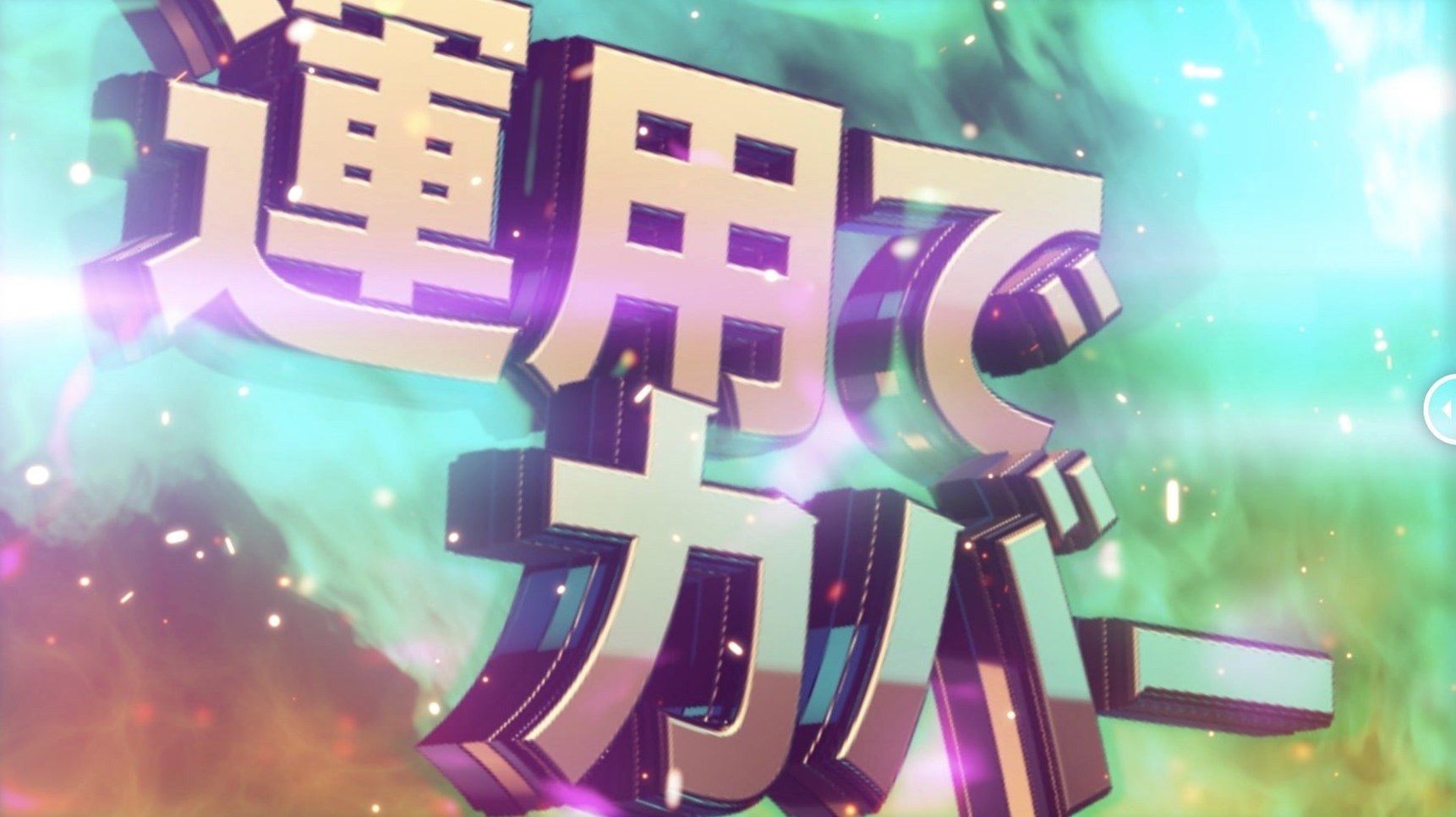
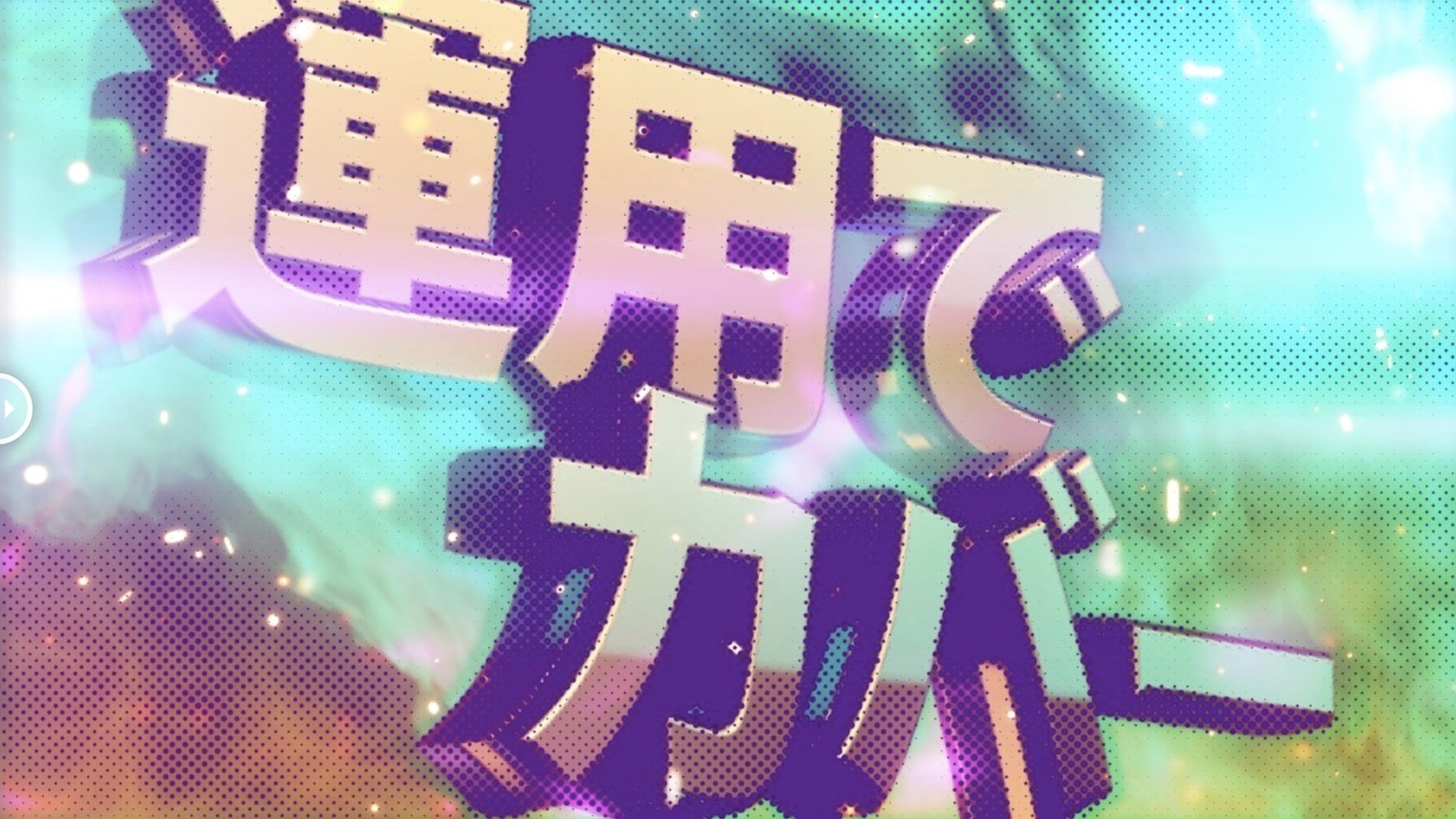
Halftone effects in After Effects often require layer maps or complex expressions to get right. m's HalfTone skips that setup entirely. You add the effect directly to a layer and start adjusting dots, lines, or squares immediately.
What does the dot size control do?
The dot size slider sets the scale of the halftone pattern. Smaller values produce a fine, newspaper-like texture; larger values create bold, graphic dots that dominate the frame.
How do rotation and offset affect the pattern?
Rotation spins the entire halftone grid, which is useful for matching the angle of a subject or adding dynamic energy. Offset shifts the pattern's position, letting you fine-tune where dots land relative to edges or highlights.
Why are alpha and sampling controls included?
Alpha control lets you fade the halftone effect in or out without affecting the underlying layer. Sampling controls determine how the source image is read, giving you more consistent results across different footage types.
m's HalfTone runs on Intel and Apple Silicon Macs
m's HalfTone 1.5.3 runs on both Intel and Apple Silicon Macs, including M1 machines. The plugin is a 64-bit binary, so it works with modern After Effects versions without compatibility layers. Since it supports After Effects as far back as CS5, the same installer covers a wide range of workflows — from legacy setups to AE 2026.
The plugin adds its effect directly to a layer, so there are no precomps or adjustment layers required. It's a single effect in the Effects & Presets panel. The interface is in English, and the installation guide included in the package walks through the standard plugin placement for your After Effects version.
Start by switching the shape type to squares or lines
After applying m's HalfTone to a layer, a few adjustments give you useful results faster than leaving defaults. Start with these:
- Shape type — the default is circles. Switch to squares or lines if you're going for a more stylized look. Square halftones work well for retro comic aesthetics, while lines suit newsprint or mechanical textures.
- Dot size — set a value that matches your output resolution. A dot size that looks good in a composition panel might feel too coarse or too fine in the final render. Adjust it early before you build other layers around it.
- Rotation — if your footage has strong horizontal or vertical lines, rotate the halftone grid a few degrees so the dots don't align with them. This avoids visual interference and makes the pattern feel more organic.
- It's quicker than duplicating the layer or adjusting opacity afterward.
The licensing update didn't change how the effect works
The only change listed for version 1.5.3 is a licensing framework update to v4.1.4. That means the plugin's activation and validation system was refreshed. For daily use, this doesn't alter how the effect works or how you adjust controls. What it does affect is the installation step — the included activation guide now references the updated framework, so follow that document rather than an older set of instructions if you're coming from a previous version.
If you already had an earlier build installed, the new version replaces it cleanly. No settings you made in a project should change, since the effect parameters (dot size, rotation, offset, alpha, sampling) remain identical in this release.
Test on a simple solid layer before using video footage
- Test on a simple solid layer first. Apply m's HalfTone to a solid with a gradient or a shape layer. That way you see how each control changes the pattern without the complexity of video footage.
- Use sampling controls early. If the halftone looks uneven or noisy on your footage, adjust the sampling method before tweaking dot size or rotation. The right sampling setting can clean up the result significantly.
- Save a preset. Once you find a combination of dot size, shape, rotation, and offset that works for a project, save it as an After Effects preset. This saves time if you need to apply the same look to multiple layers or scenes.
- Combine with alpha. Animate the alpha control over time to have the halftone effect fade in or out. This works well for transitions between a clean image and a stylized treatment.
- Check the included guide. The installation and activation instructions cover placement for the full range of After Effects versions from CS5 through 2026. Skim them even if you've installed AE plugins before — the licensing update in 1.5.3 may differ from what you're used to.
- Licensing framework updated to v4.1.4.
- macOS (architecture: Intel and Apple Silicon)
- After Effects CS5 through 2026
Questions from the notes
Which After Effects versions are supported?
The plugin supports After Effects CS5 through 2026.
What shapes can I use for the halftone pattern?
Circle, square, and line shapes are available.
Install procedure
- Use the included installation and activation instructions.
- Follow the included guide to install and activate the plugin.
Reports from players
Sign in or create a tester account to file a report.
No reports filed yet.