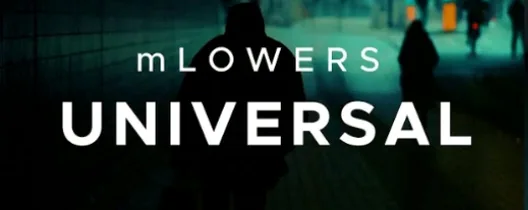
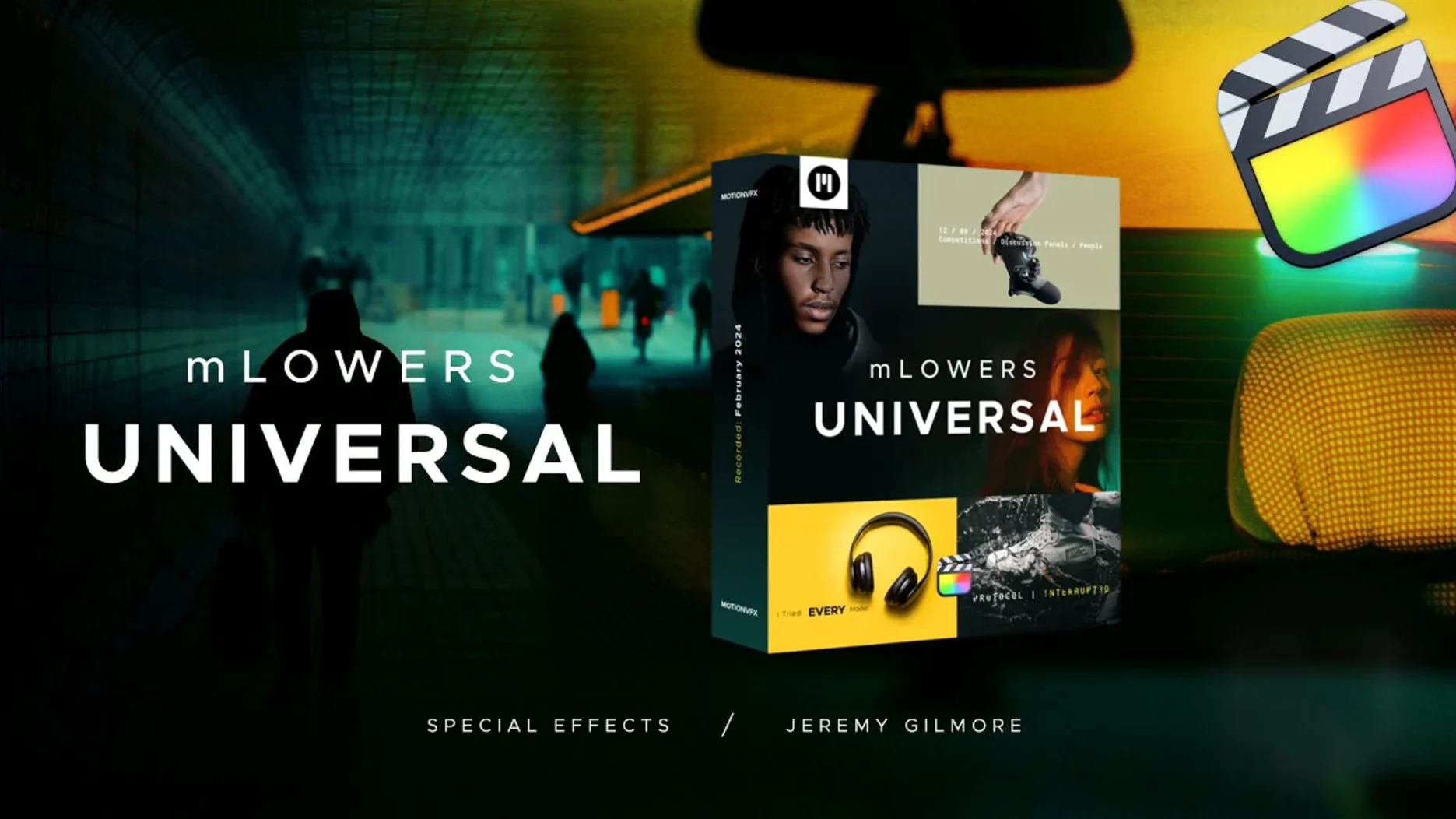
The current version brings no changes, but the pack itself stays useful for editors who want fast title options. mLowers Universal for FCP is a universal set of lower thirds and titles, ready for Final Cut Pro projects.
Add dynamic glitch-style effects to cutaways and chapter markers
- Adding dynamic glitch-style effects to cutaways and chapter markers.
- Retro-style designs that fit period pieces or music videos.
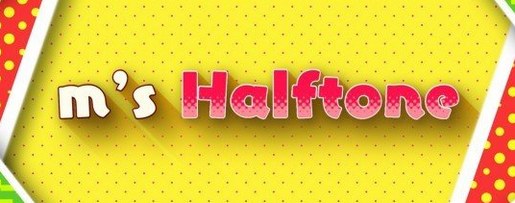
- Movie-screen-inspired looks for a cinematic opener or end card.
- Quick placement—motionVFX describes it as easy to use, so it suits tight deadlines.
Requires manual placement in the Motion Templates folder
- It is a preset pack, not a standalone app; it runs inside Final Cut Pro.
- You need to move the templates into the Motion Templates folder before they appear.
- No version-specific updates or system requirements were listed for this release.
Remains unchanged from the initial release with no new presets
The current version of mLowers Universal for FCP is effectively unchanged from the initial release. There are no new presets, no altered behaviors, and no macOS version bumps tied to this pack. What that means in practice: if you downloaded it six months ago, you have the same 70 animated lower thirds you would get today. The templates still drop into Final Cut Pro the same way, and the category folders (glitch, retro, high-tech, social markers) remain identical.
For a preset pack, that is normal. Once the animations are built and the drag-and-drop workflow is set, there is little reason to revise them. The only real change is that the developer, motionVFX, has not pushed an update that would require re-downloading or re-sorting the files. If you already have it installed, there is nothing to do.
Suits solo video producers cutting social content and YouTube explainers
mLowers Universal fits best for three kinds of editors:
- Solo video producers who cut social content, YouTube explainers, or client testimonials. They need lower thirds that look intentional but take under a minute to drop in. The social media markers in this pack are designed for cross-platform promotion, so a producer managing TikTok, Instagram, and YouTube can reuse the same lower third with minor text swaps.
- Motion graphics beginners who work in Final Cut Pro and want animated titles without opening After Effects or Apple Motion. The presets handle the animation logic, so a beginner can focus on the text and timing. This is also where the "easy to use" claim matters most—there is no timeline keyframing to learn.
- Editors on tight turnaround who need a specific look fast. The glitch and high-tech presets work for gaming streams, tech reviews, or sci-fi shorts. The retro section covers music videos, vlogs with a vintage filter, or event recaps where a VHS-era feel fits. Having all 70 in one folder keeps you from hunting through separate downloads.
Editors who rely on custom motion graphics or brand-specific animations will still want to build their own, but mLowers covers common generic needs without extra work.
Most frequent mistake is placing files in the wrong Final Cut Pro folder
The most frequent mistake is placing the files in the wrong folder. Final Cut Pro expects lower-third templates inside /Users/Your Name/Movies/Motion Templates/Titles. If you drop them into the main Motion Templates folder or a different subfolder, the Titles browser stays empty. Beginners sometimes drag the whole unzipped folder into the Titles directory but forget to nest it correctly—the pack should appear as a subfolder, not as loose files.
Another common error is trying to edit the animation parameters before understanding what each control does. While the presets are drag-and-drop, some have drop-zone layers for logos or images. Beginners often double-click the text layer and change font or color, which works, but they skip adjusting the duration of the animation itself. The default time may be too short or too slow for the project. Checking the clip length in the timeline and trimming the template to match is a step that gets overlooked.
Some users also expect the glitch effects to be frame-accurate from the start. The glitch presets are designed to look random, but they play the same way every time you drop them in. If you want the glitch to sync with a beat or a cut, you need to split the template and adjust the timing on the timeline. It is not a bug—it is a preset limitation that beginners mistake for a broken file.
Interacts with other MotionVFX packs using the same installation method
mLowers Universal works entirely inside Final Cut Pro, but it can interact with your broader workflow in a few ways. If you use MotionVFX other packs (such as mParticles or mTransitions), the same install method applies: move the files to the Motion Templates folder, and they all appear in the same Titles or Transitions browser. There is no conflict, and the folder structure keeps them separate.
You cannot open them in Premiere Pro or DaVinci Resolve. If you move between editors, you will need a separate lower-third solution for each.
On the macOS side, the templates are plain .mogr files inside a standard folder hierarchy. macOS Finder search can locate them by name or date if you ever need to audit what is installed. The Motion Templates folder is also synced by default if you use iCloud Drive or a shared folder across multiple Macs—just keep in mind that the full folder path includes your username, so sharing the pack on a second machine requires copying the files, not just dragging a shortcut.
Some users combine this pack with universal audio mac torrent or other royalty-free audio sources to build quick sizzle reels. The lower thirds stay synced to the video timeline, so adding a glitch preset with a beat-matched cut is a matter of trimming the template length to the audio waveform. No extra plugin is needed.
- macOS: not specified
- Architecture: not specified
Questions from the notes
Does mLowers Universal for FCP work with Final Cut Pro?
Yes, motionVFX says it is ready for Final Cut Pro projects. It installs as motion templates in the Titles browser.
What styles are included in the pack?
The pack includes dynamic glitch-style effects, retro designs, and looks inspired by movie screens. It is a universal set of lower thirds and titles.
Install procedure
- Move the files to
/Users/Your Name/Movies/Motion Templates/Titles.
Reports from players
Sign in or create a tester account to file a report.
No reports filed yet.