noteGRABBER 2.0.0 shifts how you work with sampled audio. The plugin listens to a note or chord in an audio file and outputs MIDI data you can route to any instrument. For sample-based beat making, that means you can rewrite a melody without hunting for the right pitch by ear.
Extract the notes
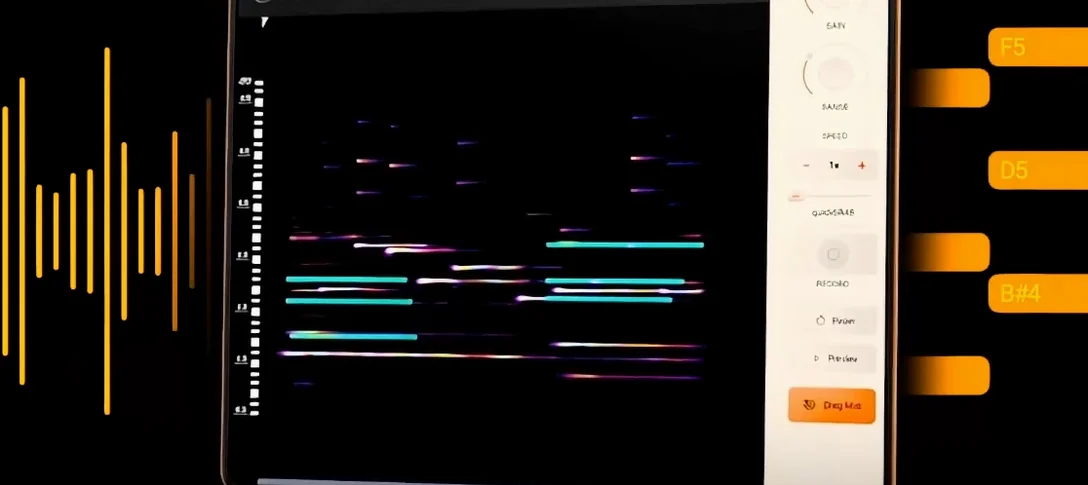
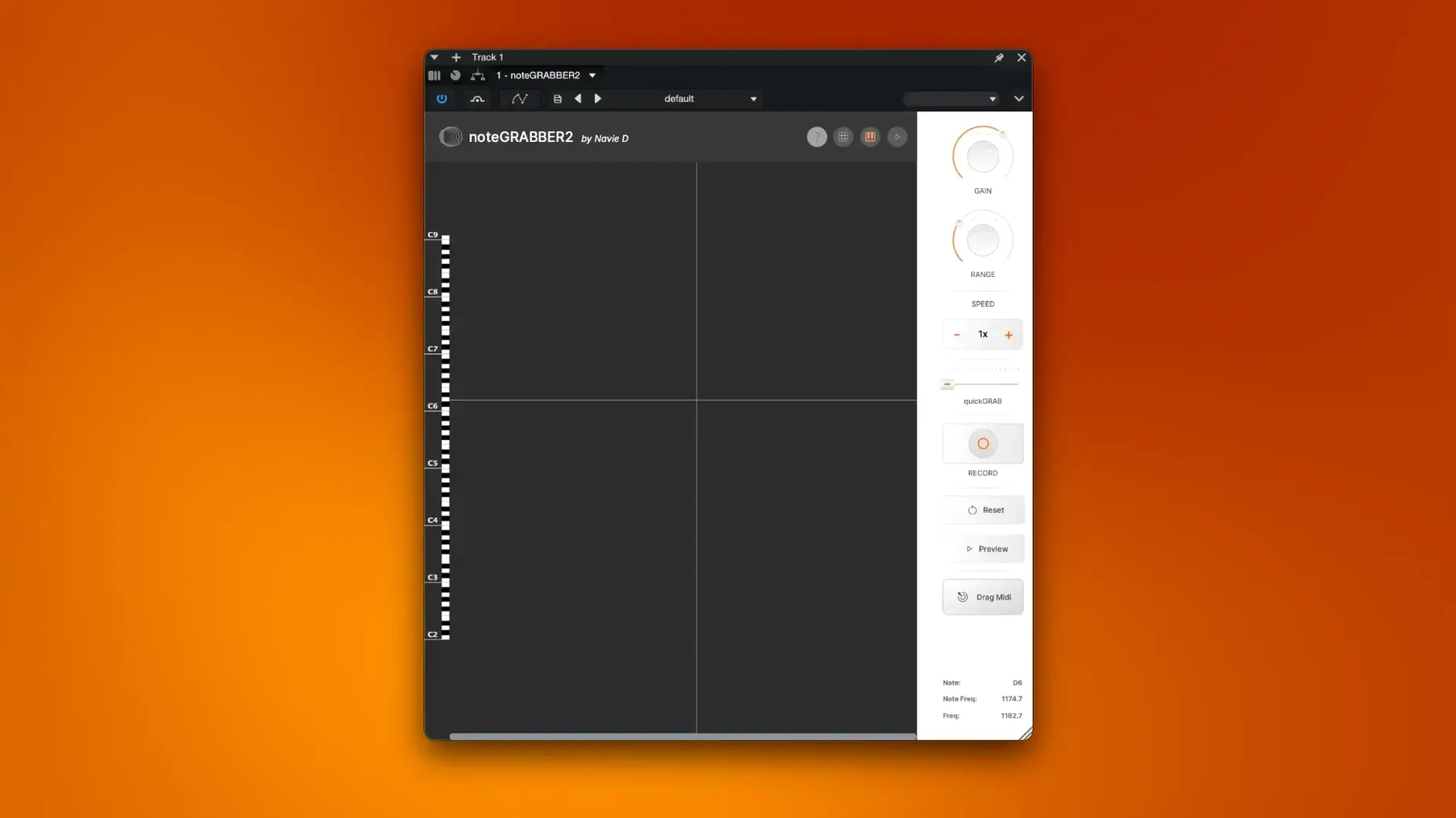
Drop a sample into noteGRABBER, and it analyzes the audio for pitch content. The detection reads the fundamental frequency and maps it to a MIDI note, which lands on a virtual keyboard. You see exactly what the sample is playing, down to the semitone.
Rewrite the melody
Once the MIDI is captured, you can drag it to your DAW's MIDI track. From there, change the key, adjust the rhythm, or re-sequence the notes entirely. It turns a static sample into a flexible melodic element you can shape.
Route it to your instruments
The plugin outputs standard MIDI, so it works with any soft synth or sampler you already use. Assign the captured notes to a bass patch, a lead, or a pad — the source audio becomes a starting point, not a limitation.
Raise the threshold to ignore room tone or soft tails
noteGRABBER 2.0.0 works right out of the package, but a few adjustments save time. The threshold controls how quiet a note must be before the plugin ignores it. If your sample has room tone or a soft tail, raise the threshold so those low-level sounds don't generate unwanted MIDI notes. Start with the threshold around where the sample's quietest audible note sits, then nudge it up until stray ghosts disappear.
The note range setting limits what frequencies the plugin scans. A bass sample doesn't need to look for notes above middle C. Narrowing the range reduces false hits and speeds up analysis. Set the low and high bounds to match the instrument in your sample — a kick drum should scan low, a flute sample should scan higher.
The sensitivity control adjusts how aggressively noteGRABBER splits a held note from a new one. Lower sensitivity keeps a single long note intact; higher sensitivity catches rapid changes in pitch or attack. For a sustained vocal phrase, lower works. For a fast guitar riff, higher gives better articulation.
Filter audio before noteGRABBER to fix wrong MIDI notes
A few issues show up regularly. The most frequent: the plugin outputs MIDI notes that don't match what you hear. This usually means the sample contains harmonics louder than the fundamental. Try filtering the audio before it hits noteGRABBER — a low-pass or high-pass filter in your DAW can strip out harmonic confusion. If the sample has heavy distortion, clean it up first.
Another common snag: noteGRABBER sees one chord as a single note. The plugin analyzes pitch at a single point in time, so a chord with multiple simultaneous pitches may register only the loudest. The workaround is to isolate each note by soloing individual parts of the sample in your DAW and running them one at a time. For polyphonic material, use noteGRABBER on monophonic sections of the sample.
Occasionally the MIDI output has a note that sustains longer than expected. This happens when the sample's release tail contains a resonant frequency close to the same pitch. Lower the threshold or trim the sample's tail before analysis to avoid that.
Turning a vocal phrase into a bassline with noteGRABBER
I had a short vocal sample I wanted to turn into a bassline. The sample was a single phrase of someone singing a melody around middle C. I loaded it into my DAW's audio track, then inserted noteGRABBER on that track's audio chain.
First, I set the threshold low enough that the plugin picked up the soft starts of syllables but ignored the breaths between them. The note range I set from C2 to C4 to stay focused on the vocal register. I hit play, and the virtual keyboard showed the notes lighting up in real time. The melody was there, but the plugin caught a few stray mid-range harmonics from the room reverb.
I bypassed noteGRABBER, added a low-pass filter at 1 kHz on the audio track, then re-enabled the plugin. The second pass was clean — only the fundamental of each sung note appeared. I exported the MIDI data by dragging the plugin's output to a new MIDI track. I loaded a basic synth bass patch on that track, and the vocal melody became a bassline in the same rhythmic pattern.
From there, I edited the MIDI. I shifted a couple of notes down to change the melodic contour, added a few repeated notes to lock into a groove, and transposed the whole thing down an octave. The original sample was still on its own track, so I could mute or blend it. The whole process took maybe five minutes once the filter was set.
Insert noteGRABBER into any AU-compatible DAW as a plugin
noteGRABBER is a plugin, so it lives inside your DAW — Logic Pro, Ableton Live, Cubase, Studio One, and any other AU-compatible host. It doesn't need a standalone app or a separate window. You insert it like any other effect or instrument on an audio track, route the audio through it, and the MIDI output appears in the plugin's own output section or in a dedicated MIDI clip depending on your DAW.
macOS 10.12 or later handles Audio Units natively, so noteGRABBER registers in the system's audio unit cache automatically after installation. No extra kexts or system extensions needed. It works on both Intel and Apple Silicon Macs through Rosetta or natively — the developer ships a universal binary, so you don't need to pick a version.
The plugin integrates with Apple's built-in audio tools too. If you use QuickTime Player to preview samples, you can export the audio file and drop it into your DAW directly. Or use Audio MIDI Setup to route output between apps if you're experimenting with a sampler that lives outside the DAW. NoteGRABBER itself stays in the plugin context, but the MIDI data it produces can go anywhere a standard MIDI file goes.
noteGRABBER is designed for monophonic audio, not polyphonic
Can it handle polyphonic audio?
noteGRABBER is designed for monophonic content — a single note or a chord where the pitches hit simultaneously. For a chord, it detects the loudest pitch. To capture all notes in a chord, isolate each voice in your audio beforehand.
Does it work with any DAW?
It's an Audio Unit plugin, so it works with any DAW that supports AU — Logic, Ableton, GarageBand, Cubase, Studio One, Reaper, and others. It does not come as VST or AAX, so Pro Tools users would need a bridge or a different tool.
Will it work on macOS Ventura or Sonoma?
macOS 10.12 is the minimum, and the developer confirms support for newer versions. The universal binary covers both architectures, so it should run on any Mac that meets the OS requirement.
What kind of audio files can I use?
Any audio file your DAW can load — WAV, AIFF, MP3, FLAC, M4A — as long as it's monophonic or near-monophonic content. The plugin doesn't read files directly; it processes whatever audio you route through it.
Do I need an internet connection after installation?
No. The plugin runs locally. Activation is handled during setup, and after that it works offline.
- macOS 10.12 or later
- Apple Silicon or Intel 64-bit
Install procedure
- Install the plugin package included with the download.
- Follow the included instructions for installation and activation.
Reports from players
Sign in or create a tester account to file a report.
No reports filed yet.