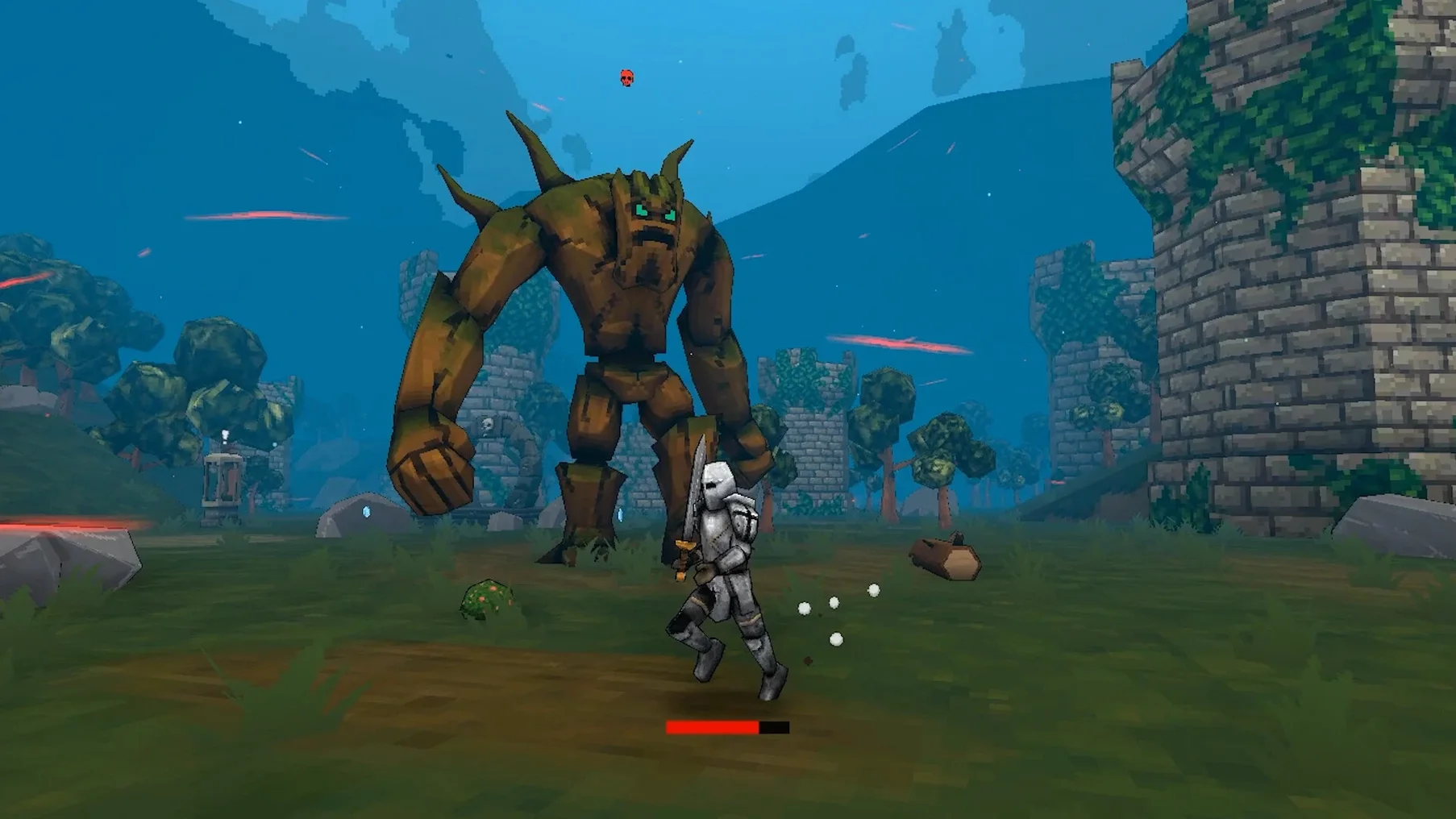
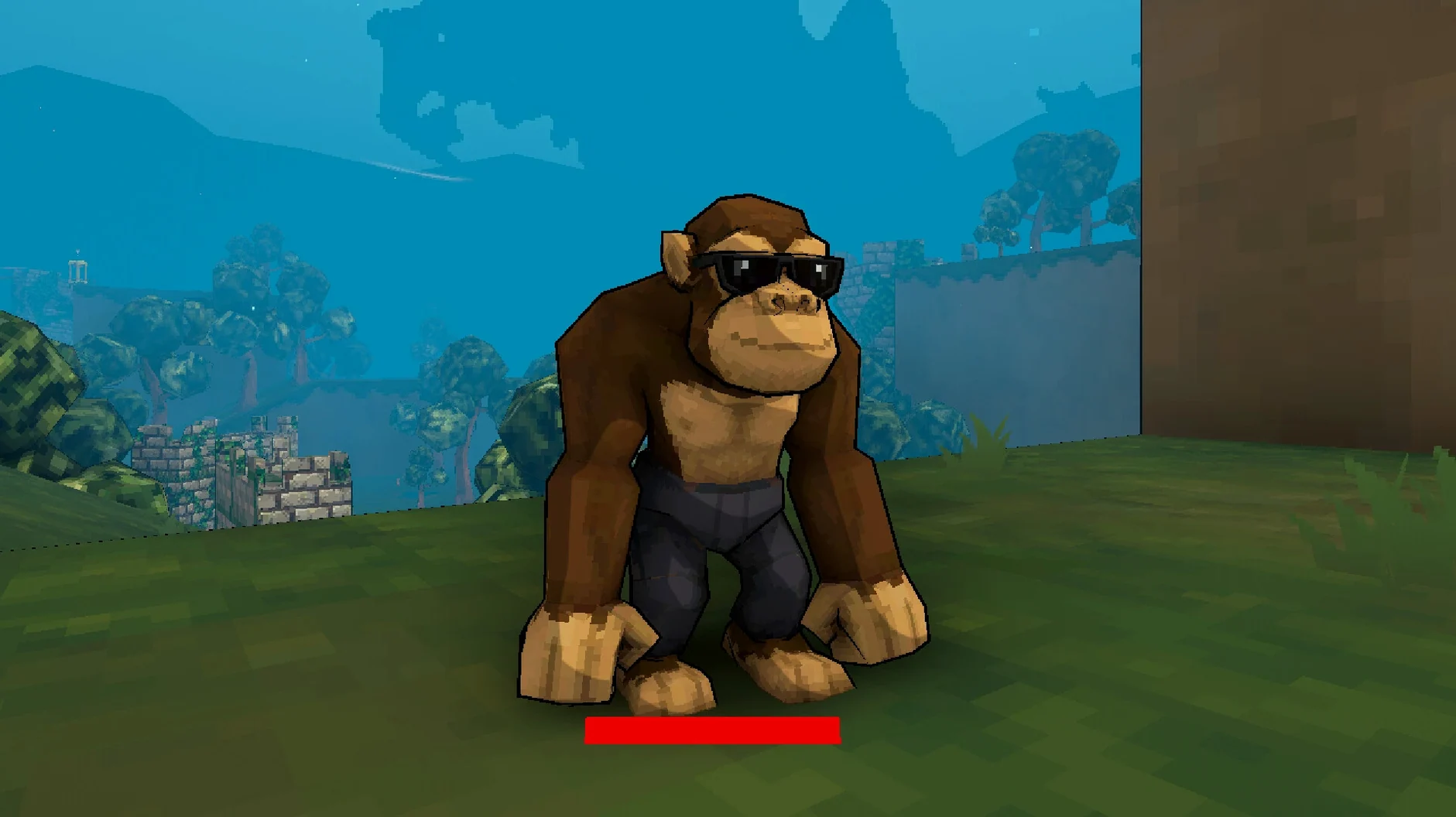
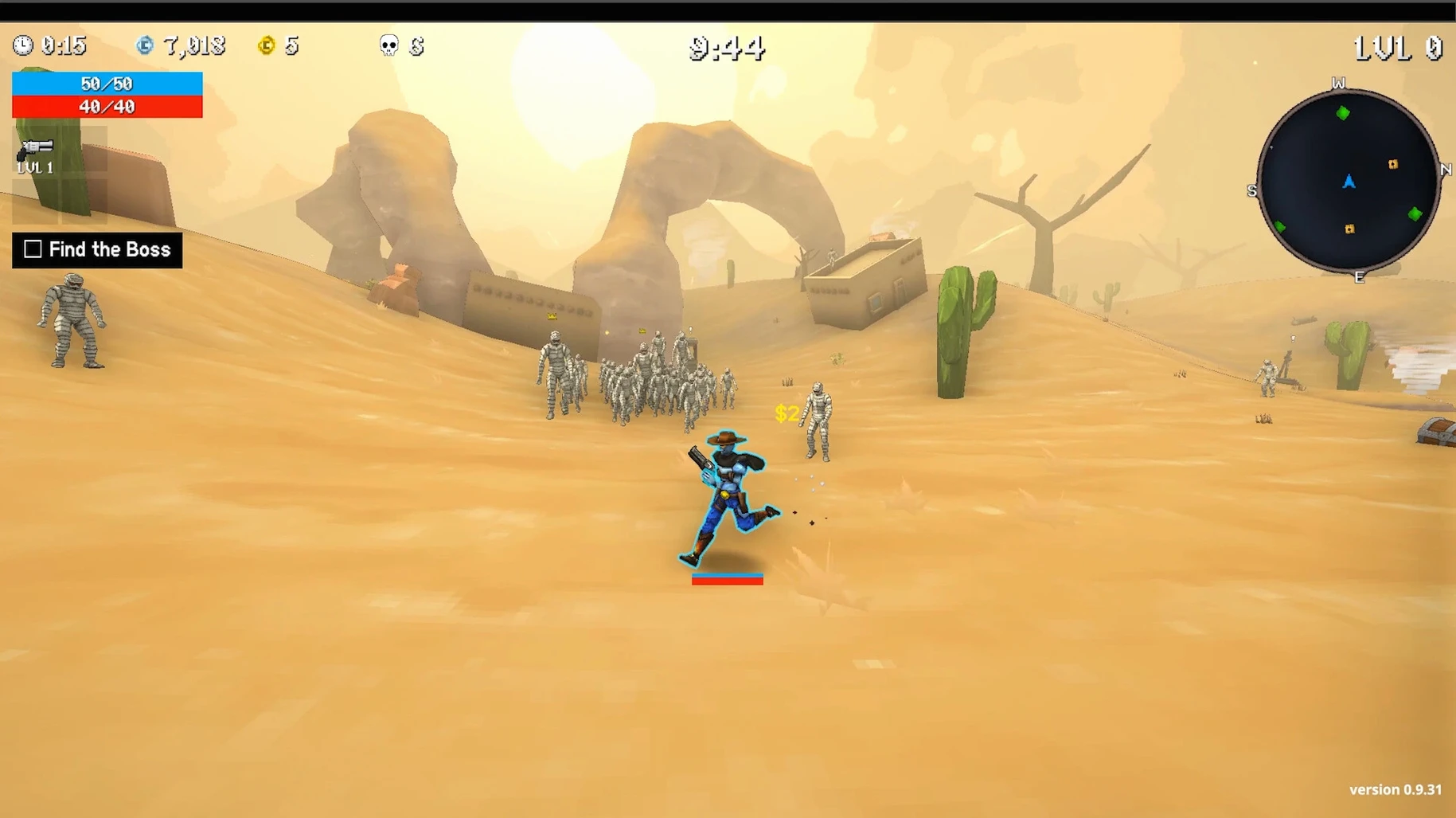

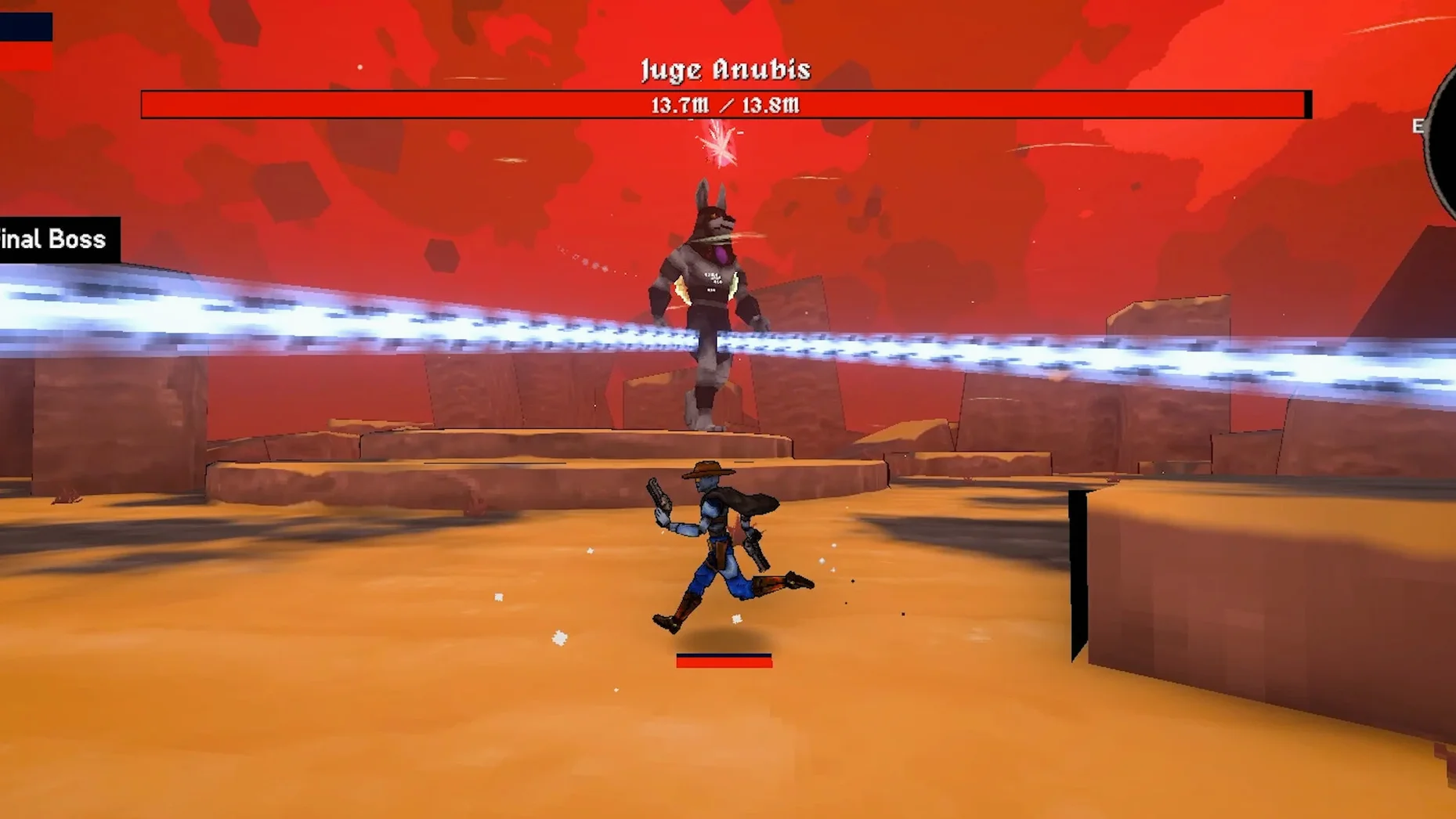
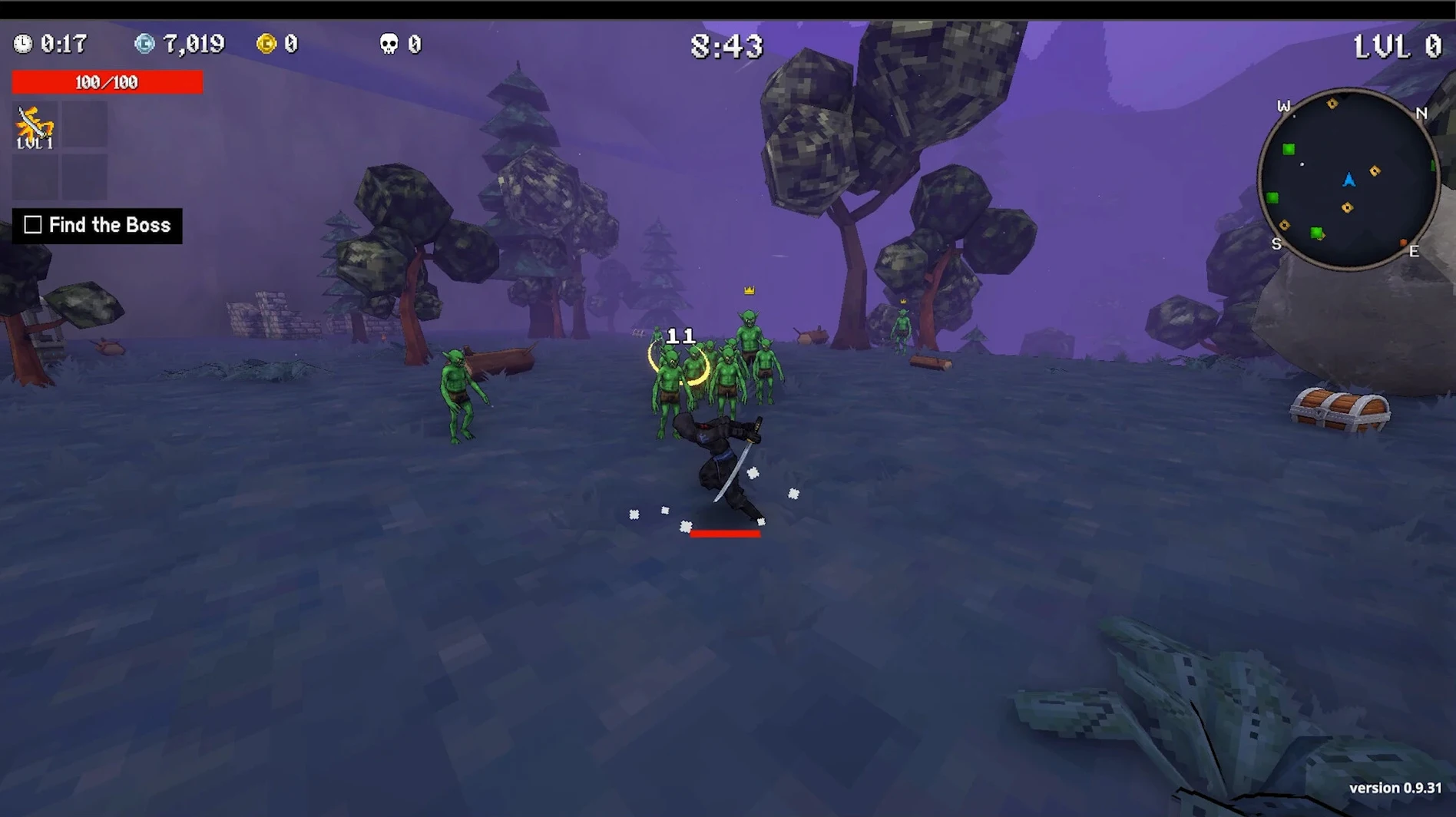
Random upgrades with different rarity are handed out at each level-up, so two runs rarely feel the same. Megabonk is a roguelike survival game where you fight waves of enemies and bosses on randomly generated maps. Defeating enemies grants XP, and collecting items along the way adds more tools to your loadout. The interface supports sixteen languages including English, Russian, German, Spanish, Italian, Traditional Chinese, and Japanese. Music is listed as the only voice language.
A roguelike survival game with procedurally generated maps
It is a roguelike survival game. Players move through procedurally generated maps, fight waves of enemies, collect items, and face bosses at certain intervals.
How does the upgrade system work?
Leveling up grants a random selection of upgrades with different rarity tiers. Because the choices are random, every run plays out differently.
Interface available in sixteen languages
The interface is available in sixteen languages: Russian, English, German, Spanish, Italian, Traditional Chinese, Simplified Chinese, Korean, Polish, Portuguese, Thai, Turkish, Ukrainian, French, Czech, and Japanese. The only voice language is music.
New players charging into enemy clusters without a plan
New players often treat Megabonk like a standard action game and charge into every enemy cluster without a plan. The random upgrade system punishes that approach. A few patterns show up consistently.
- Ignoring item collection — Items lying on the map are easy to overlook during combat. Missing them means fewer synergies later, especially when the run gets crowded with enemies. Get in the habit of scanning the ground between waves.
- Holding XP instead of leveling up — Some players wait for a perfect upgrade option. Megabonk does not let you bank levels. The selection is random, and delaying only means you fight with weaker stats. Take the upgrade and adapt.
- Sticking to one character — Each of the 20 characters has unique abilities. Beginners often find one that works and never switch. Different characters handle the random upgrade pool differently, and some quests practically require a specific toolkit. Rotate characters to see what fits each run.
- Skipping the Fix file — The build uses Wineskin, and the first launch may show an error. That is normal. The mounted image includes a Fix file for exactly that moment. Run it once, and subsequent launches work without issue.
Workflow for a focused quest run
Megabonk includes 240 quests. Some of them ask for specific conditions — survive a certain number of waves without taking damage, or beat a boss using only a particular item type. Here is a workflow for a quest that requires finishing a run with a character you have barely used.
- Pick a character whose ability works at range. Keeping distance helps with the unpredictability of a new kit.
- Start a run on a smaller map. The generated maps are random, but the smaller size forces denser enemy placements, which means faster XP gain and more level-ups early.
- During the first two waves, collect every visible item. Do not engage extended fights. The goal is to stock quick-use items that generate health or shields.
- When the first boss spawns, use the ranged ability from the character you chose. Hit the boss between its attack patterns. Most bosses have a tell before they strike — learn that timing.
- After the boss, check your upgrade options. Pick upgrades that improve movement speed or reload speed if those appear. They matter more than raw damage for this quest type.
- Continue through the remaining waves, using items freely. Hoarding them usually ends the run. The random upgrade system may not give you another chance to heal.
Mounting the downloaded image and dragging the app into Applications
The session starts the same way every time. I mount the downloaded image — the Megabonk one — and drag the app into the Applications folder alias. After the copy finishes, I launch from Launchpad. On a fresh install, the Fix file runs once; after that, the game opens directly.
I pick a character I have not used in a few days. Today it is one of the slower ones with a defensive ability. The map generates with a long corridor and branching rooms. The first wave spawns small enemies. I collect two items near the starting point — one that increases attack speed, another that adds a small heal on kills.
By wave three, the enemy density picks up. The random upgrade at level two gave me a damage boost, which helps. I clear the corridor and find a third item, a shield generator. Now I have three active items. The boss for this run appears at wave four — a large melee type. The defensive ability from my character absorbs the first hit, and I circle around the map, using the heal-on-kill item to stay alive.
After the boss, the map opens into a larger arena. The remaining waves mix ranged and melee enemies. I focus on collecting every item that drops, even ones I would normally skip. The quest I am working toward requires using 15 different items in a single run. By wave seven I have used eight. The run ends at wave ten when a double-boss spawn catches me mid-reload. I note the items that worked and start the next run with a different character.
- macOS version: not specified
- Architecture: Apple Silicon
Questions from the notes
What language is the interface available in?
The interface supports sixteen languages: Russian, English, German, Spanish, Italian, Traditional Chinese, Simplified Chinese, Korean, Polish, Portuguese, Thai, Turkish, Ukrainian, French, Czech, and Japanese.
How do upgrades work?
Each level-up gives you a random choice of upgrades with different rarity. The randomness ensures each run feels different.
What is the current version of Megabonk?
The current version is 1.0.49.
Install procedure
- Mount the downloaded image and drag the app into the Applications folder alias.
- After copying finishes, launch the app from Launchpad.
- If the game shows an error at startup, run the Fix file from the mounted image.
Reports from players
Sign in or create a tester account to file a report.
No reports filed yet.