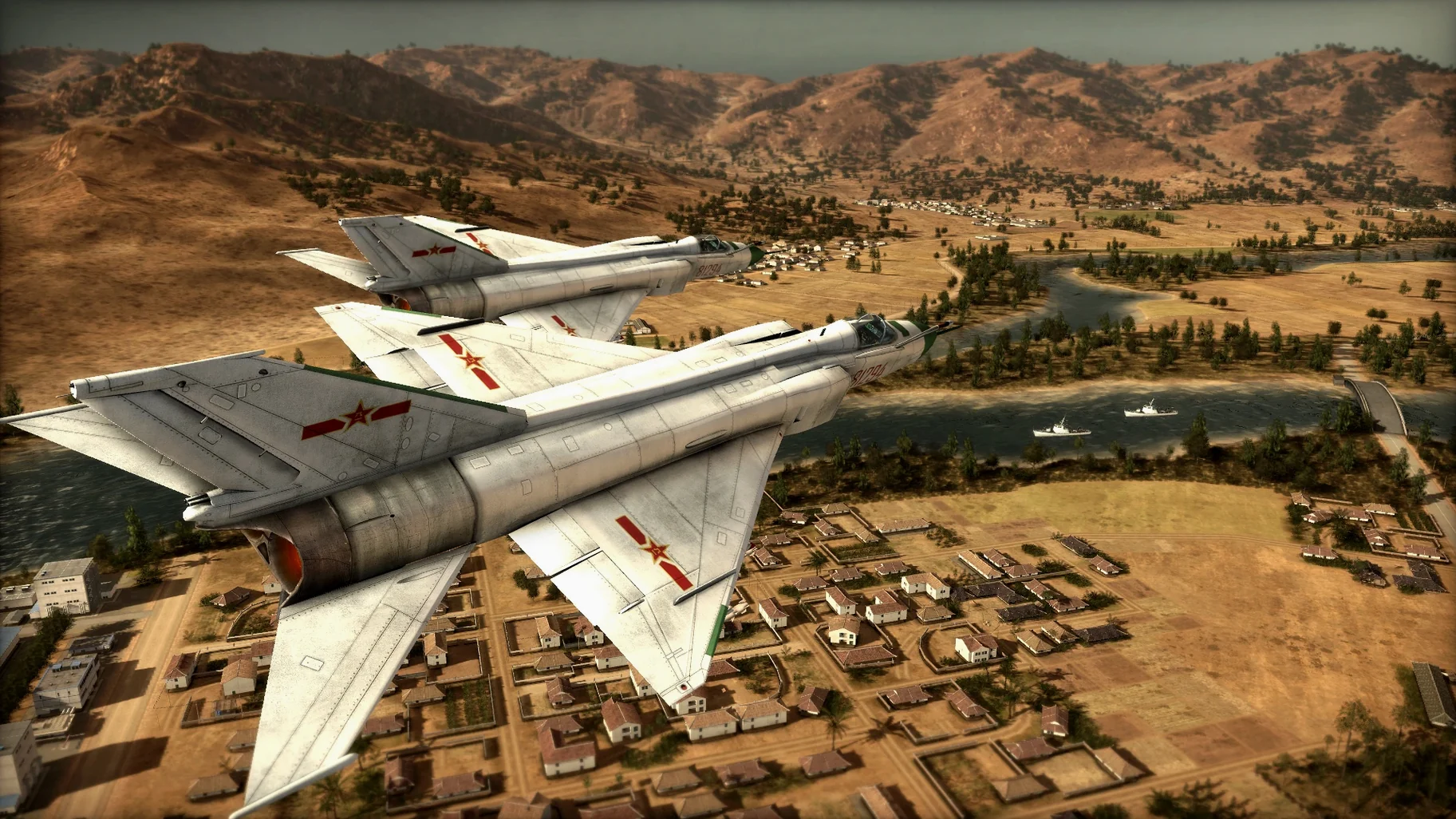
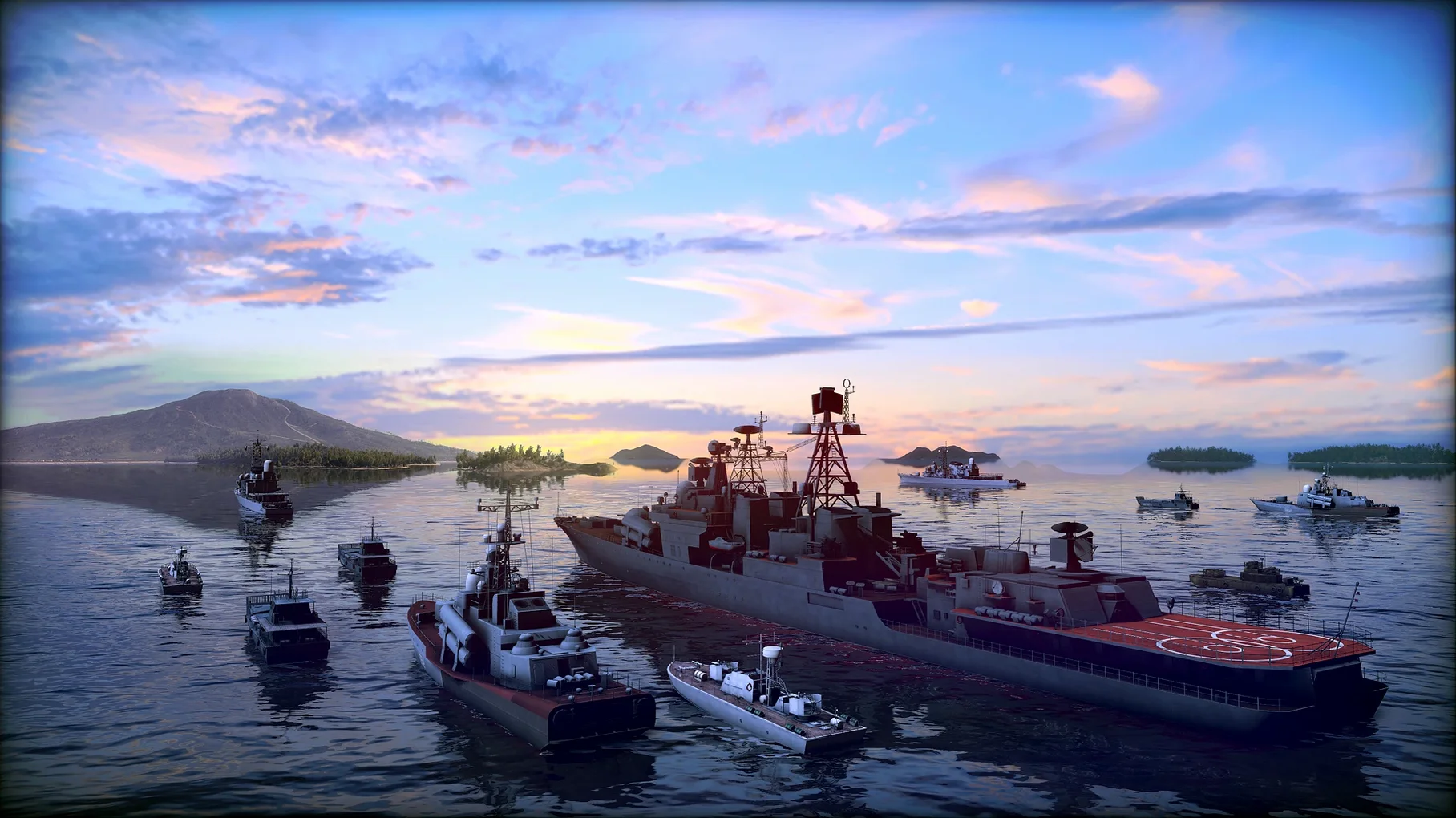
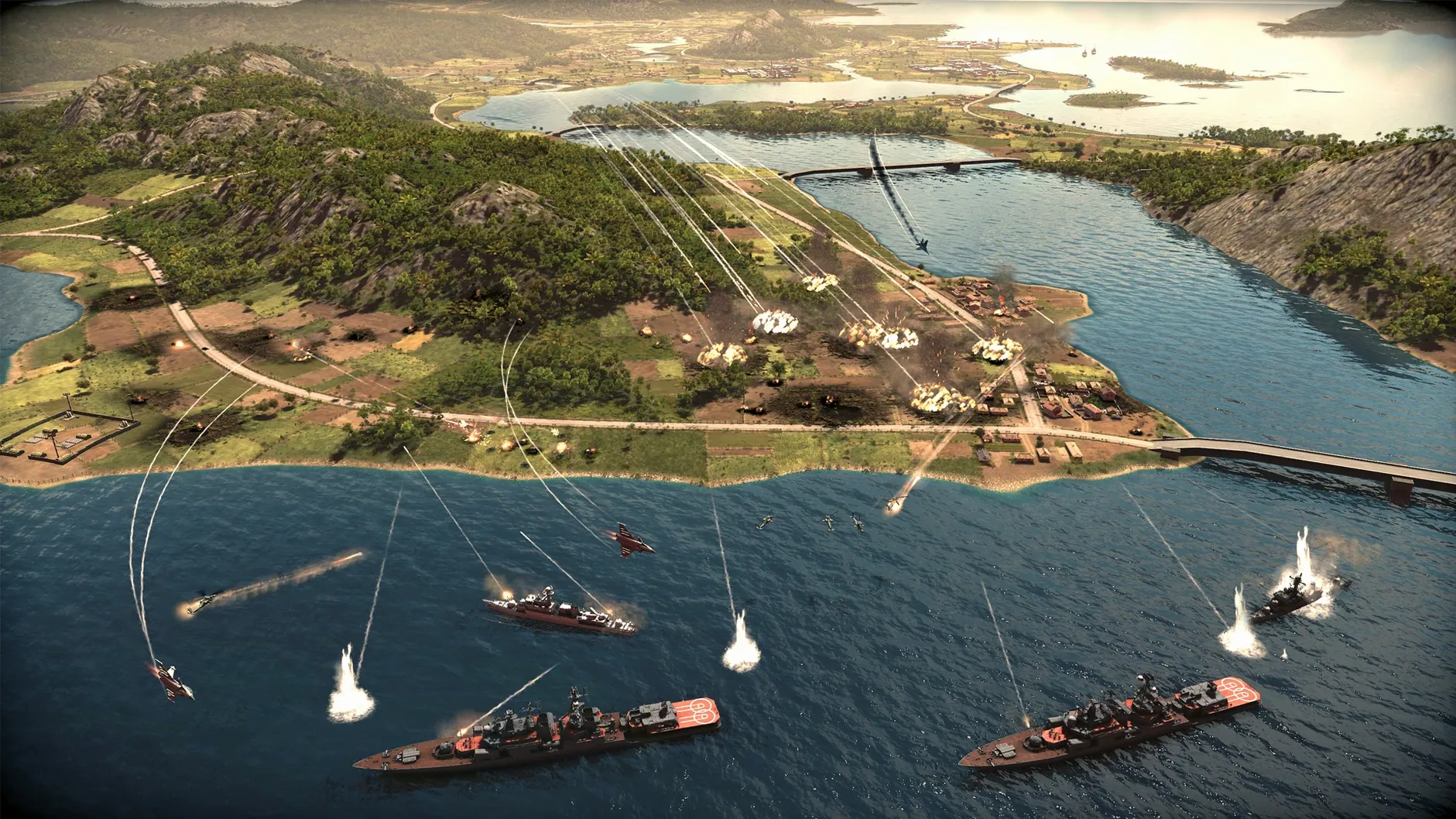
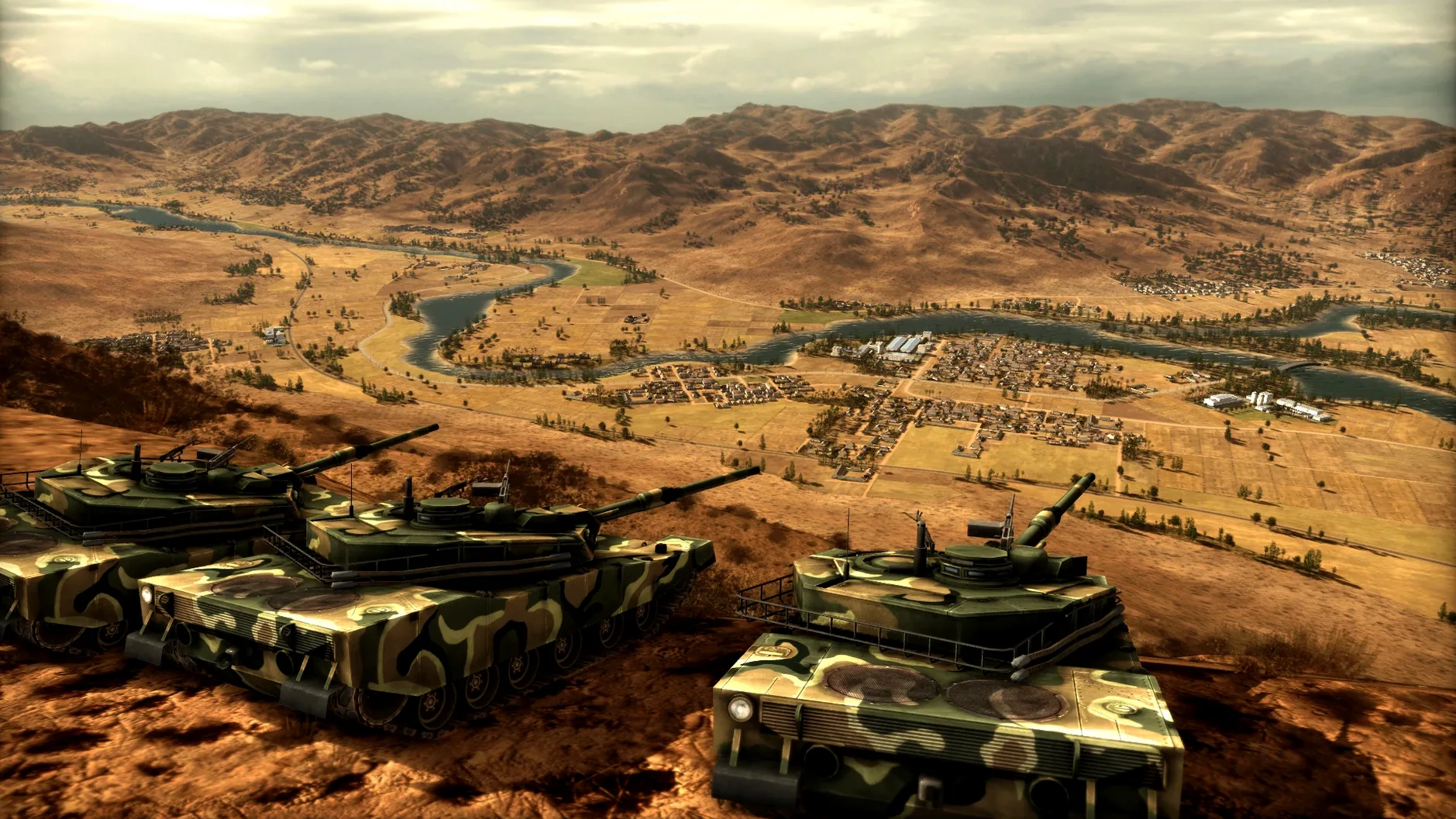
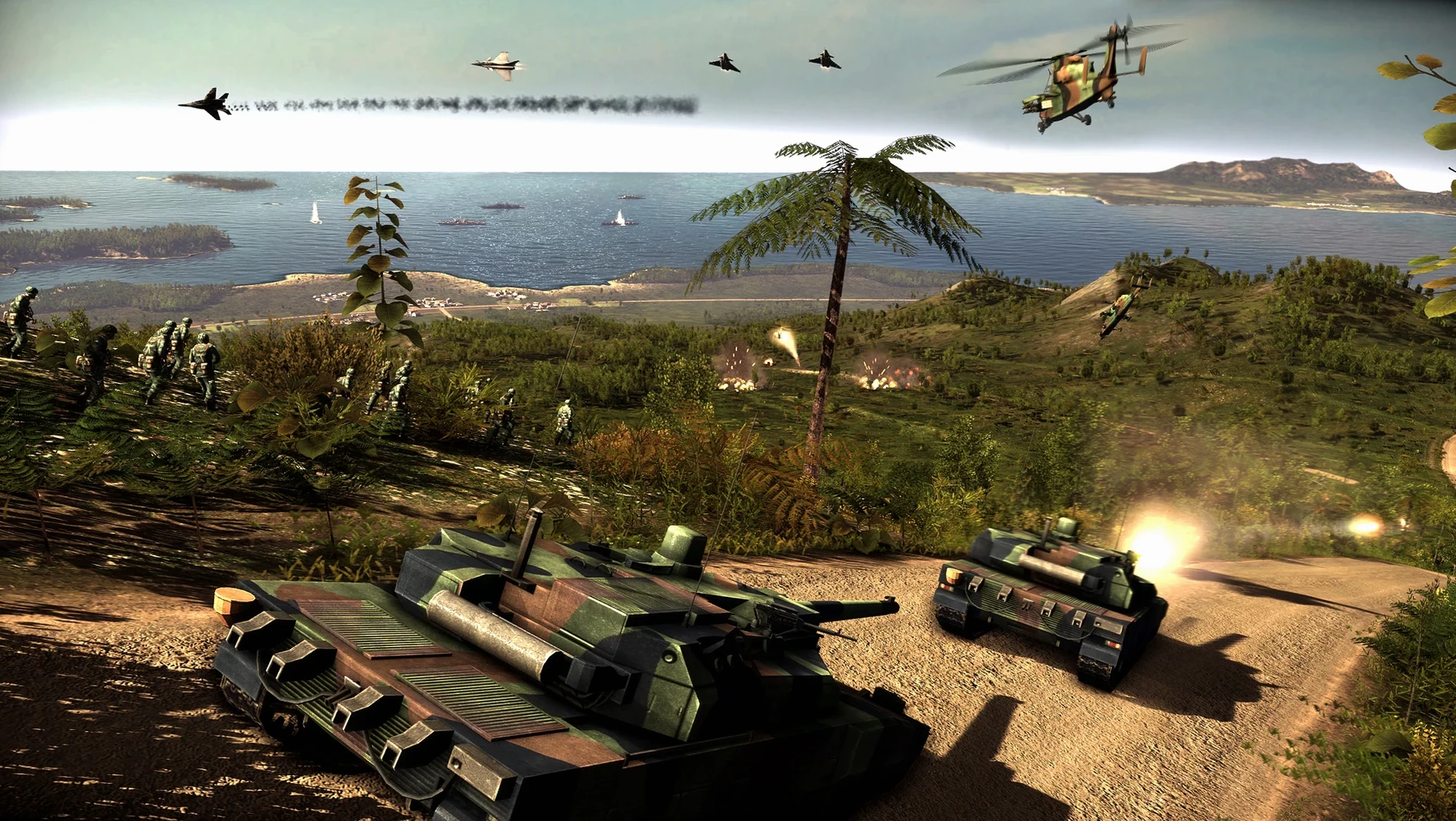
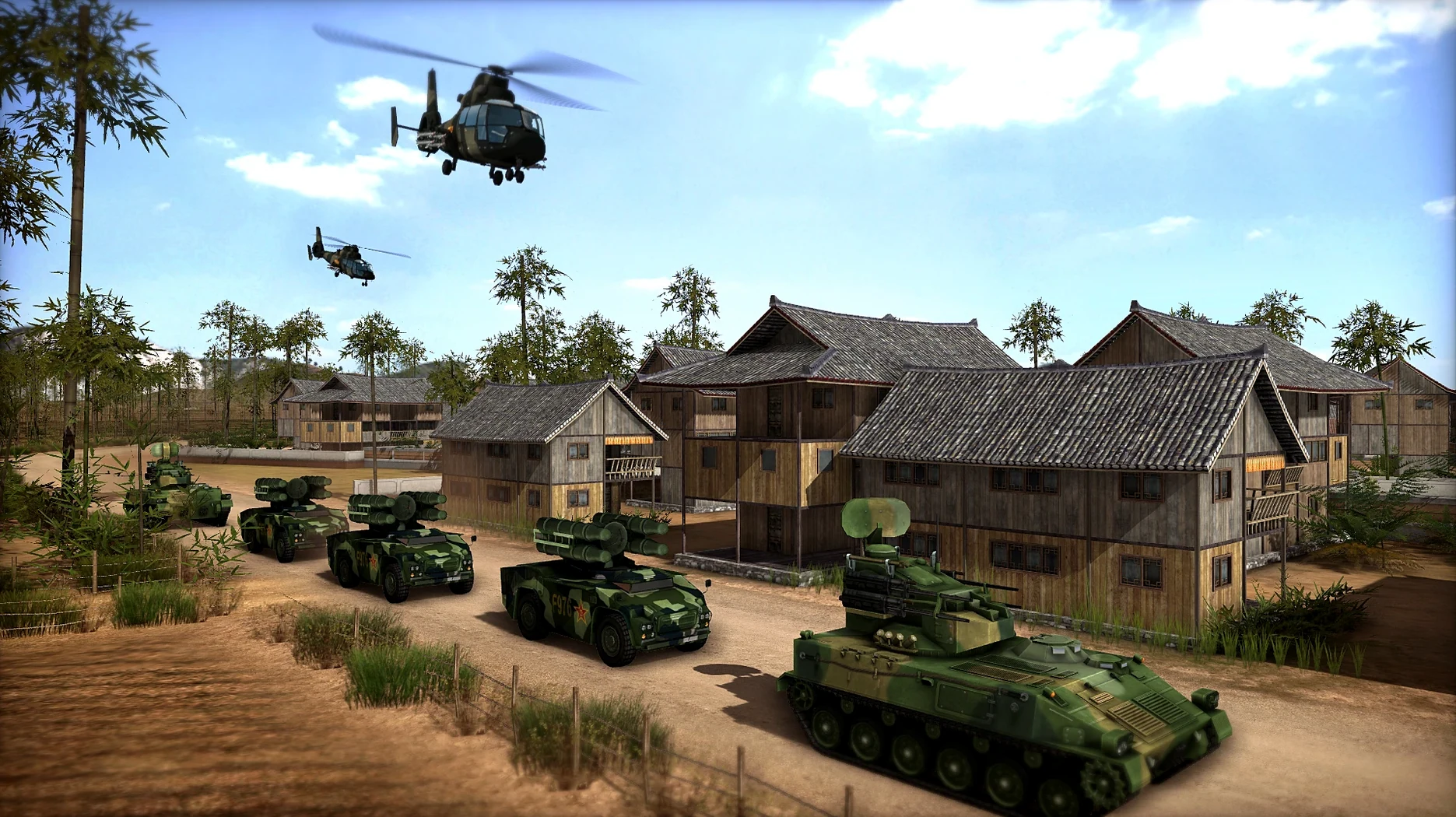
Wargame: Red Dragon is for the person who already keeps a folder of RTS classics on their Mac and wants a modern-scale conflict without the launcher overhead. Eugen Systems set this one in 1991 Asia, which changes the map logic: amphibious landings and naval fire support matter as much as tank rushes.
Command 1,450 units from 17 countries in 20-player matches
- Commanding 1,450 units across tanks, aircraft, helicopters, warships, and amphibious forces.
- Building a deck from 17 countries' arsenals and trying combined-arms mixes.
- Multiplayer matches with up to 20 players, when you want a fight that outlasts a coffee break.
Native on Intel Macs, runs through Rosetta 2 on Apple Silicon
- The build is 64-bit x86, so it runs on Intel Macs natively; on Apple Silicon it goes through Rosetta 2.
- It was tested on macOS Sequoia with an M1 MacBook Air, which handled it fine.
- Voice language is English; interface languages include Russian, German, Spanish, Italian, Traditional Chinese, Korean, Polish, Ukrainian, French, and Japanese.
Straightforward requirements tested on macOS Sequoia with M1
The game’s requirements are straightforward: an Intel-based Mac running any recent version of macOS. Because it’s a 64-bit x86 binary, it works natively on Intel hardware. On Apple Silicon you’ll rely on Rosetta 2, which the tested configuration — macOS Sequoia on an M1 MacBook Air — handled without issues. No additional activation steps or launcher accounts are needed after installation, so you’re in the game as soon as the disk image mounts and you drag the app into Applications. The disk image itself is a single-file mount, no split archives or installers to babysit.
Interface language can be set before you start a match, with options covering English, Russian, German, Spanish, Italian, Traditional Chinese, Korean, Polish, Ukrainian, French, and Japanese. Voice audio stays in English, which keeps callouts consistent across language settings. The build is the 06.09.2014 version, meaning it’s the same codebase as the Windows release from that date — no stripped features or delayed updates.
Start in the deck editor, then pick a coalition
You mount the disk image, drag the app to Applications, and launch it. The main menu loads with the Wargame series layout — campaign, skirmish, multiplayer, and deck editor. You start in the deck editor first, picking a coalition. The 1991 Asia setting gives you access to countries like Japan, China, North Korea, South Korea, Australia, and New Zealand, plus others from the Western and communist blocs. You build a deck of 1,450 possible units, mixing tanks, aircraft, helicopters, warships, and amphibious vehicles. The deck screen shows unit categories, cost points, and availability — you decide how many heavy tanks versus recon choppers to bring.
Next you jump into a single-player dynamic campaign. The campaign map shows sectors connected by movement paths. You order a battalion to advance, and the game transitions to a real-time battle on a 3D terrain map. Amphibious units cross rivers and coastal zones without needing a bridge or ferry. Naval units provide fire support from the map edge. You call in airstrikes, reposition infantry in buildings, and micro-manage a tank column through a forested valley. After the battle, the campaign map updates with your gains or losses. A full session might go through three or four battles before you save and quit.
Fix launch issues by moving the app to Applications or installing Rosetta 2
- The game doesn’t launch after copying. Check that the app is in the Applications folder, not on the desktop or in a subfolder. Rosetta 2 must be installed on Apple Silicon — run
softwareupdate --install-rosettain Terminal if you haven’t. - Confirm which version you have before joining a lobby.
- Graphics look wrong or crash on startup. The game relies on OpenGL; some Macs with newer GPU drivers may need a display resolution change. Try running in windowed mode if full-screen hangs. No in-game graphics panel is available to tweak, so system-level workarounds are your only option.
- Controls feel sluggish. Mouse sensitivity and key bindings are set to defaults. You can remap controls in the options menu — check that before blaming the game’s responsiveness.
- The disk image won’t mount. A corrupted download is the usual cause. Redownload the file and verify its size against the listed value on the torrent page.
- macOS version: not specified
- Architecture: Intel
Questions from the notes
Does Wargame: Red Dragon run on Apple Silicon Macs?
The game is 64-bit x86, so it runs on Intel Macs natively. On Apple Silicon it works through Rosetta 2; the test system was a MacBook Air M1 running macOS Sequoia.
How many units are in Wargame: Red Dragon?
There are 1,450 units, including tanks, aircraft, helicopters, warships, and amphibious vehicles.
Can I play multiplayer?
Yes, the game supports multiplayer matches with up to 20 players.
Install procedure
- Mount the downloaded disk image.
- Drag the app into the Applications folder shortcut.
- After copying finishes, launch the app from Launchpad.
Reports from players
Sign in or create a tester account to file a report.
No reports filed yet.