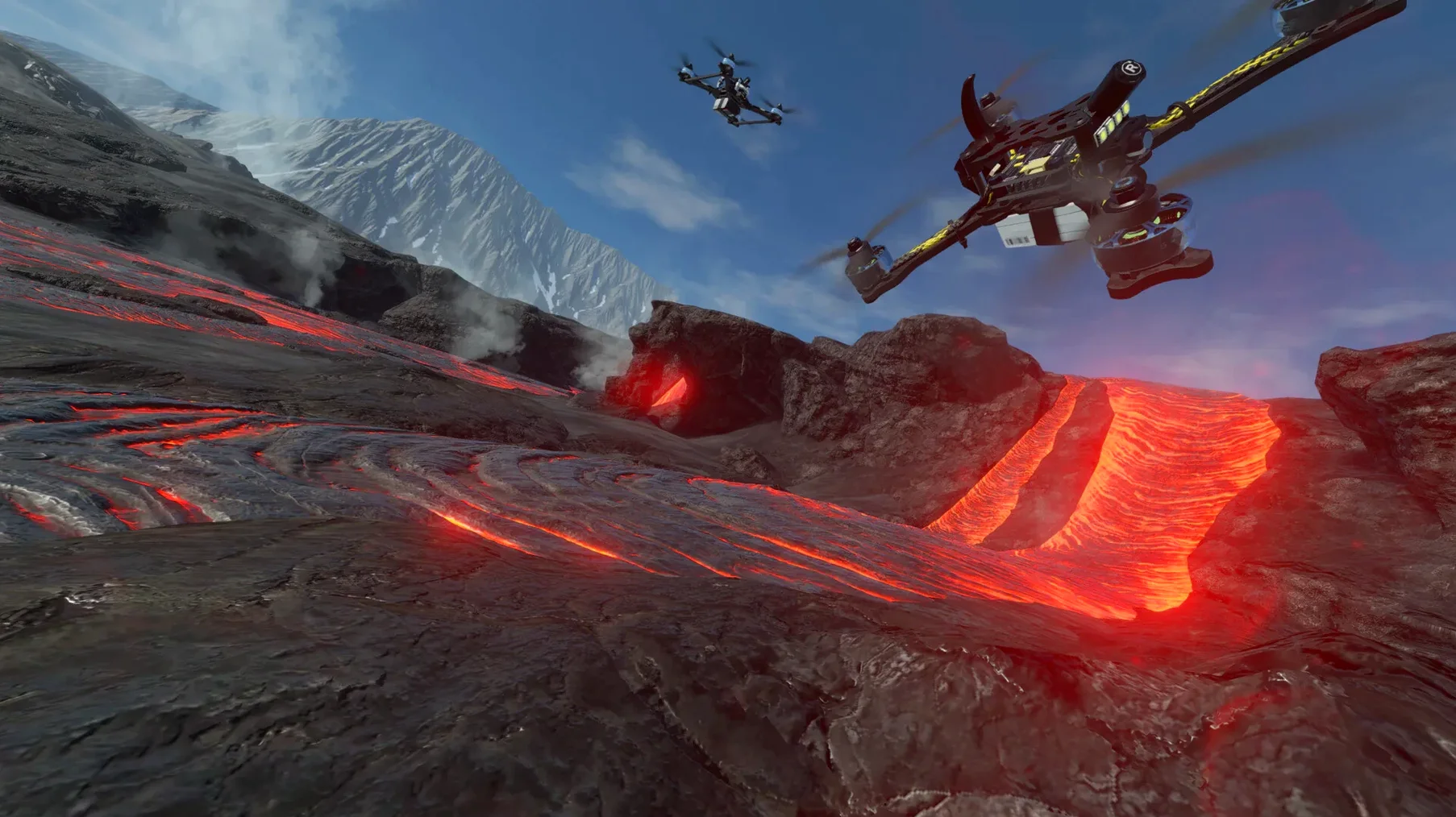
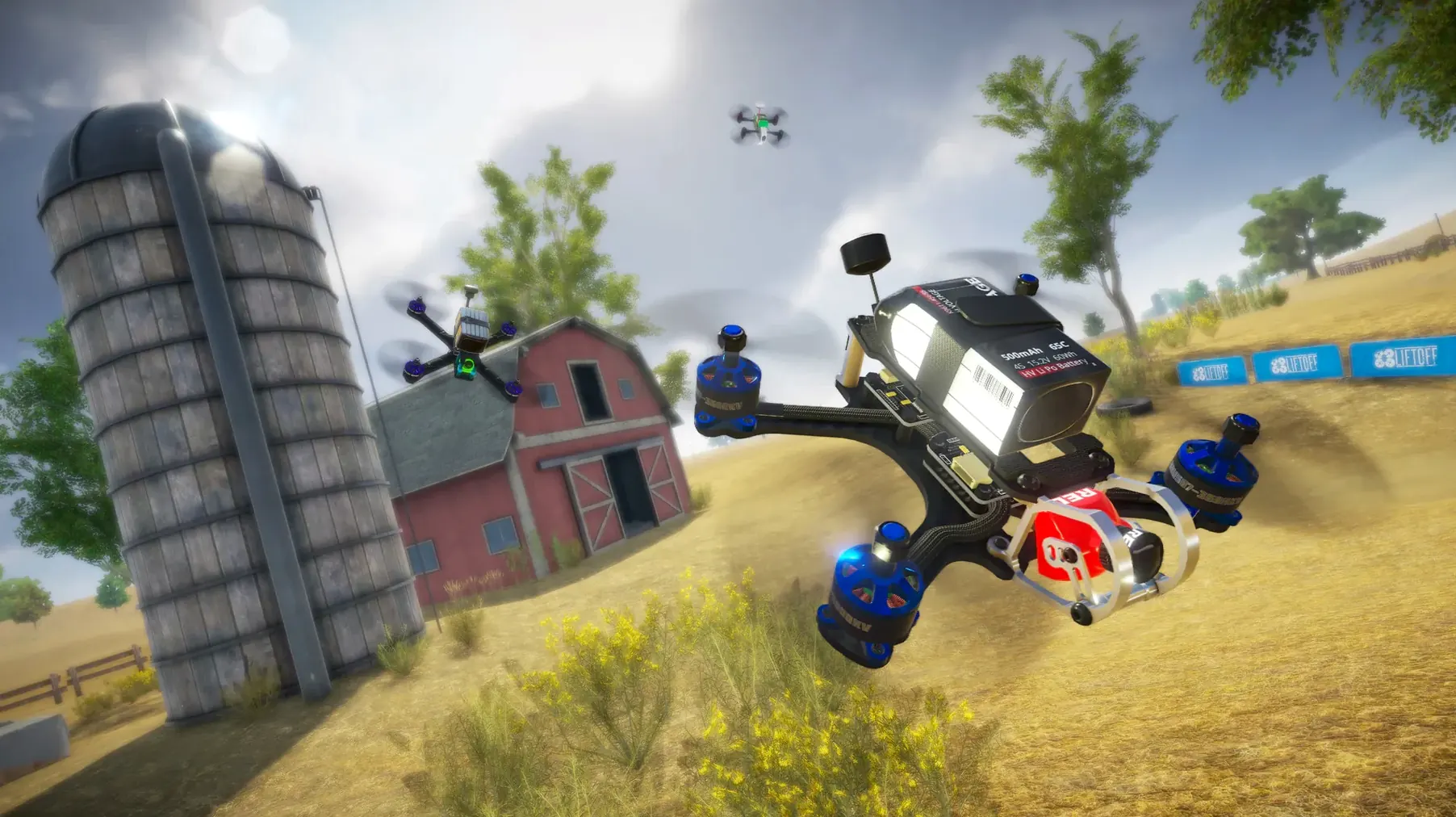
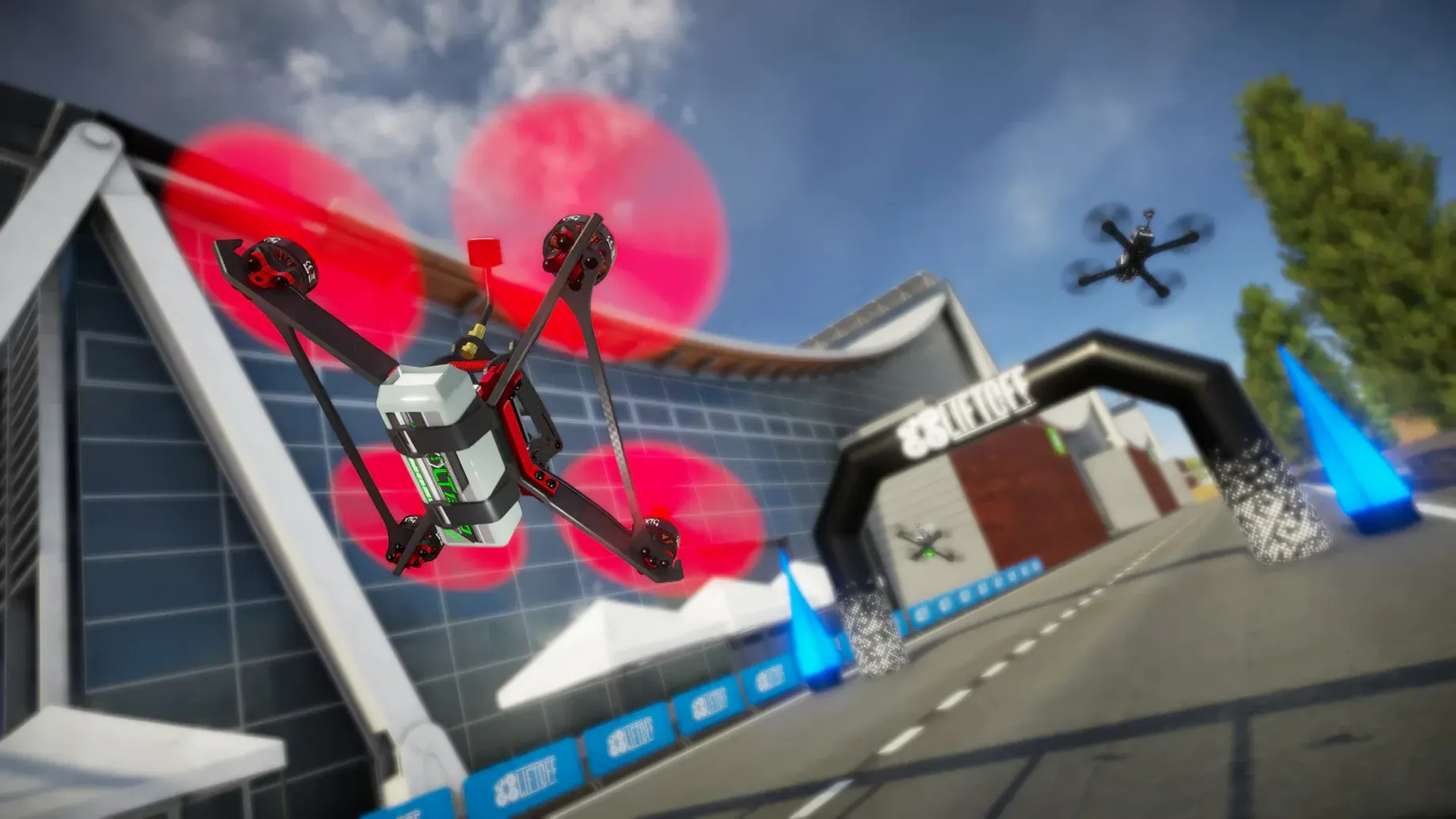
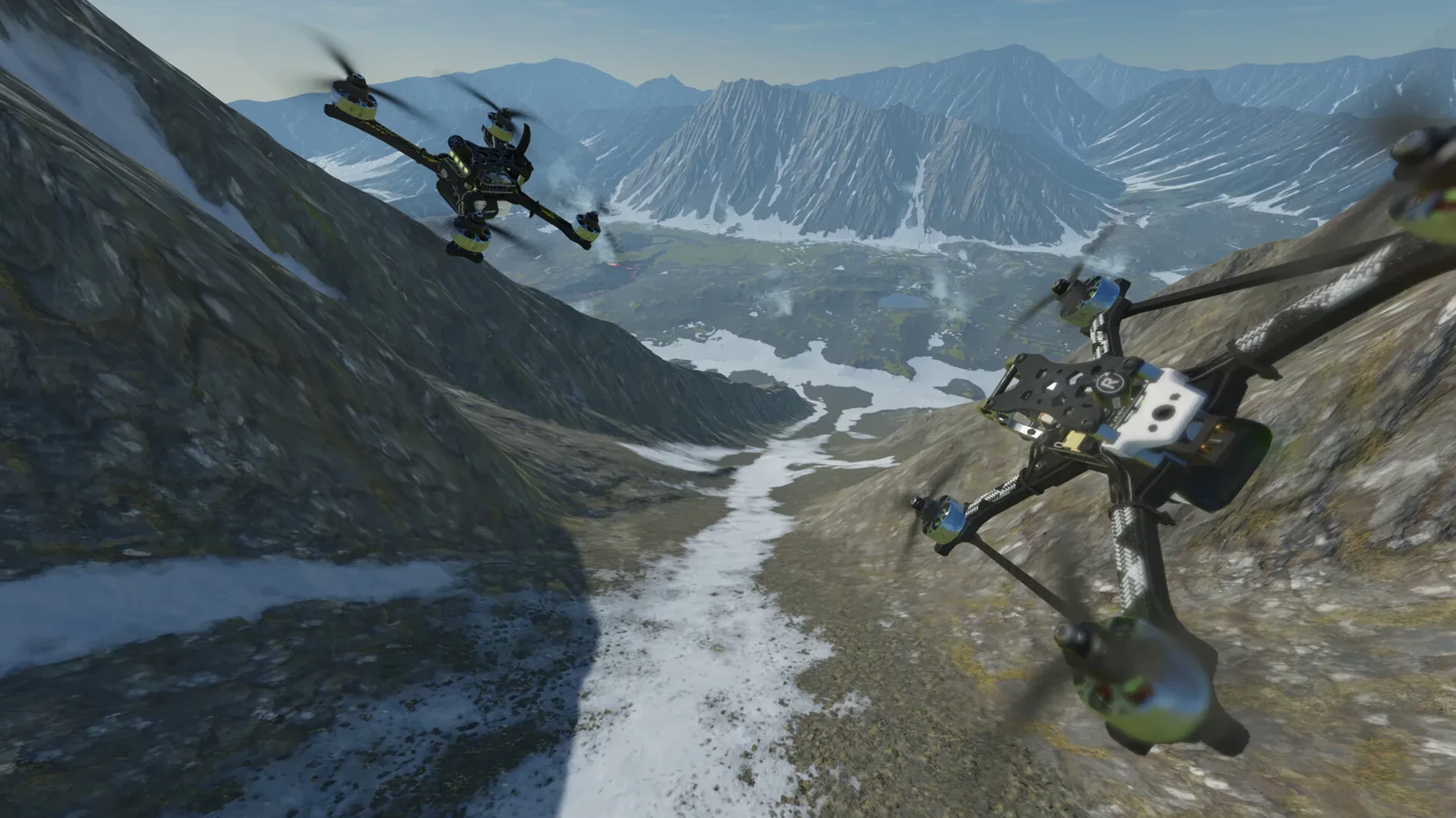
Liftoff: FPV Drone Racing is a drone racing simulator built around realistic physics and a track creation toolset.
Good for
- Learning or practicing FPV drone racing without crashing hardware.
- Building custom race tracks with the included editor.
- Using a gamepad or a dedicated R/C controller — the game supports a wide range of radio controllers.
Keep in mind
- A gamepad or R/C controller is required; keyboard-only play is not supported.
- Recommended for a single-screen setup.
- Intel Macs need an 8th-gen CPU and a dedicated NVIDIA or AMD GPU with 4 GB VRAM.
- Apple Silicon Macs with an M1 or newer work natively via Metal.
- Voice and interface are in English; Ukrainian and French are also available.
Common snags and how to sort them out
Two things tend to trip people up when they first run Liftoff on a Mac: controller detection and graphics configuration. The game expects a controller from the start — if nothing is plugged in, it may appear to hang or refuse input. Plug in your gamepad or radio controller before launching, and if it still isn’t recognised, check that the controller is in a mode the Mac sees (XInput for most gamepads, HID for dedicated R/C units). Restarting the game with the controller already connected resolves this every time.
Graphics on Intel Macs are another common point of friction. The game uses Metal rendering, which bypasses older OpenGL paths. If you are on an Intel Mac with an integrated Intel HD chip, performance will be poor or the game may not start. The fix is straightforward: the system requirements ask for a dedicated NVIDIA or AMD card with 4 GB VRAM. On Macs where that is not possible, there is no workaround — the title simply needs that GPU overhead. On Apple Silicon machines the integrated GPU is fast enough and no extra steps are needed.
A third snag involves the disk image mount. Some users on newer macOS versions find that the mounted image does not appear on the desktop. That is normal behaviour on recent releases. Open the mounted volume from Finder’s sidebar or from a terminal using ls /Volumes/ and drag the app from there.
How it compares with similar Mac apps
Liftoff sits in a small category. The other two Mac-accessible drone racing sims are Velocidrone and DRL Simulator. Each takes a different route.
Velocidrone has a reputation for the most accurate physics in the hobby, and it is the go-to for many competitive pilots. It also lacks an integrated track editor; you import third-party tracks or use the included ones. Liftoff gives you a track builder inside the game, which matters if you want to design circuits without leaving the application.
DRL Simulator (the official game of the Drone Racing League) is more polished visually and has a structured career mode. It runs natively on Mac and supports the same range of controllers. The physics are good but slightly more arcade-leaning than Liftoff. DRL Simulator does not let you customise drones or build tracks to the same depth — you fly the league’s pre-set courses and drones. Liftoff offers more freedom in both drone tuning and track geometry, which suits users who want to experiment rather than follow a league format.
For newcomers, Liftoff sits between the two: less setup friction than Velocidrone, more flexibility than DRL Simulator.
How it fits with other apps and macOS features
Liftoff works well with macOS’s built-in controller support. A standard Xbox or PlayStation gamepad is recognised without extra drivers, and dedicated R/C transmitters that present as a generic gamepad (most modern ones do) are picked up the same way. If you use a transmitter that needs a USB dongle or a trainer port adapter, macOS treats it as a joystick device, and Liftoff reads it correctly.
The game does not rely on any third-party launchers or background services once installed. You mount the disk image, copy the application, and launch it from Launchpad or Finder. There are no cloud-save hooks or online authentication — your progress and custom tracks live in the user profile folder and can be backed up manually with a simple Finder copy.
Track exports and imports behave like standard file transfers. Tracks you create are saved locally, so you can share them with other Liftoff users on the same version by sending the file. This fits naturally into a workflow where you design on a Mac desktop and test on a laptop, or exchange tracks with friends.
A single-screen setup is recommended by the developer. Dual-monitor configurations sometimes cause the fullscreen viewport to misbehave, especially in FPV goggles mode. If you run two displays and see odd window behaviour, try disabling the second monitor before launching. This is a known quirk and not a bug in the current build.
Which Mac users get the most out of it
Three groups benefit most from Liftoff on Mac.
FPV pilots who want a cheap practice rig. If you fly real drones, Liftoff’s physics let you train new lines and test tuning changes without risking hardware. The track editor means you can replicate a real-world course you are struggling with and repeat it until the muscle memory sticks.
People new to drone racing who are testing the hobby. The game is a low-cost entry point. You do not need a drone, a soldering iron, or a field. The controller requirement is the only real barrier, and many households already have a gamepad. The learning curve is gentler than Velocidrone’s because Liftoff does not assume you already know how to tune a quad. You can start with the default settings and improve as you learn.
Mac users on Apple Silicon hardware. The native Metal rendering on M1 and newer chips delivers a consistent experience with no translation layer. Intel Mac users with a dedicated GPU also get good results, but the performance gap is noticeable on integrated graphics. For those on an M-series Mac, Liftoff is one of the few drone sims that runs without wrappers or compatibility modes, so it is the most straightforward choice in the category.
The game also suits anyone who prefers a local, offline tool. Because it does not depend on an internet connection after installation, it works well on a travel setup or in locations with spotty connectivity. The 15 GB of disk space is a one-time cost — no streaming assets or large patches are fetched during play.
- Added Turkish as an official language.
- macOS Sierra or later
- Intel or Apple Silicon processor
- 8 GB RAM
- Intel Macs: Intel 8th gen 2.4 GHz or faster, dedicated NVIDIA or AMD GPU with 4 GB VRAM or more
- Apple Silicon: M1 processor or newer
- Broadband Internet connection
- 15 GB available storage
Questions from the notes
Can I play Liftoff: FPV Drone Racing on an Intel Mac?
Yes, but it requires an 8th-gen 2.4 GHz Intel processor and a dedicated NVIDIA or AMD GPU with at least 4 GB VRAM.
Does the game work on Apple Silicon?
Yes, the Mac version runs natively on M1 or later processors using Apple's Metal graphics API.
What macOS version do I need?
The minimum supported macOS is Sierra.
Install procedure
- Mount the downloaded disk image.
- Drag the app into the Applications folder alias.
- Launch the app from Launchpad after copying finishes.
Reports from players
Sign in or create a tester account to file a report.
No reports filed yet.