
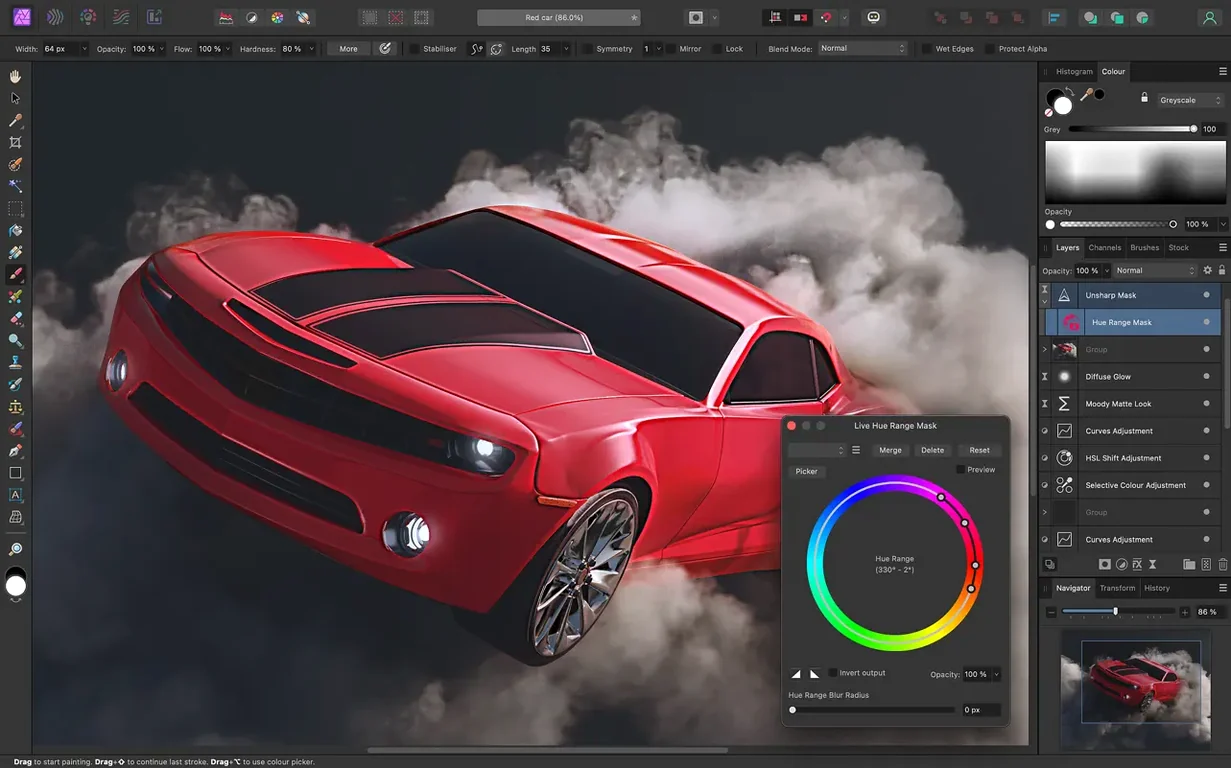
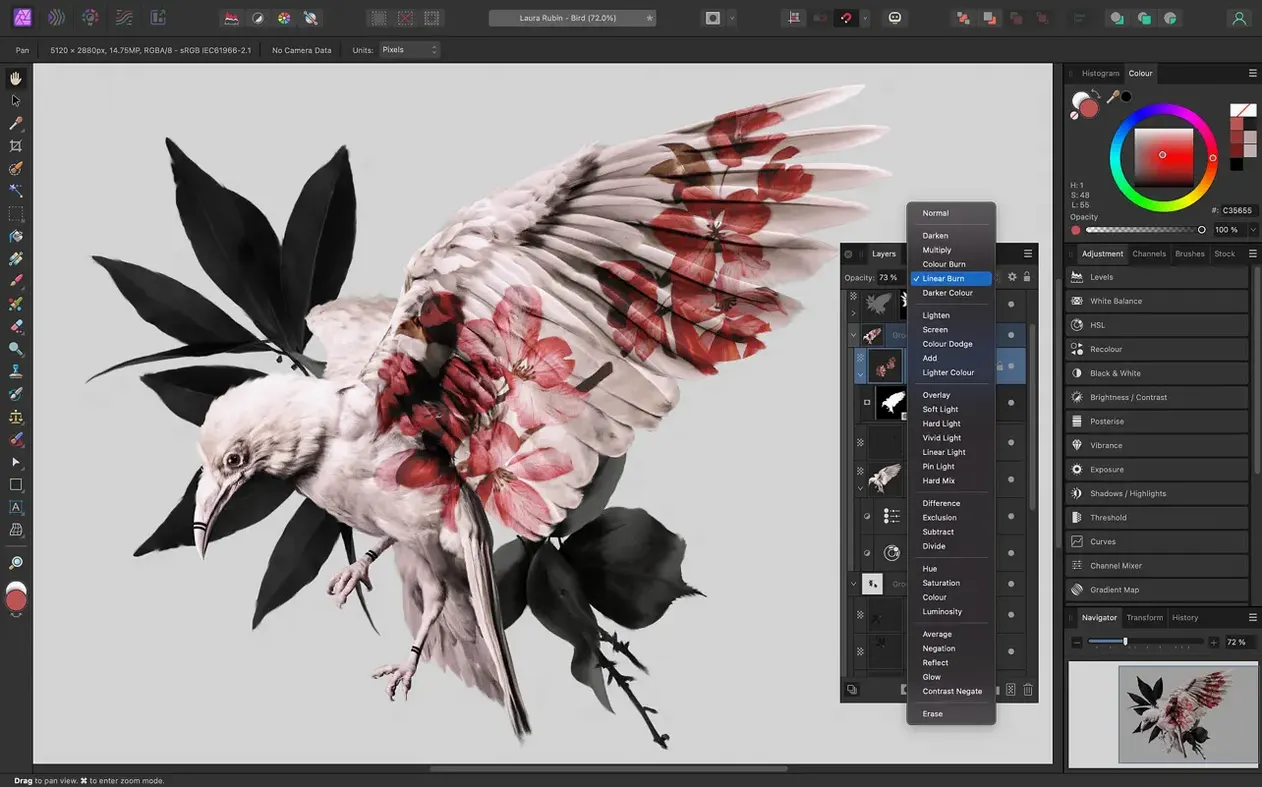
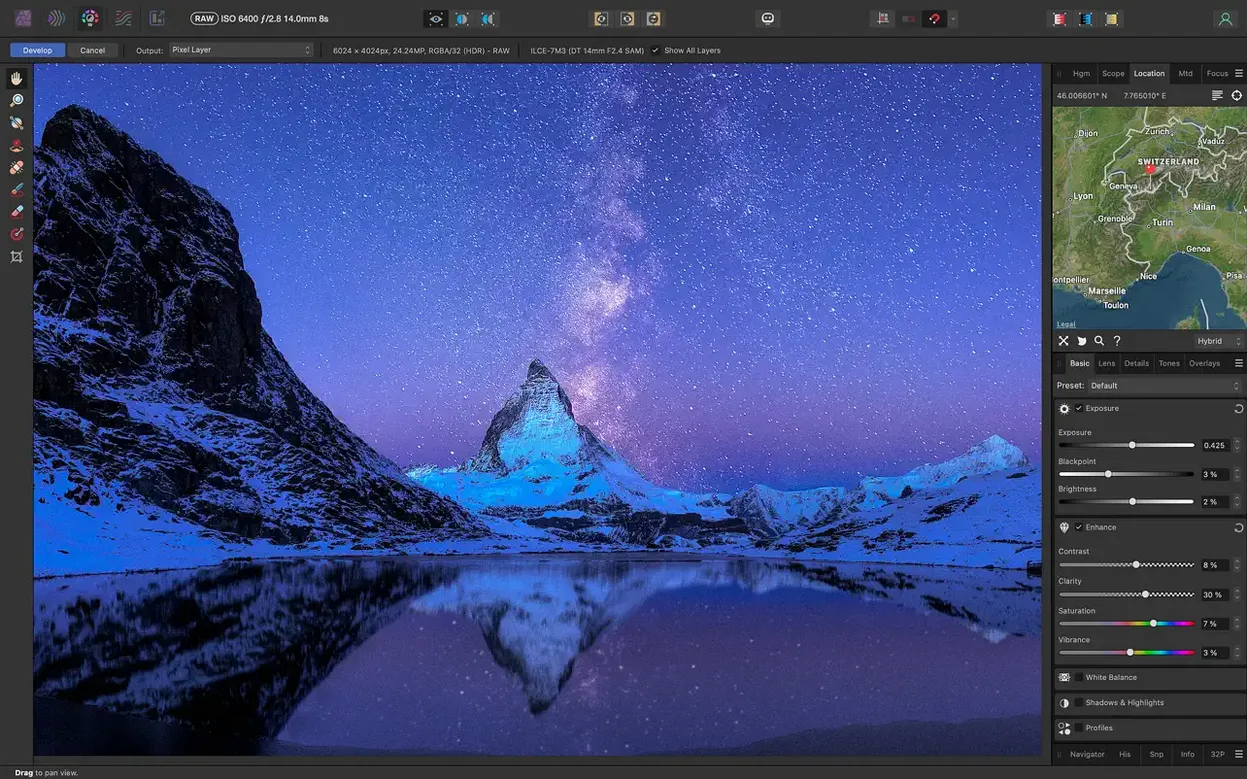
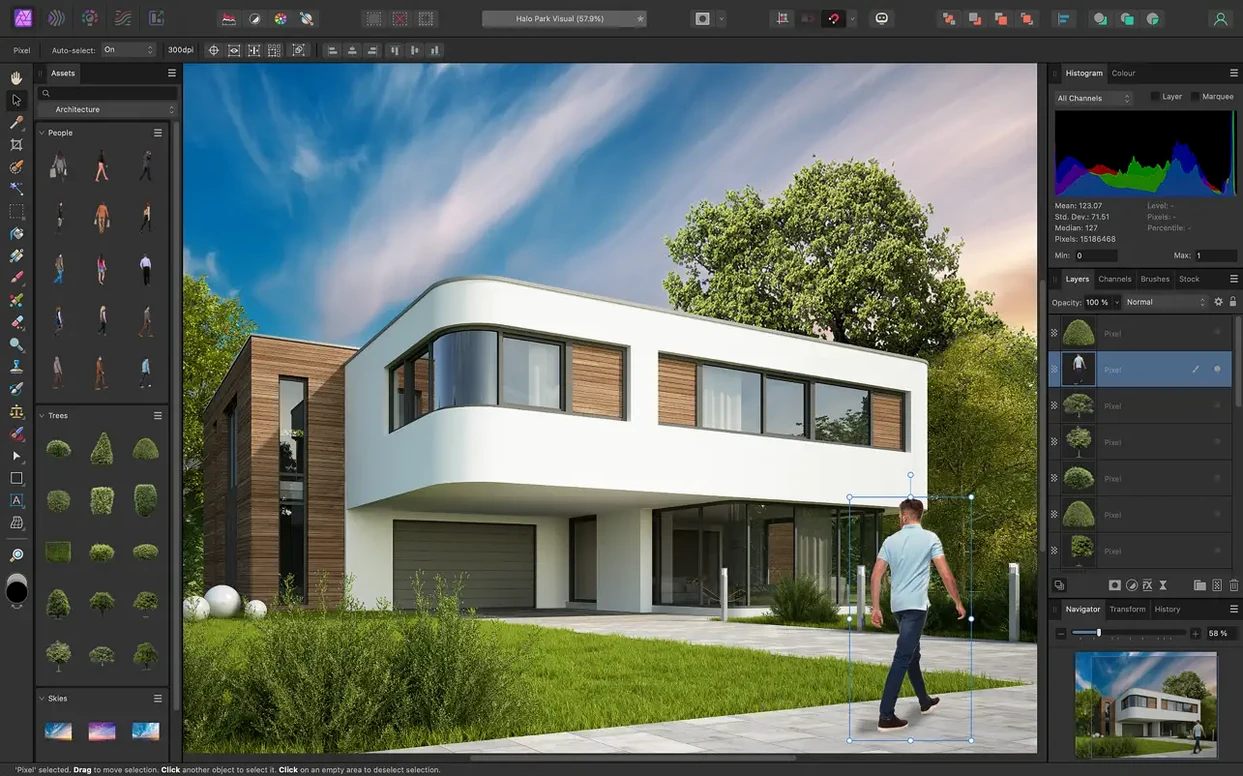
Affinity Photo is a professional photo editor for macOS that handles nondestructive layers, RAW processing, and retouching in one package.
Opens RAW files in a dedicated pre-processing workspace
The app opens RAW files in a dedicated pre-processing workspace, where you can adjust exposure, white balance, and lens corrections before committing to a full edit. It supports focus stacking, HDR merging, and tone mapping, so multi-shot workflows stay inside one app. Editing goes up to 16-bit and 32-bit per channel, which matters when you push highlights or work with EXR and HDR files.
Handles portrait retouching and PSD files
If you do portrait retouching, the frequency separation tools and hair selection brushes handle fine detail without destroying the original image. The macro recording feature automates repetitive steps across batches. It opens and saves PSD files, so it fits into a mixed-app workflow. Affinity Photo runs on both Apple silicon and Intel Macs, and its interface is available in eight languages.
Saves time with RAW corrections on a laptop
Photographers who shoot RAW and edit on a laptop benefit most — the dedicated pre-processing workspace means you can correct exposure, white balance, and lens distortion before the image ever touches a full editor. That saves time and keeps your adjustments nondestructive. Graphic designers who receive layered PSD files from collaborators running Adobe software will find the PSD import and export reliable enough to avoid conversion headaches. Retouchers working on portraits or product shots use the frequency separation layer and the inpainting brush daily; those tools are fast and don't introduce artifacts when you work carefully. Mac users running Apple Silicon machines appreciate that the app is native — no emulation, no performance quirks.
Treating the RAW workspace as a filter is a common error
The most common error is treating the pre-processing RAW workspace like a filter. Beginners open a RAW file and try to do all their edits there, then export. The workspace is meant for global corrections only — exposure, white balance, lens correction. Do your local adjustments, retouching, and compositing back in the main Photo persona. Another mistake is ignoring the built-in macro recorder for batch work. People manually repeat the same exposure or sharpening across a hundred event photos when one recorded macro would do it. Also common: forgetting to switch personas. The app has Persona-based workspaces (Photo, Liquify, Develop, Export, Tone Mapping) and beginners sometimes spend minutes hunting for a tool that is in a different persona.
Moves assets between Affinity apps without flattening layers
Affinity Photo works well alongside the rest of the Affinity suite — if you use Affinity Designer or Affinity Publisher, you can move assets between them without flattening layers or losing editability. On macOS, the app respects standard OS features: drag a photo from Finder onto the app icon to open it, use Command+Tab to switch between Affinity apps, and export directly to the Photos library. It also supports Apple's color management system, so your display profile is applied consistently. For users who script workflows, the .afphoto format is self-contained — you can save an edit history inside the file, which is useful when you need to revisit decisions months later.
Explore the Persona toolbar in your first session
Spend the first session exploring the Persona toolbar at the top. Each persona changes the entire UI, so knowing where Develop ends and Photo begins prevents confusion. Open a RAW file and practice setting white balance and lens correction in the Develop persona before leaving it. Then try the inpainting brush on a few test images — it works best with a small brush size and short strokes. Record one macro: apply a simple two-step correction (exposure bump, contrast) and replay it on a batch of similar photos. That habit alone saves time on every future project. Finally, set your default save format to .afphoto if you plan to return to edits, or to TIFF if you need maximum compatibility with other apps.
Real-world scenario: a wedding photographer's culling and retouching workflow
A wedding photographer returns from a Saturday shoot with 800 RAW images. She opens the card in Finder and drags the day's folder onto Affinity Photo. In the Develop persona, she adjusts exposure and white balance globally on the first frame, then uses the sync function to apply those settings to every image shot under the same lighting. She batch-exports the corrected images as TIFFs. Later, she opens the ceremony portraits one by one — frequency separation for skin smoothing, inpainting brush to remove background distractions, and the hair selection tool to refine edges on the couple's portrait. She saves each edited file as .afphoto to preserve layers and the edit history. The guest shots she processes with a single macro that sharpens and adds a subtle vignette.
Who gets the most out of affinity photo torrent downloads
The photographers who benefit most are event and wedding shooters who need to process hundreds of RAW files weekly — the Develop persona and batch-export features cut the culling stage significantly. Graphic designers who receive layered PSDs from clients using Windows or older Mac setups will appreciate that Affinity Photo opens them without flattening, and can re-save back as PSD when needed. Retouchers working on beauty or commercial work get consistent results from the frequency separation layer and inpainting brush, especially when they pair the app with a Wacom tablet for pressure-sensitive adjustments. Mac users on Apple Silicon machines running affinity photo 2 torrent builds will find the app runs natively, without Rosetta translation overhead. Casual users who only need basic corrections — crop, exposure, white balance — will find the interface more complex than necessary, but the nondestructive layer system means they can undo any mistake.
Mistakes beginners make with affinity photo crack mac installs
The most frequent mistake is skipping the persona system entirely. Beginners open a file, stay in Photo persona, and try to develop RAW images using the adjustment panel. The Develop persona exists specifically for RAW conversion — exposure, white balance, lens correction, and noise reduction happen there. Another error: using destructive edits on pixel layers instead of adjustment layers. If you apply a filter directly to the background layer, you lose the original data. Using an adjustment layer keeps the edit reversible. Beginners also tend to ignore the macro recorder. A simple workflow like resize, sharpen, export can be recorded in under a minute and replayed across hundreds of images. Finally, don't rely on auto-save for .afphoto files. The app doesn't auto-save layered documents by default, so set a habit of pressing Command+S after significant edits, especially when working with affinity torrent downloads that might have been patched.
- macOS 10.15 Catalina or later
- Apple silicon or Intel Mac
Questions from the notes
Does Affinity Photo support RAW files?
Yes, it opens RAW images in a dedicated pre-processing workspace for corrections like exposure and white balance.
Can I edit Photoshop PSD files?
Affinity Photo can open, edit, and save PSD files, making it a practical option if you switch between apps.
Which Macs are supported?
The app runs on both Apple silicon and Intel Macs, with macOS 10.15 Catalina or later required.
Install procedure
- Mount the disk image and launch Open Gatekeeper friendly.
- Press Enter in Terminal to bypass Gatekeeper.
- Drag the app to the Applications folder.
- The app is ready to use.
Reports from players
Sign in or create a tester account to file a report.
No reports filed yet.