You're setting up an older Intel Mac for a second life, or you need a system that still runs 32-bit apps without fuss. That's the practical slot macOS High Sierra fills. It's a desktop operating system that sits between Sierra and Mojave, and it's the last version that runs on a handful of mid-2010s Macs. For that hardware, it's the ceiling.
APFS changes how your drive handles files
| Item | Detail |
|---|---|
| Version | 10.13.6 (17G66) |
| Developer | Apple |
| File system | Apple File System (APFS) |
| Graphics | Metal 2 |
| Architecture | Intel |
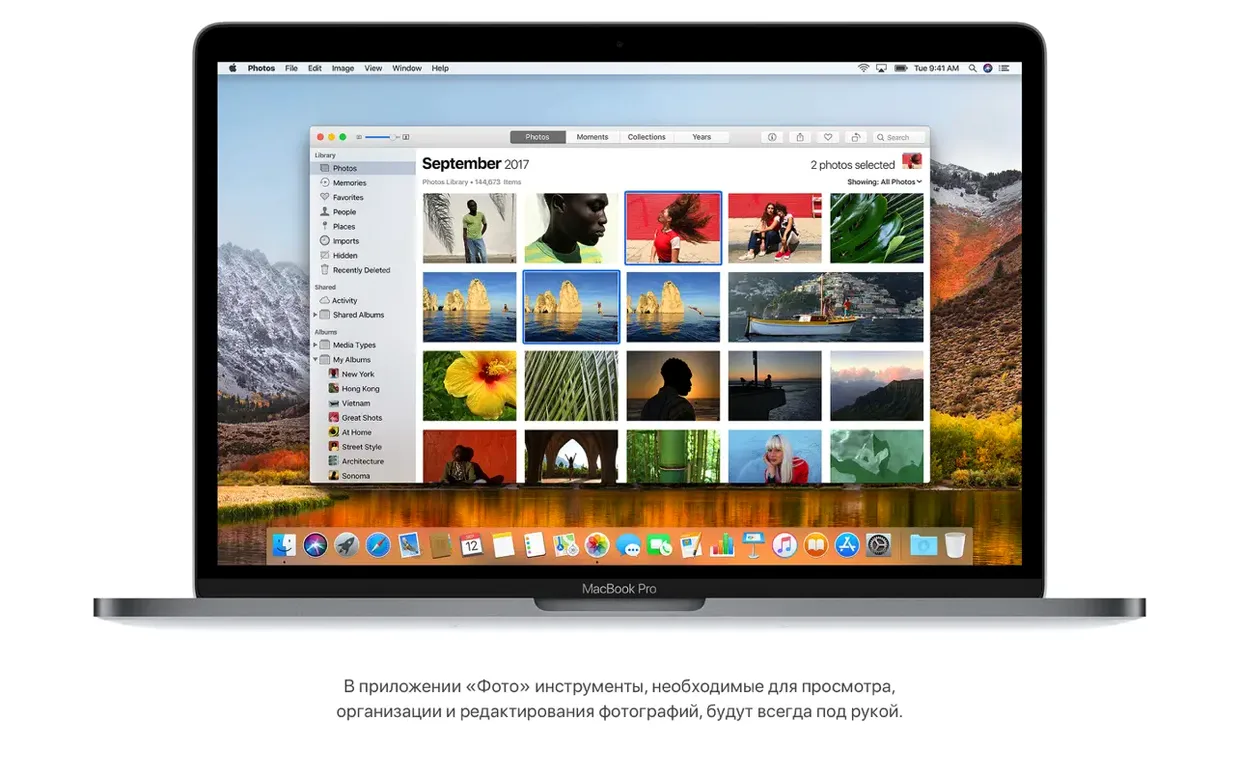
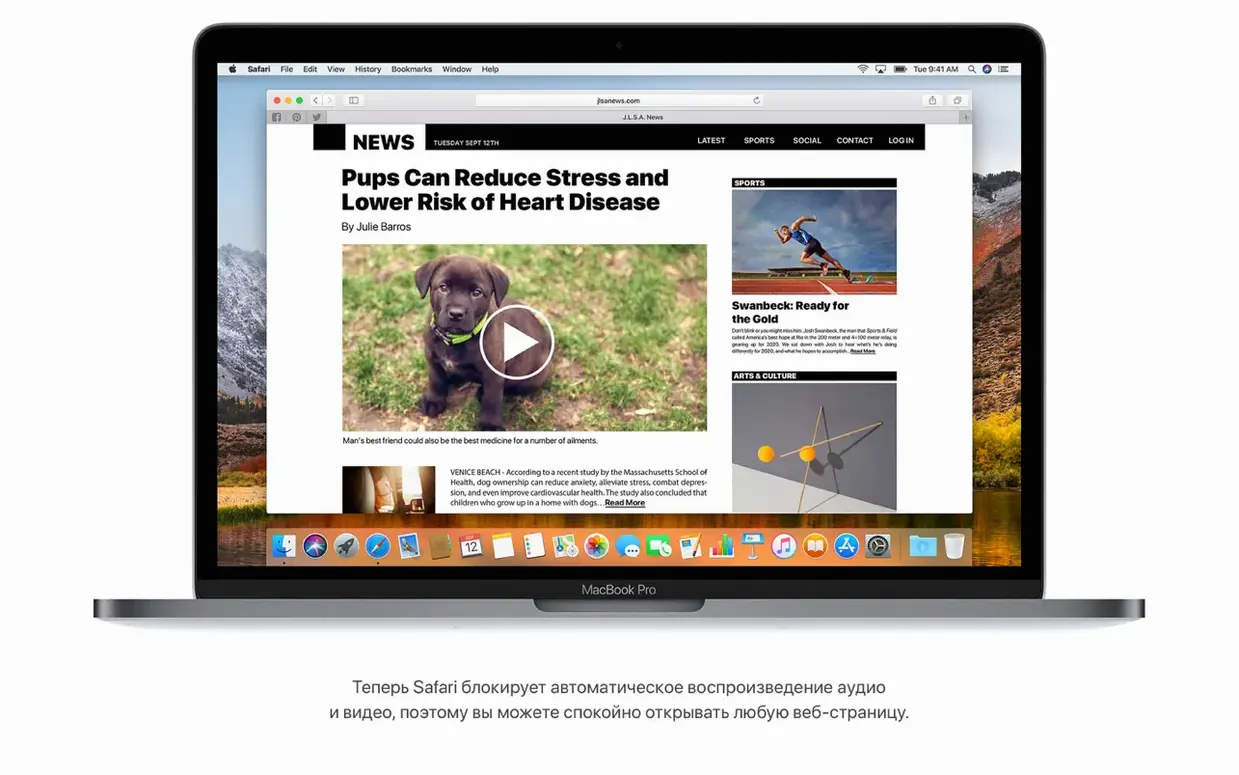
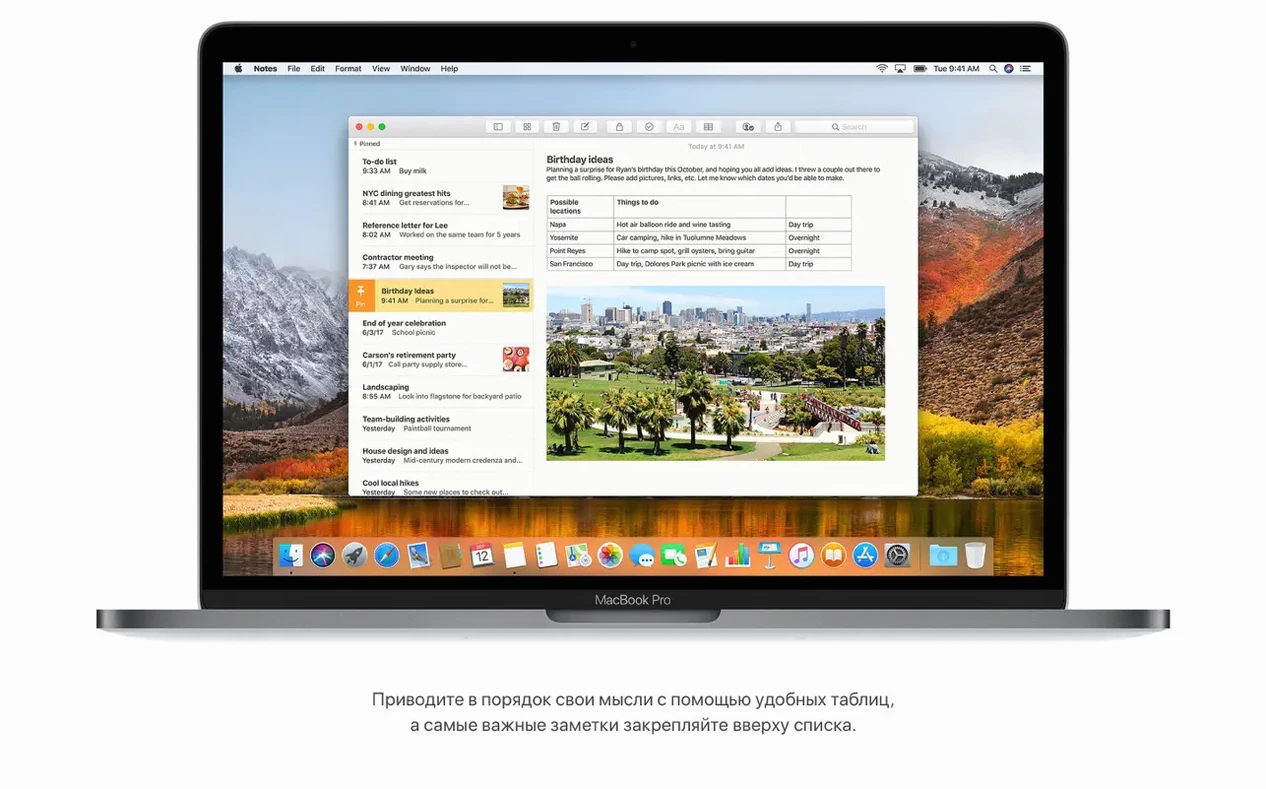
High Sierra is more of a foundation update than a feature parade. It brings APFS, which changes how your drive handles files, and it adds HEVC playback for more efficient video. Safari gets Reader mode and stops autoplay sound by default, which still feels like a win. Mail has Top Hits in search, and Spotlight can show flight details. If you're on a Mac that can't go further, this is the stable end of the road. If you're on a newer Mac, you'd normally move past it, but for compatibility testing or running older software, it earns its keep. The final update, 10.13.6, is the one you want — it includes AirPlay 2 for iTunes and a set of stability fixes.
A day with an older Mac
Say you keep a mid-2010s MacBook Pro around for a specific job: running legacy audio software that never got a 64-bit update. High Sierra is what that machine runs, and it holds up for the task. You boot it, launch the DAW, and the interface behaves like it did five years ago. The file system upgrade to APFS happens quietly in the background, and you notice the difference mainly in how quickly the system gets out of your way. When you need to move a recorded session to a newer machine, the Mac talks to it over the network without drama. For that kind of focused use — one app, one job, no distractions — High Sierra is exactly the right amount of operating system.
Adjust the sleep timer before a long download or render
After the install, a few settings make the daily experience better. These are the ones I'd touch before anything else:
- Energy Saver: On an older Intel Mac, the default sleep timer can interrupt a long download or a render. Set it to never sleep when on AC power if you're doing sustained work.
- Trackpad: If you're coming from a newer macOS version, the default tap-to-click and scrolling direction might feel off. Adjust them in System Preferences to match your muscle memory.
- Dock magnification: The default magnification can be sluggish on older graphics hardware. Turn it off or reduce the size for a snappier feel.
- Spotlight indexing: Let it finish before you search for anything important. After a fresh install, Spotlight needs time to index your drive; flight info and top hits work best once that's done.
Easy to miss conveniences
A few features in High Sierra don't announce themselves. You'll find them when you need them:
- Notes tables: You can insert a simple table into a note. It's not a spreadsheet, but for tracking a few items side by side, it beats a wall of text.
- Safari Reader mode: Safari offers to open articles in Reader automatically. You don't have to click anything once it's enabled — the page just renders clean.
- HEVC playback: If you get a video file in the newer codec, High Sierra plays it without you hunting for a third-party player. That's a quiet win on older hardware.
- Mail Top Hits: Search in Mail surfaces the most likely message at the top, which saves time when you're digging through years of archived conversations.
Best for mid-2010s Macs used as studio machines or servers
Three kinds of Mac users benefit the most from High Sierra. First, anyone keeping a mid-2010s Mac alive for a single purpose — a studio machine, a lab instrument controller, a home server. Second, developers who need to test software against an Intel-only environment with Metal 2 support. That's a realistic compatibility target for apps that still target older hardware. Third, people who want the torrent mac high sierra route to get a clean, complete system image for a machine that Apple no longer supports with newer releases. If you fall into any of those groups, High Sierra gives you a stable base without forcing you to chase hardware you don't own.
The high sierra dmg torrent approach works well here because it gives you a full installer in one shot. You extract it to the Applications folder, open the disk image, and run the installer — no incremental updates to chase. For an older Mac, that's the difference between spending an afternoon on setup and spending a few minutes. The mac os high sierra torrent files are also handy if you maintain several machines on the same hardware generation; one download serves them all.
- Adds AirPlay 2 multi-room audio support for iTunes.
- Improves the stability and security of the Mac.
- Fixes an issue that may prevent Photos from recognizing AVCHD media from some cameras.
- Fixes an issue that may prevent Mail users from moving a message from Gmail to another account.
- macOS 10.13.5 or later
- Intel architecture
- 2GB of memory
- 14.3GB of available storage to perform the upgrade
Questions from the notes
Does macOS High Sierra support Apple Silicon?
No. High Sierra requires an Intel-based Mac, and Apple's current Apple Silicon machines can't run it natively.
What is the main reason to use High Sierra today?
It's a good fit for older Intel Macs that can't upgrade further, or for running software that needs a pre-Mojave environment.
Install procedure
- Open the downloaded disk image.
- Extract the installer app to the Applications folder.
Reports from players
Sign in or create a tester account to file a report.
No reports filed yet.