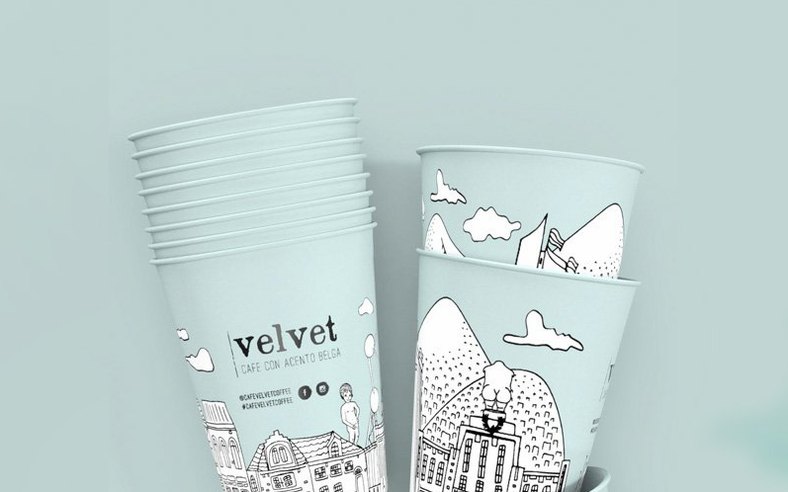
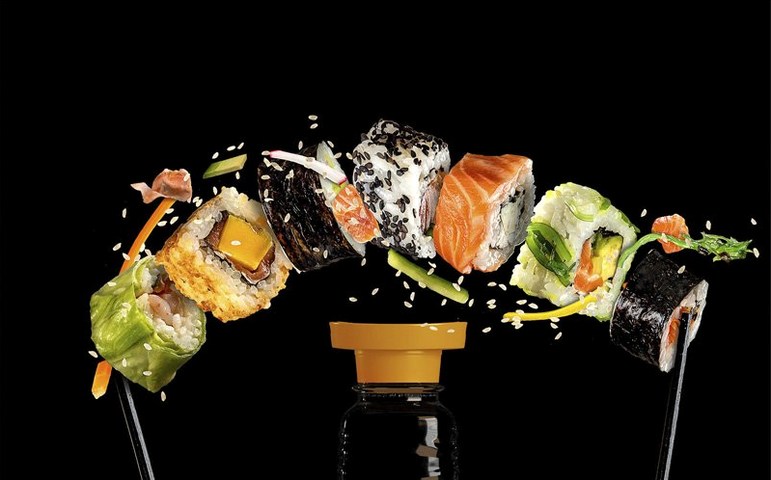
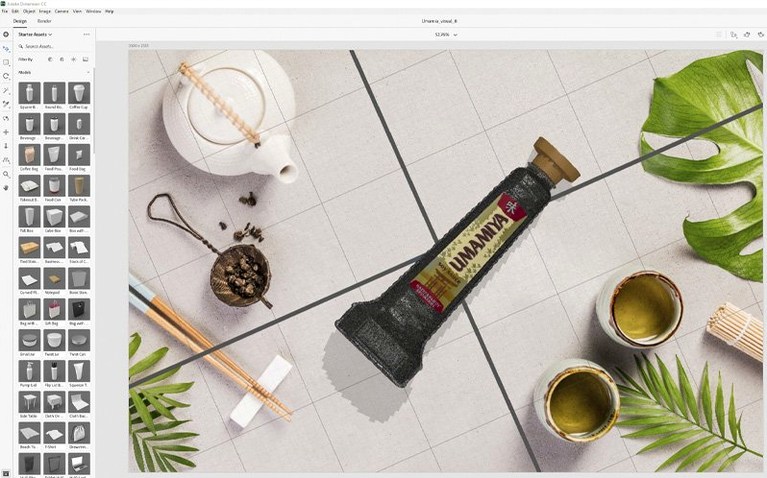
You need a product shot for a client deck. The physical prototype isn't ready, and a flat Photoshop comp won't sell the lighting. So you drop a 3D model of the bottle into Adobe Dimension, pick a background, and let the app handle the shadows. In a few minutes you've got a render that looks like it came from a studio.
Working from Model to Final Render
Dimension is built for people who don't live in 3D software. The interface is straightforward: bring in a model, arrange it in the scene, apply materials, and adjust the environment. The app automatically matches lighting, perspective, and shadows to the material and background you choose, so you're not fighting render settings. When the scene is right, you can export layers for further work in Photoshop CC — useful when you need to composite the shot into a larger layout.
Finding Assets and Finishing the Job
You can search Adobe Stock directly for 3D models optimized for Dimension, which saves time hunting for geometry that will import cleanly. The app also handles brand visualizations and packaging mockups, not just single product shots. For anyone doing client work that needs a quick, believable visual, this is a solid tool to have in the rotation.
People new to Dimension often hit the same snag: they expect a fully featured 3D suite like Maya or Blender. It is not that. If you drop a complex, high-poly model in and try to animate joints or rig a character, you will be frustrated. Dimension is a scene builder for stills, not a modeling or animation tool. The models you bring in should be clean, with sensible geometry. If a model looks wrong on import, check the file format — OBJ and STL work, but some SketchUp or CAD exports need conversion first.
Treating materials like layer styles is the most common error
The most common error is treating materials like Photoshop layer styles. In Dimension, a material is not a simple overlay — it wraps the 3D geometry and reacts to light. Applying a glossy plastic material to a mesh that expects a matte surface will give you reflections that look off. Beginners also tend to overcrowd scenes. Real product photography uses one hero object and maybe one supporting element; putting ten items in a scene makes the lighting muddy and the image read as cluttered.
Another typical mistake is skipping the background image step. You can use a solid color, but Dimension works best when you give it a photographic background. The app uses that image to infer where light comes from. Without it, shadows and highlights can look generic. Beginners also forget that you can jump back into Photoshop CC to composite layers when the render is done. The export-as-layers option is not just a gimmick — it saves you from re-masking a subject later.
Check your Mac specs before installing
Does Dimension need a powerful Mac to run?
It runs on macOS 11 or later on a 64-bit Intel machine. You will want a dedicated GPU if you plan to work with high-res backgrounds or complex model geometry. Integrated Intel graphics can handle basic scenes, but expect the viewport to stutter when you rotate a model with multiple materials applied.
Can I use models I already have?
Yes, if they are in OBJ or STL format. Adobe Stock models are optimized for Dimension, but you can import models from other sources. If you have a model from a different 3D app that uses a proprietary format, you will need to export it to OBJ first.
Is this just a Photoshop CC plugin?
No. It is a separate application that opens and saves its own document format. You export layers to Photoshop CC when you need to composite the render into a larger layout, but Dimension is a standalone scene builder.
What languages does the interface support?
English, German, Spanish, Italian, Simplified Chinese, Korean, Portuguese, French, and Japanese. The menus and panels switch cleanly between those.
Dimension slots into Adobe CC without friction
Dimension slots into a typical Adobe CC workflow without friction. You can bring vector artwork or logos out of Illustrator as SVG and place them onto 3D models. The app preserves those vectors as separate material layers, so a logo stays sharp when the render resolves. Exporting layers to Photoshop CC gives you a PSD with each object on its own layer, which you can then adjust or place into a brochure, website mockup, or social graphic.
On macOS, Dimension respects the standard file-open and save dialogs, so you can use macOS Quick Actions or Finder tags to organize your scenes. The app also respects your macOS display and accessibility settings, so the interface scales if you have a high-DPI monitor or use the text-size slider in System Settings.
- Resolved security vulnerabilities.
- macOS 11
- Intel architecture
Questions from the notes
Can I export my Dimension scene to Photoshop?
Yes, Dimension can export scenes as layers for further work in Adobe Photoshop CC.
Do I need 3D experience to use Adobe Dimension?
No, the interface is designed for users without 3D experience, with automatic lighting and shadow adjustments.
What macOS versions does Adobe Dimension support?
Adobe Dimension 4.1.7 requires macOS 11 and runs on Intel-based Macs.
Install procedure
- Follow the install instructions included in the package.
- Follow the activation instructions included in the package.
Reports from players
Sign in or create a tester account to file a report.
No reports filed yet.